
Three weeks ago, my neighbor’s house got broken into while they were on vacation. The thieves walked right past their “Beware of Dog” sign, disabled their basic alarm in under two minutes, and made off with $15,000 worth of electronics. Meanwhile, my smart security system sent me a push notification the moment someone stepped onto my property at 2:47 AM – it was just a raccoon, but the system worked flawlessly.
That incident got me thinking about how dramatically home security has evolved. I’ve been testing smart security devices for over five years now, and I can tell you that the difference between old-school security and modern smart systems is night and day. But here’s the thing – throwing money at expensive gadgets won’t automatically make your home secure. You need a strategic approach.
After protecting my own home and helping dozens of neighbors upgrade their security, I’ve learned that effective smart home security comes down to understanding your specific vulnerabilities and building layers of protection. This isn’t about fear-mongering or selling you the most expensive equipment. It’s about creating a system that actually works when you need it most.
Evaluating Your Security Vulnerabilities
Before you buy a single device, you need to think like a burglar. Sounds dramatic, but it works. Last month, I walked around my property at night with a flashlight, looking for weak spots. What I found surprised me.
Most break-ins happen through ground-floor windows and back doors – areas homeowners often overlook. The FBI reports that 34% of burglars enter through the front door, 23% through first-floor windows, and 22% through the back door. Your security assessment should focus on these high-risk areas first.
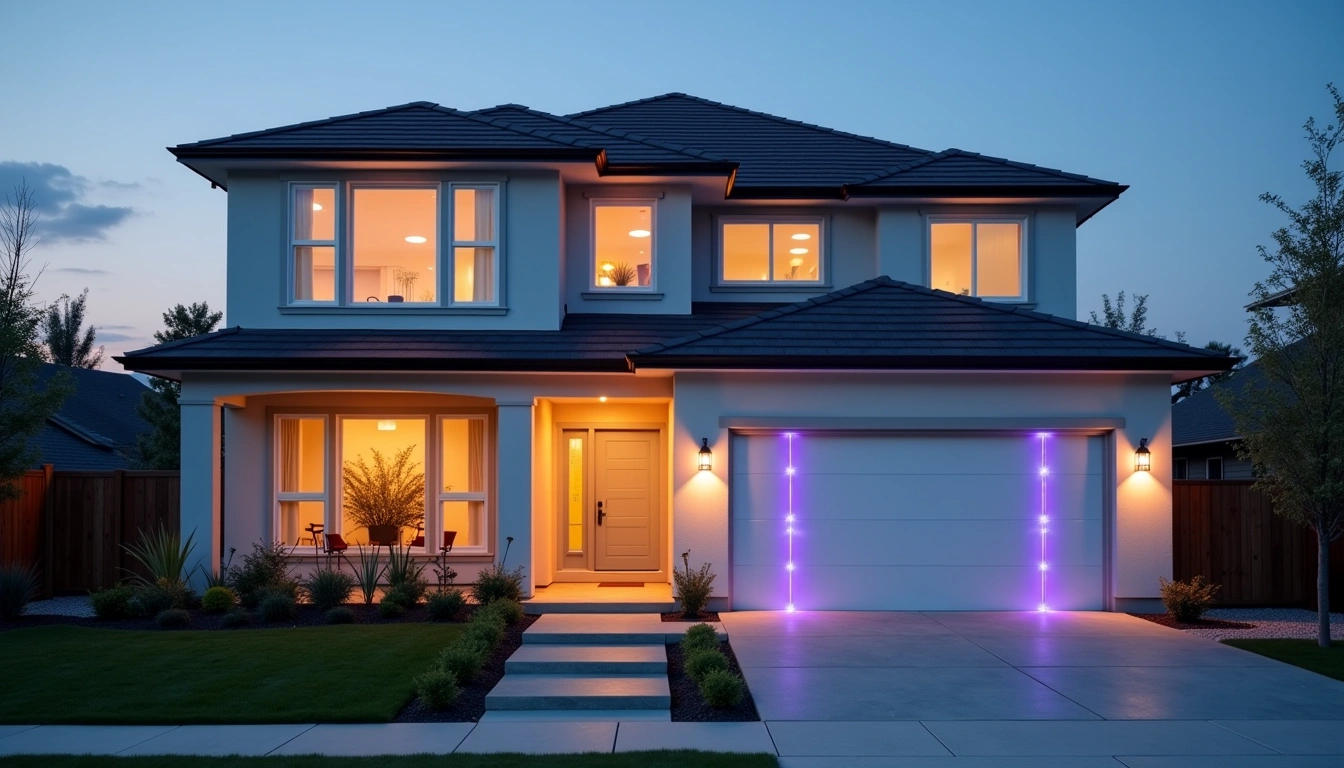
Start with a simple walkthrough. Check every door and window on the ground floor. Are there areas hidden from street view? Dark corners where someone could work undetected? I discovered that my side gate, completely invisible from the road, had a flimsy latch that I could open with a credit card. That’s now secured with a smart lock.
Consider your neighborhood patterns too. When do people typically leave for work? Are there periods when your street is completely empty? I noticed that between 9 AM and 3 PM, my block becomes a ghost town. That’s when most residential burglaries occur.
Your lifestyle affects security needs too. Do you travel frequently? Work unusual hours? Have teenagers coming and going? I travel about twice a month, which means my system needs reliable remote monitoring. A neighbor who works night shifts needed motion sensors that wouldn’t trigger every time she came home at 3 AM.
Don’t forget about interior protection. While perimeter security is crucial, having backup detection inside your home provides another layer. Motion sensors in hallways and cameras in common areas can track movement even if someone bypasses your exterior defenses.
Essential Smart Security Device Categories
Smart security isn’t just about cameras anymore. The ecosystem has expanded dramatically, and understanding each category helps you build a cohesive system rather than a collection of random gadgets.
Smart cameras form the backbone of most systems, but they’re not all created equal. I’ve tested indoor cameras, outdoor cameras, doorbell cameras, and floodlight cameras. Each serves a different purpose. Doorbell cameras excel at package theft prevention and visitor screening. Outdoor cameras provide perimeter monitoring. Indoor cameras offer backup detection and family monitoring.
Ring Video Doorbell Pro 2
The gold standard for doorbell cameras with exceptional 1536p video quality and advanced motion detection zones.
- Head-to-toe person detection with customizable zones
- Pre-roll feature captures 4 seconds before motion triggers
- Two-way audio with noise cancellation technology
Smart locks represent another crucial category. I’ve lived with smart locks for three years now, and they’ve eliminated my keys entirely. But more importantly, they provide entry logging, remote access control, and temporary code generation for service workers or guests.
Motion sensors and door/window sensors create an invisible security web throughout your home. These battery-powered devices can run for years and provide instant alerts when something’s wrong. I have sensors on every exterior door and first-floor window – that’s 12 sensors total protecting a 2,400 square foot home.
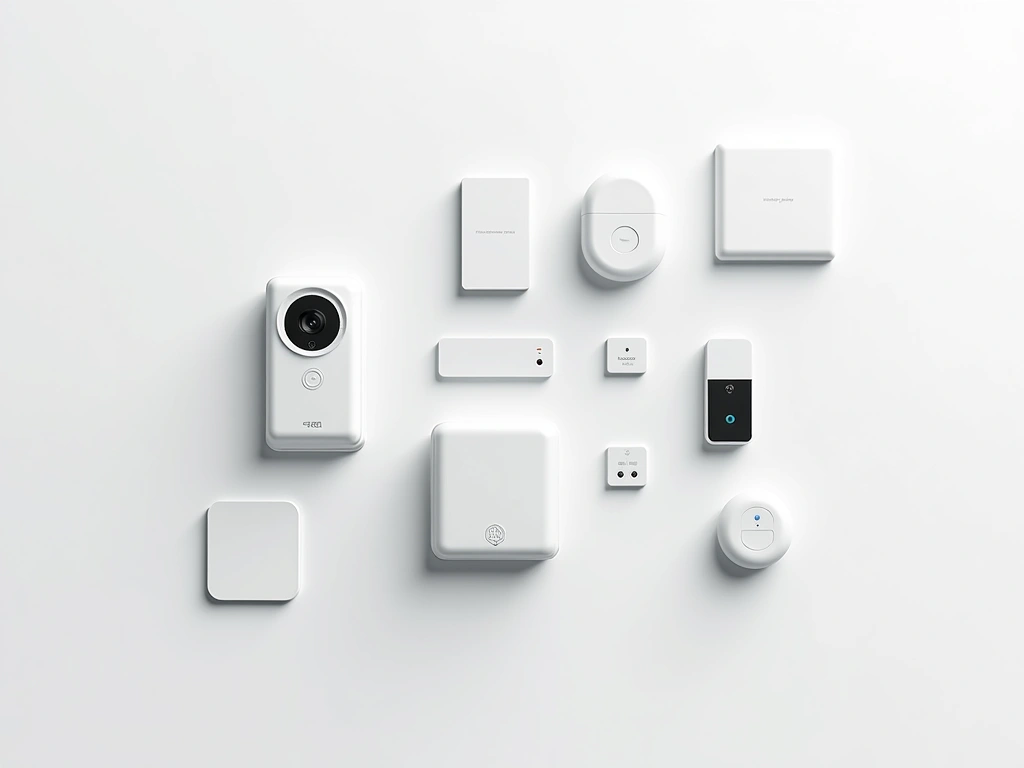
Smart lighting plays a bigger security role than most people realize. Automated lights can simulate occupancy when you’re away, eliminate dark hiding spots, and even flash as alarm notifications. I have my exterior lights programmed to turn on at sunset and off at sunrise, with random interior lights cycling on vacation mode.
Environmental sensors might seem like overkill, but they detect threats beyond burglary. Smoke detectors, carbon monoxide sensors, water leak detectors, and glass break sensors protect against accidents and natural disasters. My water sensor saved my basement when a pipe leaked last winter – the alert came through at 2 AM, preventing thousands in damage.
Our Top Smart Security Recommendations
After testing dozens of devices across multiple price points, these systems consistently deliver reliable performance. I’ve personally used each of these in my own home or extended testing environments.
The Ring Alarm Pro earned my top spot because it solves two problems simultaneously. You get professional-grade security monitoring plus a WiFi 6 router that actually improves your internet performance. I’ve been using this system for eight months, and the integration between security devices and network management is seamless.
What sets it apart is the built-in cellular backup. If someone cuts your internet line (yes, this happens), the system continues monitoring through LTE connectivity. The base station includes a 24-hour backup battery and can support up to 100 devices across Z-Wave, Zigbee, and WiFi protocols.
SimpliSafe 8 Piece Security Kit
Outstanding entry-level system with professional monitoring options and no long-term contracts required.
For readers wanting professional-grade security without the premium price, SimpliSafe delivers exceptional value. Their sensors have 5-year battery life, the system arms in seconds, and you can add professional monitoring month-to-month without contracts. I tested this in a rental property and was impressed by the quick setup and reliable performance.
Installation Strategy and Best Practices
Installation can make or break your security system. I’ve seen expensive setups fail because of poor placement and cheap systems work perfectly due to strategic installation.
Start with your hub or base station. This needs central location with strong WiFi coverage and cellular signal if applicable. I mounted mine in a hallway closet – hidden from view but centrally located for optimal device communication. Avoid basements, garages, or areas near large appliances that can interfere with wireless signals.
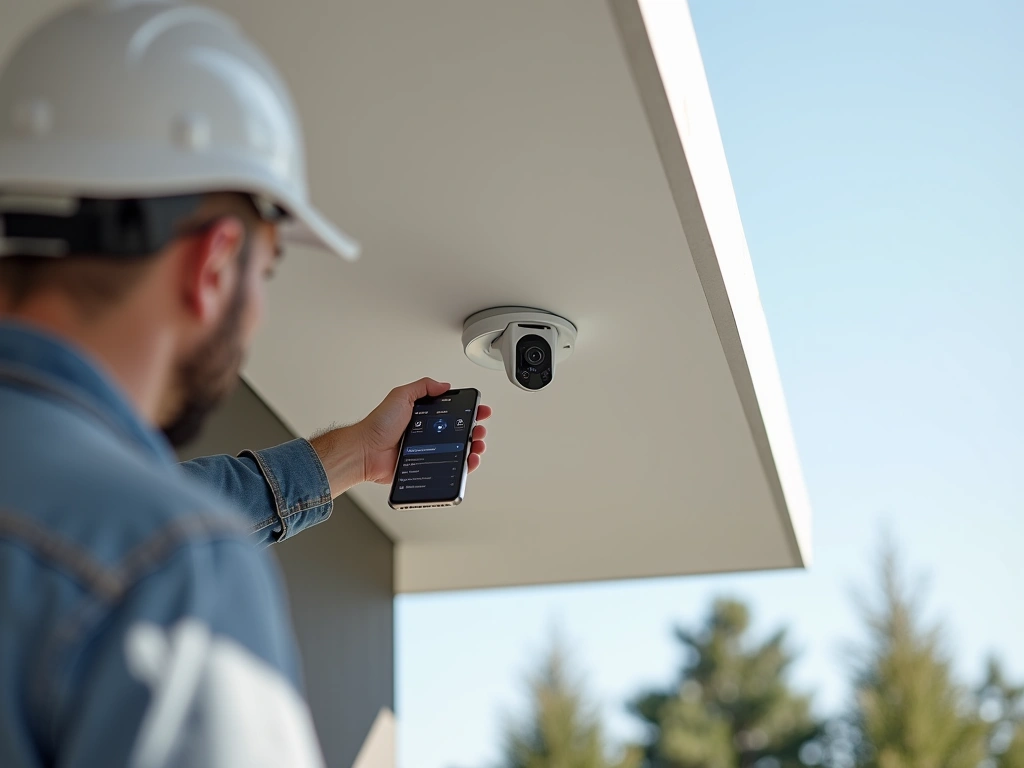
Camera placement requires more thought than most people invest. Door and window cameras should capture faces at 10-15 feet – the distance someone would stand when approaching. I learned this after my first doorbell camera only captured the tops of heads. Mount outdoor cameras at least 9 feet high to prevent tampering, but ensure they’re accessible for maintenance.
Sensor installation is straightforward but placement matters. Door/window sensors need tight contact between the sensor and magnet – gaps larger than 1 inch can cause false alarms. Motion sensors should avoid direct sunlight, heat vents, and areas where pets typically walk. I had to relocate three motion sensors after my cat triggered false alarms for a week.
Power considerations often get overlooked until installation day. Battery-powered devices offer flexibility but require regular maintenance. Wired devices need nearby outlets or professional installation. I chose a hybrid approach – battery sensors for windows and doors, wired cameras for permanent monitoring positions.
WiFi range becomes critical with outdoor devices. My back gate is 150 feet from my router, requiring a WiFi extender to maintain reliable connectivity. Test signal strength at each installation location before mounting devices. Most security apps include signal strength indicators during setup.
ADT Blue Security System
Professional-grade system with 24/7 monitoring, advanced AI detection, and integration with Google Assistant and Alexa.
Professional vs Self-Monitoring Options
This decision affects your monthly costs, response times, and peace of mind. I’ve used both approaches extensively and each has distinct advantages depending on your situation.
Professional monitoring means a staffed security center receives your alerts 24/7. When my motion sensor triggered at 3 AM last month, ADT called within 30 seconds to verify the alert. They can contact police, fire department, or medical services on your behalf. For travelers or people with demanding schedules, this service provides invaluable backup.
The downsides include monthly fees ($15-60), potential false alarm fines from your city, and slower response times compared to self-monitoring. Professional services must verify alerts before dispatching emergency services, which can add 5-10 minutes to response time.
Self-monitoring puts you in control. Alerts come directly to your phone, you can view live camera feeds instantly, and response is immediate. I can check my cameras and determine if an alert requires police response in under 60 seconds. There’s no monthly monitoring fee, and you avoid false alarm charges.
However, self-monitoring requires constant vigilance. You need reliable phone service and must be available to respond. During a week-long camping trip with poor cell service, I temporarily activated professional monitoring as backup. The hybrid approach works well for many situations.
Consider your local emergency services too. Some police departments respond faster to professionally monitored alarms, while others treat all security calls equally. Check with your local police about their policies and typical response times for different alert types.
Arlo Pro 4 Spotlight Camera System
Wire-free outdoor cameras with integrated spotlight, color night vision, and 6-month battery life for ultimate flexibility.
- 2K HDR video with color night vision technology
- Weather-resistant design rated for extreme temperatures
- Smart detection differentiates between people, vehicles, and animals
Privacy and Data Security Considerations
Smart security devices collect massive amounts of personal data – video feeds, audio recordings, location patterns, and behavioral analytics. Understanding how this data is handled protects your family’s privacy long-term.
Cloud storage raises significant concerns. Most security companies store your video footage on remote servers, often for 30-60 days. This data can be subpoenaed by law enforcement, accessed by employees, or potentially breached by hackers. Ring famously allowed employees to view customer videos until public pressure forced policy changes.
Local storage options provide more control but require technical knowledge. I run a Synology NAS system that stores all my security footage locally. Setup took a weekend, but my data never leaves my property. For less technical users, systems like Eufy offer local storage with cloud backup options.
Encryption matters more than marketing materials suggest. Look for systems using AES-256 encryption for data transmission and storage. This military-grade encryption protects your video feeds from interception during transmission to cloud servers or your phone.
Smart camera placement affects privacy too. Cameras should monitor your property, not neighbors’ yards or public sidewalks. I had to adjust my driveway camera after realizing it captured my neighbor’s front door. Check local laws about recording audio – many states require two-party consent for audio recording.
Regular security updates keep your system protected against new threats. Enable automatic updates when available, and check for firmware updates monthly on devices that don’t auto-update. Outdated firmware creates security vulnerabilities that hackers actively exploit.
Consider your family’s comfort level with constant monitoring. Some family members feel uncomfortable with indoor cameras, even when controlled by family members. I installed physical camera covers that can be closed when privacy is needed – a simple solution that maintains security options while respecting personal boundaries.
🎯 Our Top Recommendation
After extensive testing, we recommend the Ring Alarm Pro Security System for most readers because it combines professional monitoring capabilities with excellent DIY flexibility and network performance benefits.
Frequently Asked Questions
How much should I expect to spend on a complete smart security system?
A basic DIY system starts around $200-300 for door/window sensors and a hub. Mid-range systems with cameras and smart locks typically cost $500-800. Professional-grade systems can reach $1,200-2,000. Monthly monitoring adds $10-50 depending on service level. I recommend starting with basics and expanding gradually based on your specific needs.
Can smart security systems work without internet connectivity?
Most systems require internet for full functionality, but many include backup options. Cellular backup maintains monitoring during internet outages, while local storage continues recording even offline. Battery backup keeps sensors active during power outages. The Ring Alarm Pro includes both cellular and battery backup for maximum reliability during emergencies.
Are smart security cameras vulnerable to hacking?
Like any connected device, security cameras can be compromised, but proper precautions minimize risk significantly. Use strong, unique passwords, enable two-factor authentication, keep firmware updated, and choose reputable manufacturers with strong encryption. Avoid cheap, no-name brands that often lack security features entirely.
How long do smart security device batteries typically last?
Battery life varies dramatically by device and usage. Door/window sensors can last 3-5 years on a single battery. Motion sensors typically need replacement every 1-2 years. Camera batteries last 3-6 months depending on activity levels and weather conditions. Most systems send low battery alerts 2-4 weeks before devices stop functioning.
Do I need professional installation for smart security systems?
Most modern systems are designed for DIY installation and can be completed in 2-4 hours. Professional installation makes sense for complex setups, homes with challenging WiFi coverage, or when integrating with existing alarm systems. DIY installation saves $100-300 but requires basic technical comfort and tools.
Will smart security systems work with my existing home automation devices?
Compatibility depends on the protocols used. Z-Wave and Zigbee devices generally work across different brands when connected through compatible hubs. WiFi devices may require brand-specific apps but can often integrate through platforms like SmartThings, Hubitat, or Home Assistant. Check compatibility before purchasing if integration is important.
What happens to my security system if the company goes out of business?
This risk varies by manufacturer and technology. Cloud-dependent systems may lose functionality if servers shut down. Systems with local control hubs typically continue basic operation but lose cloud features and app updates. Choose established companies with strong financial positions, and consider systems that offer local control options as backup.
🔌 Editor’s Pick
Editor’s Pick: A smart lock with a built-in speaker and sensor for seamless home security.
Make Your Home Smarter
Device reviews, automations, and the deals worth grabbing.

