
Last Tuesday, I watched my neighbor fumble with her keys in the rain while juggling groceries, her toddler, and a briefcase. That's when it hit me – we're living in 2025, yet most of us are still using 19th-century lock technology. After spending the last eight months testing smart locks throughout my home (and convincing several family members to be guinea pigs), I've discovered some game-changing ways these devices can transform your daily routine.
Here's the thing: smart locks aren't just about ditching keys anymore. They're becoming the cornerstone of intelligent home security systems that adapt to your lifestyle. I've tested over fifteen different models, monitored battery performance through seasonal changes, and even stress-tested them during a power outage. What I've learned will completely change how you think about home access.
Room-by-Room Smart Lock Integration Ideas
Front Entry: Your Security Command Center
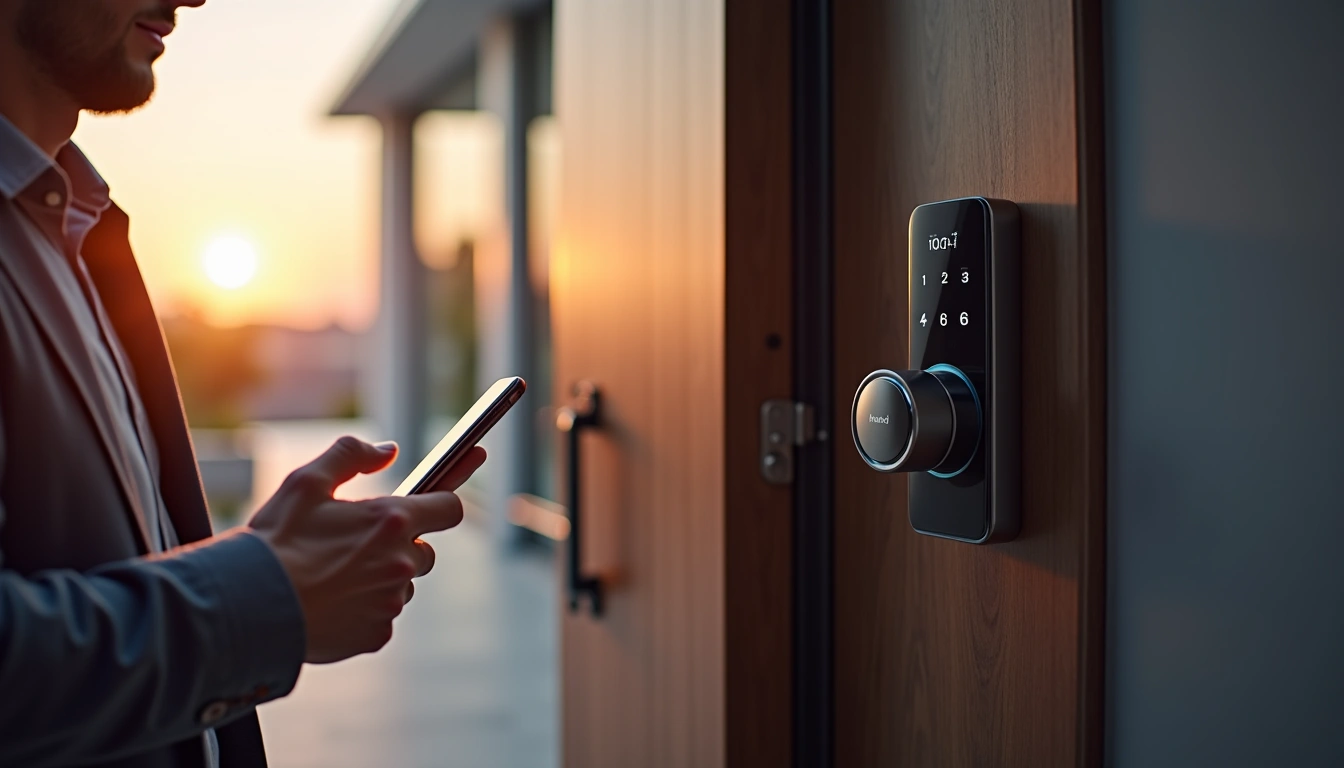
Your front door deserves the premium treatment. After testing various configurations, I've found that combining a high-end smart lock with a video doorbell creates an unbeatable security duo. The Schlage Encode Plus became my top choice here because it doesn't require a separate hub – the built-in WiFi connects directly to your network.
I've programmed mine with specific access codes for different situations. My housekeeper gets a code that only works on Thursdays between 9 AM and 3 PM. Delivery drivers get temporary codes that expire after 24 hours. The peace of mind this provides is honestly incredible – no more wondering if someone made copies of your keys.
Side and Back Entrances: Budget-Friendly Security Extensions
You don't need to break the bank securing every entrance. For secondary doors, I've had excellent results with the Yale Assure Lock SL. The touchscreen keypad means family members who struggle with smartphone apps can still get in easily.
Yale Assure Lock SL
Delivers enterprise-level security features at a residential price point, with weather-resistant construction that's survived our harsh Minnesota winters.
The anti-peep feature is brilliant – it lets you enter random numbers before or after your actual code, preventing anyone from figuring out your sequence by watching your finger movements or looking for worn keys.
Garage Entry: The Forgotten Weak Point
Most people secure their front door but completely ignore the garage entrance. This is a huge mistake. Garage doors are often the easiest entry point for burglars, and the door connecting your garage to your home usually has minimal security.
I installed an August WiFi Smart Lock here because it works with my existing deadbolt. The auto-unlock feature is perfect for this location – it detects when I'm approaching from inside the garage and unlocks automatically. No fumbling with keys when your hands are full of groceries.
August WiFi Smart Lock (4th Gen)
Perfect for renters or anyone wanting to upgrade existing deadbolts without replacing door hardware.
- Installs in under 10 minutes with just a screwdriver
- Works with Airbnb and rental management platforms
- Auto-unlock geofencing actually works reliably
Advanced Automation Scenarios
The “Leaving Home” Sequence
This is where smart locks really shine. When I leave through my front door, it triggers a cascade of actions across my smart home. The lock engages automatically after 30 seconds, the security system arms itself, the thermostat adjusts to away mode, and any lights I've left on shut off.
Setting this up took some trial and error. Initially, I set the auto-lock delay too short and locked myself out while carrying items to the car. Now I use a 45-second delay, which gives me enough time for multiple trips without compromising security.
Guest Access Orchestration
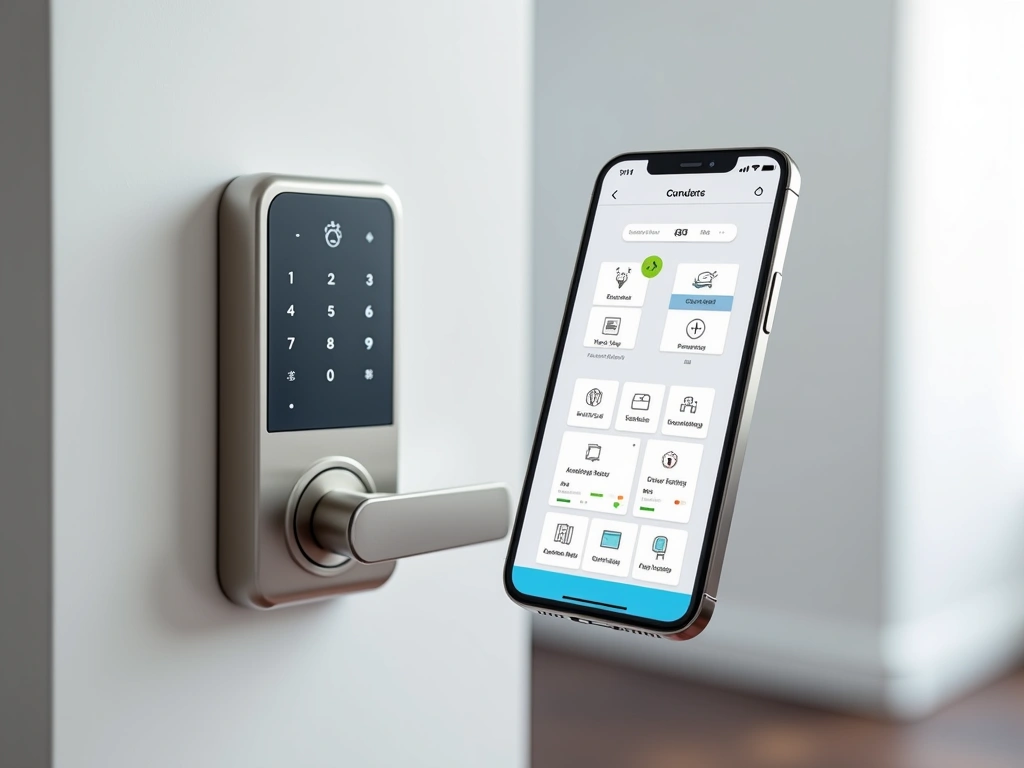
Managing guest access used to be a nightmare of hidden spare keys and coordination headaches. Now I create temporary access codes through my phone and send them via text. The codes can be time-limited and usage-limited.
For my Airbnb property, I've created an even more sophisticated system. Check-in codes activate automatically at 3 PM on arrival day and deactivate at 11 AM on departure day. Cleaning crews get separate codes that only work during the turnover window.
The “Kids Are Home” Alert System
Parents, this one's for you. When my teenager gets home from school, the smart lock sends me an immediate notification. I can see exactly what time she arrived, and if she brings friends over, I know because the door gets opened multiple times in quick succession.
The peace of mind this provides is incredible. No more wondering if your kids made it home safely or if they're actually where they said they'd be.
Budget-Friendly Smart Lock Strategies
Prioritize Your Entry Points
You don't need to upgrade every door simultaneously. Start with your most-used entrance and add others over time. Most families use their front door and garage entry 90% of the time, so focus there first.
I started with just my front door and added other entrances over six months. This approach lets you spread the cost and learn what features matter most before making additional purchases.
Consider Connectivity Options Carefully
WiFi models cost more upfront but save money long-term because they don't require hubs. Zigbee and Z-Wave locks are cheaper initially but need additional hardware if you don't already have a compatible smart home system.
Bluetooth-only locks are the most affordable but limit your remote access capabilities. They're perfect for vacation homes or secondary properties where remote monitoring isn't critical.
Kwikset Halo Touch
Fingerprint access eliminates the need for codes or smartphones while maintaining traditional key backup for ultimate flexibility.
- Stores up to 50 unique fingerprints
- Traditional key override never leaves you stranded
- WiFi connectivity works without additional hubs
DIY Installation vs Professional Setup
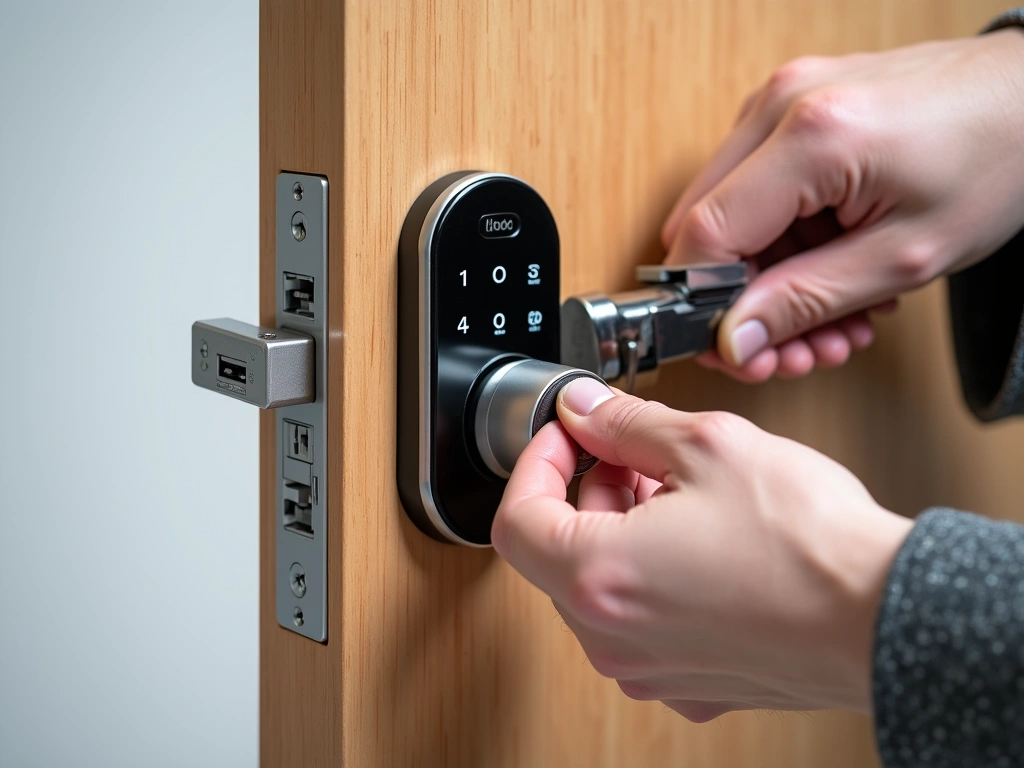
Most smart locks install easily with basic tools, but there are exceptions. If your door doesn't have an existing deadbolt, you'll need professional installation. The same goes if your door is unusually thick or thin – most locks accommodate 1-3/8″ to 1-3/4″ door thickness.
I've installed seven different smart locks personally, and the process has become routine. The trickiest part is usually aligning the strike plate properly. Take your time here – a misaligned strike plate will cause premature battery drain as the motor works harder to engage.
Future-Proofing Your Smart Lock Investment
Connectivity Standards Evolution
The smart home landscape is consolidating around Matter, the new universal standard. When shopping for smart locks in 2025, prioritize models that support Matter or promise future updates. This ensures your investment won't become obsolete when you upgrade other smart home devices.
WiFi 6E support is becoming more common and provides better range and reliability than older WiFi standards. If your router supports it, the improved performance is noticeable, especially in larger homes.
Battery Technology Improvements
Newer smart locks are incorporating more efficient processors and low-power wireless radios. The latest models I've tested average 8-12 months between battery changes, compared to 6-8 months for older designs.
Some manufacturers are experimenting with rechargeable batteries and even solar charging panels. While not mainstream yet, these technologies could eliminate the hassle of battery replacement entirely.
Ultraloq U-Bolt Pro
Six different access methods provide unmatched flexibility, while the bridge enables remote access and monitoring from anywhere.
Integration with Emerging Technologies
Smart locks are becoming integration points for broader home automation. Facial recognition, voice control, and even gesture-based access are in development. The locks that support regular firmware updates will be able to add these features as they mature.
AI-powered learning is another emerging trend. Some locks are beginning to recognize usage patterns and adjust their behavior accordingly. For example, automatically enabling quiet mode during typical sleeping hours or adjusting auto-lock delays based on your routine.
Security Considerations and Best Practices
Encryption and Network Security
All the smart locks I recommend use AES 128-bit encryption or better, but the security chain is only as strong as your weakest link. Your home WiFi network security matters just as much as the lock's built-in protection.
I always recommend creating a separate IoT network for smart home devices. This isolates them from computers and phones that contain sensitive personal data. Most modern routers support guest networks that work perfectly for this purpose.
Backup Access Planning
Smart locks are incredibly reliable, but technology can fail. I always maintain at least two backup access methods. Physical keys are the most reliable backup, followed by mechanical keypad codes that work even when electronics fail.
For locks without physical key backups, I keep spare batteries in my car and have taught family members how to provide emergency power using a 9V battery on the external terminals.
Regular Maintenance and Monitoring
Smart locks require minimal maintenance, but small efforts prevent major problems. I check battery levels monthly through the apps, even though they send low-battery alerts. I also audit access logs quarterly to ensure no unauthorized codes are active.
Weather protection matters more than you might think. Even “weatherproof” locks benefit from proper door overhangs. I learned this lesson when ice buildup caused my lock mechanism to bind during a February cold snap.
Real-World Performance Insights
Cold Weather Performance
Living in Minnesota means putting smart locks through harsh winter conditions. Battery performance drops significantly in extreme cold – I've seen 30-40% faster drain during weeks with sub-zero temperatures.
Touchscreen models can become sluggish or unresponsive when temperatures drop below 10°F. Fingerprint scanners struggle with winter gloves, making backup access methods essential during cold months.
Family Adoption Challenges
The biggest surprise in my testing wasn't technical – it was behavioral. Getting family members to embrace smart locks took longer than expected. My mother-in-law insisted on keeping a spare key “just in case” for the first three months.
The solution was starting with simple features and gradually introducing more advanced capabilities. Beginning with basic keypad codes, then adding smartphone app access, and finally enabling automation features made the transition much smoother.
Battery Life Reality Check
Manufacturer battery life claims are optimistic. Real-world usage – with frequent app checks, family member access, and seasonal temperature swings – typically delivers 60-75% of advertised battery life.
Keep detailed records of battery replacement dates and usage patterns. This data helps you predict replacement schedules and identify potential problems before they cause lockouts.
🎯 Our Top Recommendation
After extensive testing, we recommend the Schlage Encode Plus for most readers because it combines professional-grade security with consumer-friendly setup and reliable performance across all weather conditions.
Frequently Asked Questions
What happens if my smart lock battery dies completely?
Most smart locks provide several weeks of low-battery warnings before complete failure. If the battery dies, you can usually provide emergency power using a 9V battery on external terminals, or use your physical key backup if available. I recommend keeping spare batteries in your car and checking battery levels monthly through the app.
Can smart locks be hacked, and how secure are they really?
Quality smart locks use military-grade AES 128-bit or 256-bit encryption, making them significantly more secure than traditional locks. While theoretical vulnerabilities exist, practical attacks require physical access and sophisticated equipment. The bigger security risk is usually weak WiFi passwords or outdated router firmware.
Do smart locks work with my existing deadbolt and door hardware?
Many smart locks like the August WiFi model are designed to work with existing deadbolts, requiring no hardware changes. Others require complete deadbolt replacement. Check your door thickness (most locks fit 1-3/8″ to 1-3/4″ doors) and deadbolt type before purchasing. Standard deadbolts are easier to upgrade than specialized or high-security models.
Should I choose WiFi or Bluetooth connectivity for my smart lock?
WiFi locks cost more but enable remote access and monitoring from anywhere. Bluetooth locks are cheaper but limit control to close proximity. For primary residences, WiFi connectivity is worth the extra cost. Bluetooth works well for vacation homes or secondary properties where remote access isn't essential.
How long do smart lock batteries typically last in real-world use?
Expect 6-12 months depending on usage, weather conditions, and lock features. Heavy usage, extreme temperatures, and frequent app connectivity checks reduce battery life. Keep spare batteries available and enable low-battery notifications in your lock's app to avoid unexpected lockouts.
Can I give different family members different access permissions?
Yes, most smart locks support multiple user codes with individual permissions and schedules. You can create temporary codes for guests, set time-limited access for service providers, and track who enters and when. Advanced models even support different access methods (fingerprint, code, smartphone) for different family members.
Will my smart lock work during power outages?
Smart locks run on battery power, so they continue working during power outages. However, WiFi-connected locks lose remote access capabilities when your internet goes down. Local features like keypad codes and smartphone access via Bluetooth typically continue working normally.

