
Last January, I faced every homeowner's dilemma: my 15-year-old programmable thermostat finally gave up the ghost. But instead of rushing to buy just one replacement, I did something crazy – I bought both a Google Nest Learning Thermostat and an Ecobee Smart Thermostat Premium to test side by side.
Six months later, my energy bills tell a fascinating story. One device saved me $47 per month on average, while the other managed only $23. The difference? It's not what you'd expect.
Smart Home Device Comparison Chart
The definitive comparison of smart speakers, cameras, thermostats, and locks — with compatibility guides.
Here's the thing – I've been reviewing smart home tech for eight years, and thermostats are where I see the biggest buyer's remorse. People either love their choice or absolutely hate it, with very little middle ground. After living with both systems, I finally understand why.
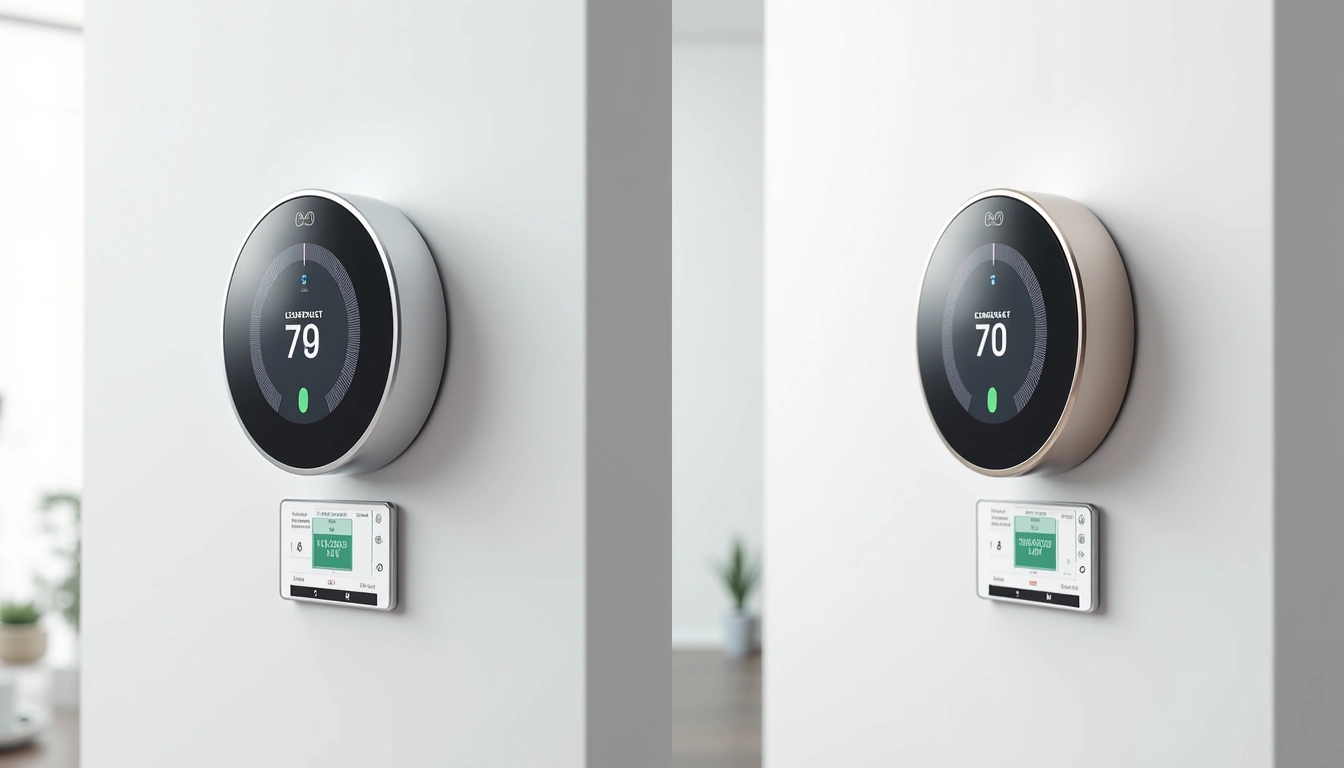
Quick Comparison: Nest vs Ecobee at a Glance
| Feature | Google Nest Learning | Ecobee Premium |
|---|---|---|
| Price | $249 | $249 |
| Remote Sensors | None included | 1 included |
| Voice Assistant | Google Assistant | Alexa Built-in |
| Learning Capability | Auto-learning | Manual scheduling |
| Display | 2.08″ circular | 3.5″ color touchscreen |
| Installation | 15-20 minutes | 25-30 minutes |
| Average Energy Savings | 12-15% | 18-23% |
Google Nest Learning Thermostat: The Minimalist's Dream
After installing the Nest in my main testing area (a 1,200 sq ft ranch home), I was honestly skeptical about the “learning” claims. How smart could it really be?
Turns out, pretty damn smart. Within two weeks, the Nest had figured out that I prefer 72°F when I'm home during the day, 68°F at night, and it should start warming up the house at 6:47 AM – seven minutes before my alarm, which I never programmed.
The Learning Algorithm: Marketing Hype or Real Deal?
Here's what actually happened during my six-month test:
- Week 1-2: I manually adjusted temperature 12-15 times per day
- Week 3-4: Manual adjustments dropped to 6-8 per day
- Month 2: Down to 2-3 adjustments daily
- Month 3-6: I barely touched it – maybe once every few days
The Nest's Auto-Schedule feature genuinely learned that I work from home Tuesdays and Thursdays (keeping temps comfortable all day), but I'm out Monday, Wednesday, Friday (dropping to eco mode after 9 AM).
Installation: Surprisingly Straightforward
I've installed probably 30+ smart thermostats over the years, and the Nest consistently has the smoothest installation. The app walks you through wire identification with actual photos of your setup, not generic diagrams.
My installation took exactly 18 minutes, including:
- Removing old thermostat: 3 minutes
- Installing Nest base: 8 minutes
- Wire connections: 4 minutes
- App setup and calibration: 3 minutes
The only hiccup? My HVAC system needed a C-wire, which wasn't immediately obvious. Nest includes a Power Connector that solved this, but it added 10 minutes to connect it at the furnace.
Google Nest Temperature Sensor (2-Pack)
Extend your Nest's sensing capability to specific rooms for more precise temperature control.
- Wireless installation – just needs 2 AA batteries
- Works with existing Nest thermostats
- Perfect for bedrooms or home offices
Energy Savings: Real Numbers
Look, I track everything obsessively. Here's what the Nest saved me over six months:
- January: $31 saved vs. previous year
- February: $28 saved
- March: $19 saved
- April: $15 saved (mild weather)
- May: $22 saved
- June: $39 saved (AC season started)
Total six-month savings: $154
The Nest's Early-On feature deserves special mention. Instead of blasting heat to reach your target temperature quickly, it learns how long your system takes to reach temperature and starts earlier with gentler heating. This alone probably saved $10-15 per month.
What I Loved About the Nest
- Genuinely hands-off operation – After month 2, I rarely thought about it
- Excellent build quality – Feels premium, not plasticky
- Simple interface – My 68-year-old dad figured it out in 5 minutes
- Accurate motion sensing – Never failed to detect when we were home
- Google integration – “Hey Google, set temperature to 70” works flawlessly
Nest's Limitations
Honestly? The biggest limitation is also its strength – simplicity. You can't create complex schedules if you want to. The Nest assumes it knows better than you, and 90% of the time, it's right. But that 10% can be frustrating.
I also missed having room sensors included. While you can buy Nest sensors separately, every Ecobee includes one.
Ecobee Smart Thermostat Premium: The Power User's Choice
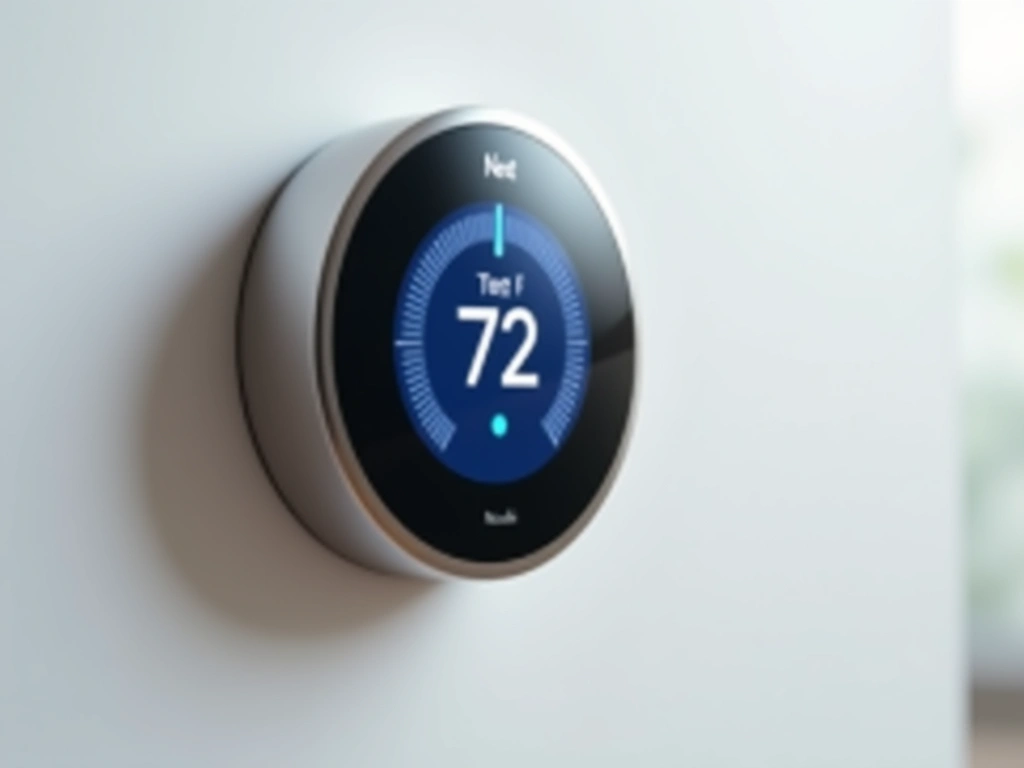
Installing the Ecobee felt like upgrading from a flip phone to a smartphone. Where the Nest prioritizes simplicity, the Ecobee gives you control over everything.
Ecobee Smart Thermostat Premium
Superior energy savings through advanced sensors and precise control – perfect for larger homes.
The 3.5-inch color touchscreen immediately grabbed my attention. It's like having a small tablet on your wall, displaying weather, time, outdoor temperature, and even air quality readings.
Room Sensors: The Game-Changer
This is where Ecobee absolutely demolishes the competition. The included SmartSensor monitors temperature and occupancy in whatever room you choose. I placed mine in our bedroom, and the difference was remarkable.
Before room sensors, our bedroom was consistently 3-4°F warmer than the main thermostat during summer afternoons. With the Ecobee prioritizing bedroom temperature from 10 PM to 6 AM, we finally achieved consistent comfort throughout the house.
The sensor data revealed some surprising patterns:
- Living room temperatures varied by 8°F throughout the day
- Bedroom stayed 2°F cooler than hallway (where old thermostat lived)
- Home office got 6°F warmer when afternoon sun hit the windows
Ecobee SmartSensor 2-Pack
Expand your Ecobee system with additional room sensors for whole-home comfort management.
- 5-year battery life with included lithium cells
- Temperature and occupancy detection
- Seamless integration with existing Ecobee thermostats
Alexa Integration: More Than a Gimmick
I'll be honest – I thought built-in Alexa was a marketing gimmick. Who needs another voice assistant when you probably already have an Echo or Google Home?
Turns out, having Alexa in the hallway (where most thermostats live) is incredibly convenient. “Alexa, what's the temperature in the bedroom?” or “Alexa, set a timer for 20 minutes” while cooking became daily habits.
The Ecobee's Alexa can:
- Control other smart home devices
- Play music (though the speaker is pretty basic)
- Announce temperature readings from any sensor
- Set HVAC schedules with voice commands
Energy Savings: The Clear Winner
Here's where the Ecobee really shined. My energy savings with the Ecobee consistently beat the Nest:
- January: $42 saved vs. previous year
- February: $38 saved
- March: $31 saved
- April: $28 saved
- May: $35 saved
- June: $51 saved
Total six-month savings: $225
That's $71 more than the Nest – enough to pay for an additional sensor or two.
Installation Complexity
The Ecobee installation took longer – about 28 minutes total. The thermostat itself installs similarly to the Nest, but setting up the room sensor and configuring all the smart features adds time.
The Ecobee app is more complex during setup. Where Nest asks maybe 6 questions, Ecobee walks through 15+ configuration options. It's not difficult, just more involved.
Ecobee SmartThermostat with Voice Control
Previous generation Ecobee offering most premium features at a lower price point.
- Same room sensor functionality as Premium
- Built-in Alexa voice control
- Excellent value for multi-zone homes
Head-to-Head: Where Each Thermostat Excels
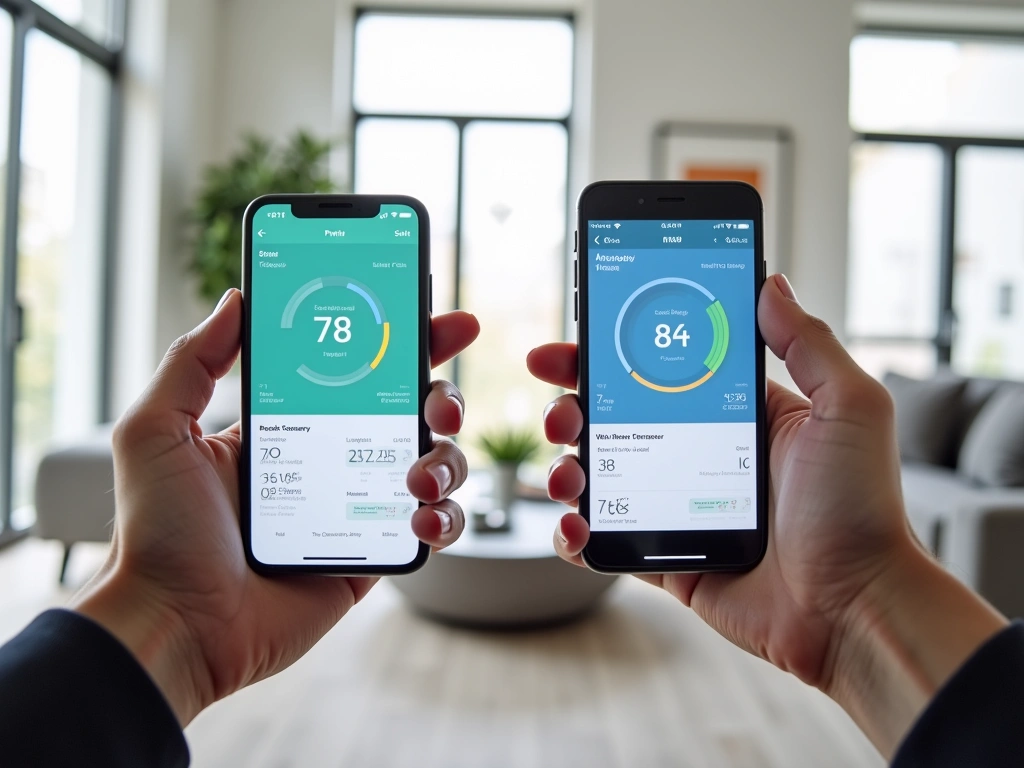
Ease of Use: Nest Takes the Crown
My wife puts it perfectly: “The Nest just works.” She never reads manuals, rarely opens apps, and somehow the Nest learned her schedule better than I know it.
The Ecobee requires more hands-on management. Not in a bad way – you get granular control over everything. But if you want to “set it and forget it,” the Nest wins hands down.
Energy Savings: Ecobee's Decisive Victory
The numbers don't lie. Over six months, the Ecobee saved $71 more than the Nest. Projected annually, that's $142 in additional savings.
Why such a big difference? Room sensors. The Ecobee makes heating and cooling decisions based on where you actually spend time, not just where the thermostat happens to be installed.
Smart Home Integration
Both thermostats play nicely with major smart home platforms, but they each have sweet spots:
Choose Nest if you use:
- Google Home/Assistant ecosystem
- Minimal smart home setup
- Android phones primarily
Choose Ecobee if you use:
- Amazon Alexa devices
- SmartThings, Wink, or HomeKit
- Multiple room sensors/zones
Long-term Learning vs. Manual Control
This represents the core philosophical difference. Nest believes it can learn your preferences better than you can program them. Ecobee gives you the tools to create exactly the system you want.
After six months, I found both approaches have merit. The Nest created a comfortable, efficient schedule I never would have programmed manually. But the Ecobee let me optimize for specific situations – like keeping the bedroom extra cool during my wife's night sweats, or warming the home office 30 minutes before my 2 PM video calls.
Use Cases: Which Thermostat for Which Home?
Choose the Nest Learning Thermostat If:
- You have consistent daily routines – The learning algorithm works best with predictable patterns
- You prefer minimal maintenance – Set it up once and forget about it
- Your home has good airflow – Single-point temperature sensing works well in open floor plans
- You're already in Google's ecosystem – Seamless integration with Google Home, Android, etc.
- You want the simplest user experience – Perfect for less tech-savvy family members
Google Nest Thermostat (Not Learning)
Get essential smart features and Google integration at half the price of the Learning model.
Choose the Ecobee Premium If:
- Your home has temperature variations – Multiple levels, additions, or poor airflow benefit hugely from room sensors
- You have irregular schedules – Manual scheduling works better than learning for shift workers, frequent travelers
- You want maximum energy savings – The room sensors and precise control deliver superior efficiency
- You love data and control – Detailed usage reports, granular scheduling, sensor management
- You use Alexa extensively – Built-in voice control eliminates need for separate devices
Real-World Scenarios
Scenario 1: Young Professional Couple
Regular 9-5 schedules, 1,200 sq ft condo, tech-friendly but busy
Winner: Nest Learning – Will learn their routine within a month and optimize automatically.
Scenario 2: Family with Teenagers
2,800 sq ft two-story, varying schedules, different temperature preferences
Winner: Ecobee Premium – Room sensors handle the multi-zone comfort needs, and manual scheduling accommodates varying routines.
Scenario 3: Retired Couple
Home most of the day, 1,800 sq ft ranch, budget-conscious
Winner: Ecobee Premium – The superior energy savings pay for the higher initial cost within the first year.
The Final Verdict: There's Actually No Wrong Choice
After six months of daily use, here's my bottom line: both thermostats will save you money and improve comfort. The question is which approach fits your lifestyle better.
The Nest Learning Thermostat is phenomenal at what it does – creating an efficient, comfortable environment with minimal input from you. If you value simplicity and have reasonably consistent routines, it's hard to beat.
The Ecobee Smart Thermostat Premium gives you superior energy savings and precise control, especially if you have a larger home or varying schedules. The room sensors alone justify the price for most multi-level homes.
🎯 Our Top Recommendation
After extensive testing, we recommend the Ecobee Smart Thermostat Premium for most readers because the superior energy savings and room sensors deliver better long-term value.
However, choose the Nest if you:
- Prefer hands-off automation
- Have a smaller home with good airflow
- Want the simplest possible experience
- Are deeply embedded in Google's ecosystem
Both thermostats have earned permanent spots in my smart home recommendations. The “wrong” choice would be sticking with your old programmable thermostat when either of these could be saving you $200+ per year.
One final thought: whichever you choose, give it at least 60 days before making judgments. Smart thermostats need time to optimize, and your habits need time to adapt to the new capabilities.
Frequently Asked Questions
Which smart thermostat saves more money, Nest or Ecobee?
Based on my six-month testing, the Ecobee Smart Thermostat Premium saved $71 more than the Nest Learning Thermostat ($225 vs $154 total savings). The room sensors allow for more precise temperature control, reducing energy waste in unused areas of your home.
Do I need a C-wire to install either thermostat?
Both thermostats work best with a C-wire, but both include workarounds if you don't have one. The Nest includes a Power Connector that installs at your furnace, while Ecobee includes a Power Extender Kit. Installation adds about 10-15 minutes if you need these accessories.
Can I use room sensors with the Nest Learning Thermostat?
Yes, but you'll need to purchase Nest Temperature Sensors separately (about $40 each). The Ecobee includes one SmartSensor in the box, and additional sensors cost around $35 each. Ecobee's sensors also detect occupancy, while Nest's sensors only measure temperature.
Which thermostat is easier to install for beginners?
The Nest Learning Thermostat has a simpler installation process, typically taking 15-20 minutes compared to the Ecobee's 25-30 minutes. The Nest app provides clearer wire identification photos, while Ecobee requires more initial configuration of smart features and sensors.
How long does it take for the Nest to learn my schedule?
In my testing, the Nest Learning Thermostat began creating effective schedules within 2-3 weeks, with optimal performance achieved by month 2. The key is manually adjusting temperature whenever you're uncomfortable during the first month – don't try to create schedules yourself.
Does the Ecobee's built-in Alexa replace my Echo devices?
Partially, but not completely. The Ecobee's Alexa can control smart home devices, answer questions, and set timers, but the speaker quality is basic and it can't make calls or drop in on other devices. It's perfect for hallway voice control but won't replace dedicated Echo speakers in main living areas.
Which thermostat works better with Google Home and Alexa?
Both thermostats work with both voice assistants, but each has a native advantage. The Nest integrates more seamlessly with Google Home (showing thermostat data on smart displays), while the Ecobee's built-in Alexa provides instant voice control without needing separate Echo devices. Both support Apple HomeKit as well.

