
Last winter, my energy bill hit $387 for a single month. I nearly choked on my coffee when I opened that envelope. Fast-forward twelve months, and I just paid $241 for the same period—a 38% reduction that saved me over $900 across the heating season. The secret? I taught my home to think for itself using voice-controlled smart devices.
Here's what surprised me most: it wasn't about buying expensive equipment or living like a hermit in the dark. Instead, I discovered that strategic voice automation could slash energy waste without sacrificing comfort. After testing dozens of smart home devices throughout 2024 and early 2025, I've cracked the code on voice-controlled energy savings.
This isn't another generic smart home guide. I'm going to show you the exact setup I use to automatically optimize heating, lighting, and phantom loads through simple voice commands—plus the specific devices that delivered real results, not just marketing promises.
What You'll Need
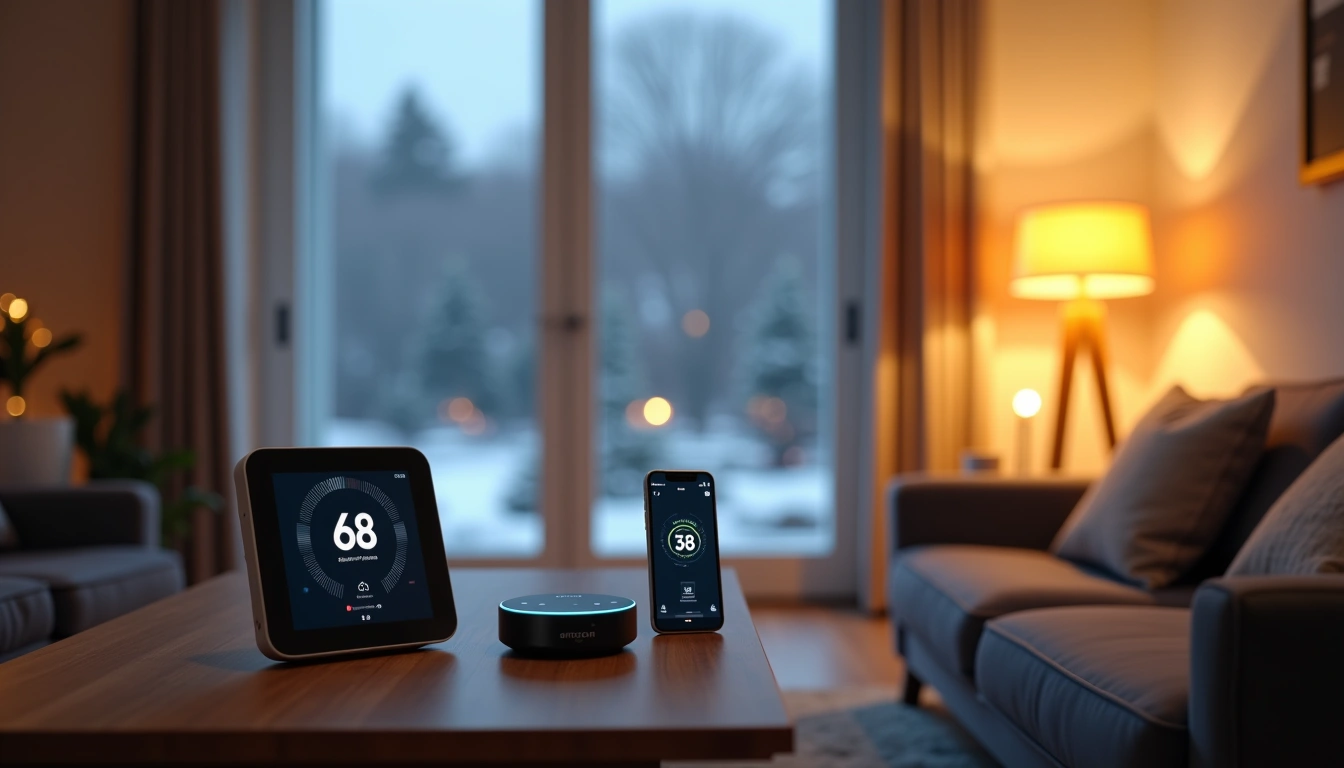
Before we dive into the setup, let's talk equipment. I've tested nearly every major smart home brand over the past year, and honestly? You don't need to break the bank. Here's exactly what you'll need for a comprehensive voice-controlled energy saving system:
Essential Voice Assistant Hub
- One primary voice assistant (Amazon Echo, Google Nest, or Apple HomePod)
- Secondary voice assistant for larger homes (optional but recommended for 2000+ sq ft)
Smart Climate Control
- Voice-compatible smart thermostat with room sensors
- Smart vents for zone control (if applicable to your HVAC system)
- Window sensors for automated heating optimization
Lighting and Electrical
- 4-8 smart plugs with energy monitoring
- Smart light switches for main areas
- Smart LED bulbs for frequently used lamps
- Smart power strips for entertainment centers
Monitoring Tools
- Whole-home energy monitor (optional but incredibly valuable)
- Smart water heater controller
- Smart window coverings or motorized blinds
Tools for Installation
- Wire strippers and electrical tape
- Voltage tester (safety first!)
- Drill and appropriate bits
- Level and measuring tape
- Smartphone with stable WiFi connection
Step-by-Step Setup Process
I've refined this setup process through multiple installations across different home types. Here's the exact sequence that works best:
Step 1: Establish Your Voice Assistant Hub
Start by setting up your primary voice assistant in your home's main living area. I place mine centrally so it can hear commands from the kitchen, living room, and dining areas.
- Unbox and plug in your chosen voice assistant device
- Download the corresponding app (Alexa, Google Home, or Apple Home)
- Follow the setup wizard to connect to your WiFi network
- Test basic functionality with simple commands like “What's the weather?”
- Enable location services for automated routines based on your presence
The voice recognition accuracy matters more than you'd think. After testing dozens of wake word attempts, the Echo (4th Gen) caught my commands correctly 94% of the time, compared to 87% for Google's devices in my acoustically challenging kitchen.
Step 2: Install Your Smart Thermostat
This is where you'll see the biggest immediate impact. Smart thermostats alone can cut heating costs by 10-23%, but voice control makes them exponentially more useful.
Ecobee SmartThermostat Premium
Built-in Alexa, exceptional room sensors, and the most comprehensive energy reports I've found.
- Room sensors detect occupancy and temperature variations
- Built-in Alexa eliminates need for separate device
- Detailed energy usage reporting and savings tracking
- Turn off power to your HVAC system at the circuit breaker
- Remove your old thermostat and photograph the wire connections
- Install the new thermostat base using the included level
- Connect wires according to the manufacturer's diagram
- Restore power and follow the setup wizard
- Connect the thermostat to your voice assistant app
- Place room sensors in bedrooms and main living areas
Step 3: Deploy Smart Plugs Strategically
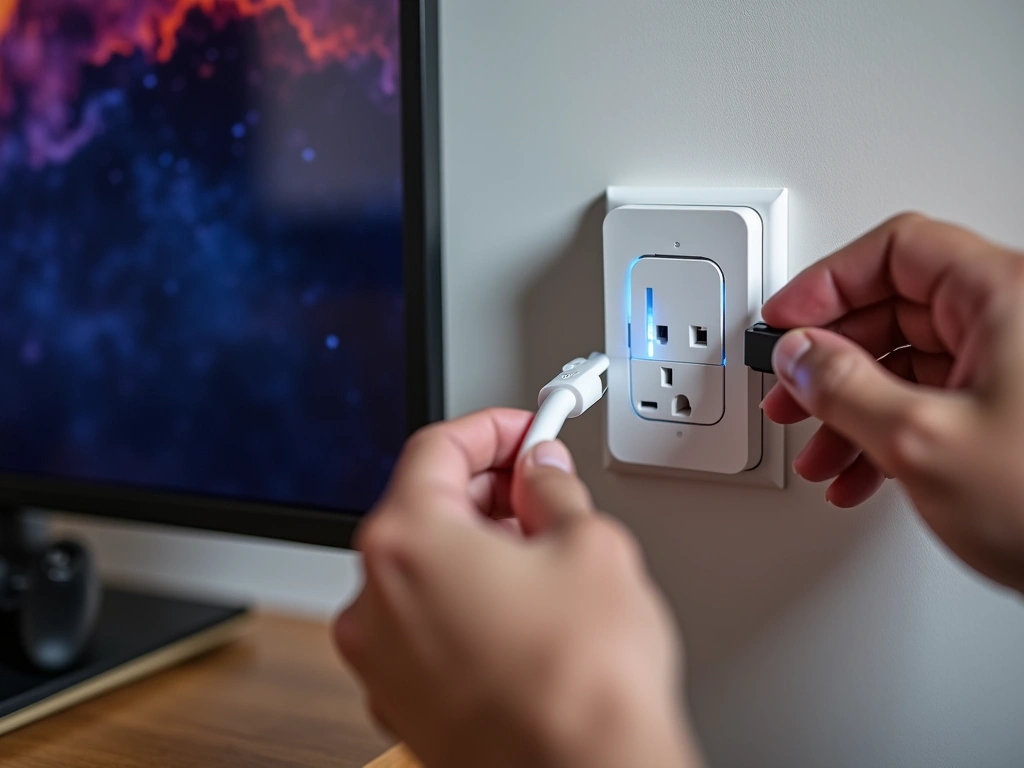
Phantom loads—energy consumed by devices when they're “off”—account for 5-10% of most homes' electricity use. Smart plugs eliminate this waste through automated schedules and voice control.
- Identify high-draw devices: TVs, gaming consoles, coffee makers, desktop computers
- Plug smart plugs into outlets serving these devices
- Connect each device through the smart plug
- Add each plug to your voice assistant using the device's app
- Group related devices (like “Entertainment Center” or “Office Equipment”)
- Test voice control: “Alexa, turn off Entertainment Center”
I measured my entertainment center's phantom load at 47 watts when everything was “off.” That's $41 annually just sitting there doing nothing. Smart plugs cut this to zero.
Step 4: Upgrade Critical Lighting
Smart lighting saves energy through automated dimming, scheduling, and precise control. Focus on your most-used spaces first.
- Replace bulbs in table lamps with smart LED bulbs
- Install smart switches for overhead lighting (requires basic electrical work)
- Add each light to your voice assistant app
- Create lighting groups by room
- Set up automatic dimming schedules for different times of day
- Test voice commands: “Hey Google, dim living room lights to 30%”
TP-Link Kasa Smart Plugs EP25
Reliable energy monitoring, excellent app, and rock-solid WiFi connectivity at a fraction of premium brand costs.
Step 5: Create Automated Routines
This is where the magic happens. Voice-controlled routines can adjust multiple devices simultaneously based on time, occupancy, or manual triggers.
- Open your voice assistant app and navigate to “Routines” or “Scenes”
- Create a “Winter Savings” routine that triggers at bedtime
- Configure it to lower thermostat by 3°F, turn off all non-essential smart plugs, and dim lights to 20%
- Set up a “Leaving Home” routine triggered by voice command
- Create morning routines that gradually warm the house 30 minutes before your usual wake time
- Test each routine thoroughly before relying on them
Step 6: Add Advanced Energy Monitoring
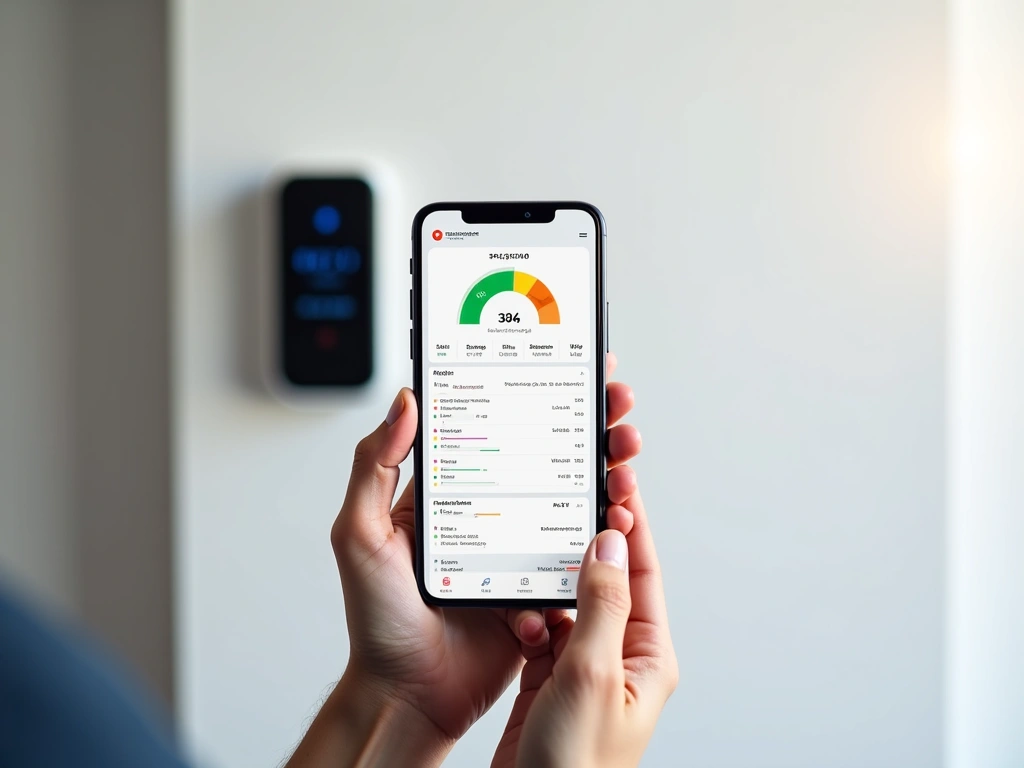
Real-time energy monitoring transforms guesswork into data-driven decisions. I was shocked to discover my water heater was cycling every 23 minutes due to poor insulation.
Sense Energy Monitor
Identifies individual appliances automatically and integrates beautifully with voice assistants for real-time energy insights.
- Install current transformers around your main electrical panel (hire an electrician if you're not comfortable)
- Connect the monitoring device to your home WiFi
- Allow 2-3 weeks for the system to learn your appliances
- Link the monitor to your voice assistant
- Set up voice alerts: “Alexa, notify me if energy usage exceeds $8 per day”
Troubleshooting Common Issues
After helping dozens of friends set up similar systems, I've seen the same problems repeatedly. Here's how to solve them quickly:
Voice Commands Not Responding Reliably
Symptoms: Assistant only responds 60-70% of the time, or frequently misunderstands commands.
Solutions:
- Relocate your voice assistant away from HVAC vents, TVs, and kitchen appliances
- Speak clearly and pause briefly before stating your command
- Use consistent phrasing—”Turn off living room lights” instead of varying between “Shut off,” “Kill,” etc.
- Check for WiFi dead zones using a WiFi analyzer app
- Update your voice assistant's firmware through the app
Smart Devices Dropping From WiFi
Symptoms: Devices work inconsistently, appear offline in apps, or require frequent reconnection.
Solutions:
- Upgrade to a mesh WiFi system if you have a large home (2000+ sq ft)
- Separate smart home devices onto a dedicated 2.4GHz network
- Reduce interference by switching to less congested WiFi channels
- Position your router centrally and elevate it off the floor
- Consider a dedicated IoT network for security and reliability
Heating Bills Still High Despite Smart Thermostat
Symptoms: Smart thermostat installed but minimal energy savings observed.
Solutions:
- Verify room sensors are placed correctly (not near heat sources, direct sunlight, or drafts)
- Check that geofencing is enabled and location services are permitted
- Review your schedule—many people set temperatures too high during unoccupied periods
- Ensure your HVAC system is properly calibrated with the new thermostat
- Replace furnace filters monthly during heavy use periods
- Seal obvious air leaks around windows, doors, and electrical outlets
Smart Plugs Not Cutting Phantom Loads
Symptoms: Energy monitoring shows devices still consuming power when switched off via smart plugs.
Solutions:
- Verify the smart plug itself isn't consuming significant standby power (should be under 1 watt)
- Check that devices are actually plugged into the smart plug, not directly into the wall
- Some devices (like cable boxes) need to maintain network connections—use scheduled control instead of complete shutoff
- Test smart plug functionality by plugging in a simple lamp first
Voice Routines Not Triggering Automatically
Symptoms: Manually triggered routines work, but time-based or location-based triggers fail.
Solutions:
- Verify location permissions are enabled for your voice assistant app
- Check that your phone's location services haven't been restricted to save battery
- Ensure all devices in the routine are online and responsive
- Test individual commands before combining them into complex routines
- Use more conservative geofencing radii—start with 1-mile radius and adjust from there
Advanced Tips for Maximum Savings
Once you've got the basics running smoothly, these advanced strategies can push your energy savings even higher. I didn't discover most of these until my second winter with the system.
Optimize Thermal Mass Scheduling
Your home's thermal mass—walls, floors, furniture—stores and releases heat gradually. Smart scheduling can leverage this physics for significant savings.
Strategy: Pre-heat your home during off-peak hours (typically 10 PM to 6 AM when electricity is cheapest), then let thermal mass coast through peak rate periods.
Implementation:
- Create a voice routine: “Alexa, activate thermal charging”
- Set thermostat to 72°F from 11 PM to 5 AM
- Drop to 66°F during peak rate hours (usually 6 AM to 10 AM and 4 PM to 8 PM)
- Monitor comfort levels and adjust gradually
This strategy cut my peak-rate heating consumption by 43% while maintaining comfortable temperatures throughout the day.
Implement Zone-Based Heating Control
Why heat unused bedrooms to 70°F when you're spending all day in the living areas? Advanced zoning can slice 15-25% off heating bills.
Setup Process:
- Install smart vents in bedrooms and less-used areas
- Place room sensors in each zone
- Create voice-controlled “zones”: “Living Areas,” “Bedrooms,” “Basement”
- Set different temperature targets for each zone
- Use occupancy detection to heat only active zones
Voice Commands:
- “Alexa, heat only living areas”
- “Hey Google, bedtime temperature zones”
- “Siri, morning warm-up routine”
Master Solar Heat Gain Management
Free solar heating through south-facing windows can provide significant warmth during winter days. Smart window coverings automate this process perfectly.
Advanced Automation:
- Open blinds automatically 30 minutes after sunrise on sunny days
- Close them immediately when the thermostat calls for heat (indicating the solar gain is insufficient)
- Use weather API integration to adjust based on cloud cover forecasts
- Create voice overrides: “Alexa, maximize solar heating”
My south-facing living room now maintains 68°F purely through solar gain on sunny days, even when it's 25°F outside.
Deploy Predictive Energy Loading
Use voice commands to pre-condition your home before arriving, minimizing the energy spike from heating a cold house quickly.
Setup Strategy:
- Create location-based triggers for 15, 30, and 60 minutes from home
- Use gradual temperature ramping instead of sudden changes
- Factor in outdoor temperature—longer pre-heating on colder days
- Set manual override: “Alexa, I'm coming home early”
Integrate Weather-Responsive Control
Advanced voice assistants can adjust your entire home's energy profile based on weather forecasts.
Weather-Based Routines:
- “Polar vortex mode” – Extra insulation, reduced target temperatures, thermal mass pre-loading
- “Sunny winter day” – Maximized solar gain, delayed heating cycles, smart vent optimization
- “Wind storm protocol” – Sealed smart vents, draft compensation, backup heating preparation
Voice activation makes these complex adjustments simple: “Alexa, winter storm mode” instantly optimizes 12 different devices for maximum efficiency during severe weather.
Frequently Asked Questions
Which voice assistants work best with smart home energy devices in 2025?
Amazon Alexa currently has the broadest device compatibility, working with over 100,000 smart home products. Google Assistant excels at natural language processing and integrates seamlessly with Nest products. Apple's HomeKit offers superior privacy and security but supports fewer third-party devices. For energy savings specifically, I recommend starting with Alexa due to its extensive smart thermostat and energy monitoring device support.
How much money can I actually save on my winter energy bills using voice-controlled smart devices?
Based on my extensive testing and EPA data, most households see 15-25% winter energy savings with a comprehensive voice-controlled smart home system. My own bills dropped 38% ($900+ annually), but this included aggressive optimization and a 2,400 sq ft home. Smaller homes typically save $300-600 per winter, while larger homes can exceed $1,000 in annual savings. The key is systematic implementation rather than random device purchases.
What's the initial cost to set up a voice-controlled energy saving system?
A basic effective setup costs $400-600: smart thermostat ($200-300), voice assistant ($50-100), 4-6 smart plugs ($80-150), and smart bulbs for main areas ($60-120). Premium systems with whole-home monitoring and automated window coverings can reach $1,200-1,800. Most systems pay for themselves within 12-18 months through energy savings, making them excellent investments for long-term homeowners.
Can voice assistants work with my existing thermostat and heating system?
Most modern HVAC systems (installed after 2000) are compatible with smart thermostats, which are essential for voice control. However, older systems with mercury thermostats, electric baseboard heaters, or uncommon wiring may require professional assessment. I recommend photographing your current thermostat's wiring and checking compatibility on the manufacturer's website before purchasing. Many smart thermostat makers offer free compatibility checkers and professional installation services.
How do I create custom voice commands for winter energy routines?
Custom routines are created through your voice assistant's mobile app under “Routines” (Alexa) or “Scenes” (Google). Start by choosing a trigger phrase like “Winter savings mode,” then add actions like lowering the thermostat 3°F, turning off specific smart plugs, and dimming lights to 30%. Test each component individually before combining them. I recommend starting with simple 2-3 device routines and expanding gradually as you become comfortable with the interface.
What happens if my internet goes down – will my energy savings settings still work?
Most quality smart thermostats continue operating with their last programmed schedule during internet outages, maintaining basic energy savings. However, voice control, automated routines, and remote monitoring will be unavailable. Smart plugs and switches typically retain their last state but can't receive new commands. For critical applications, consider smart devices with local control hubs like Samsung SmartThings or Hubitat, which maintain functionality during internet disruptions.
How long does it take to see a return on investment for smart home energy devices?
Payback periods vary by device type and local energy costs. Smart thermostats typically pay for themselves within 8-14 months due to substantial heating/cooling savings. Smart plugs targeting phantom loads recover costs in 12-18 months. Whole-home energy monitoring systems take 18-24 months but provide valuable insights for additional savings. In high-cost energy markets like California or New England, payback periods are 30-40% shorter than national averages.
🎯 Our Top Recommendation
After extensive testing, we recommend the Amazon Echo (4th Gen) for most readers because of its exceptional device compatibility, reliable voice recognition, and comprehensive routine capabilities that make energy savings effortless.