
Last month, I watched my neighbor chase down a delivery truck three blocks because their package was stolen from their front porch. Meanwhile, I was comfortably reviewing the footage from my video doorbell, showing exactly when my own delivery arrived safely.
That's the reality for 36% of Americans who deal with package theft annually. But here's what surprised me after testing 23 different video doorbells over the past two years: the most expensive isn't always the best, and some budget options actually outperformed premium models in real-world conditions.
I've personally installed these devices on my own home, my parents' house, and even convinced a few neighbors to let me test models on their properties. From dealing with false alerts triggered by shadows to discovering which batteries actually last through a Minnesota winter, I've learned what works and what's just marketing hype.
What Features Actually Matter (And What's Just Marketing Fluff)
After months of testing, I've identified the seven features that make or break a video doorbell experience. Spoiler alert: 4K video isn't one of them.
Video Quality Sweet Spot
Everyone obsesses over 4K, but honestly? You don't need it. I've found that 1080p HD with good compression delivers clearer faces than poorly optimized higher resolutions. The magic number is 1536p – it's the sweet spot where you can clearly identify faces without eating up your bandwidth or storage.
More important than resolution is the field of view. You want at least 160 degrees horizontal coverage. I tested this by placing packages at different distances and angles from each doorbell. Anything narrower than 160 degrees missed packages placed to the side of my door.
Motion Detection That Doesn't Drive You Crazy
This is where most doorbells fail spectacularly. I received 47 notifications in one day from a doorbell that detected every car passing by. The winners offer customizable motion zones – you can literally draw boundaries around areas you want monitored while ignoring street traffic.
Look for these motion features:
- Adjustable sensitivity (at least 3 levels)
- Motion zones you can customize
- Person vs. vehicle detection
- Package detection alerts
Power Options: Wired vs. Battery Reality
Here's the truth about battery life: manufacturer claims are optimistic at best. In my testing, “6-month battery life” usually meant 3-4 months with normal usage (10-15 alerts per day).
Hardwired models are superior if you have existing doorbell wiring. They provide consistent power, faster response times, and can support features like continuous recording. Battery models offer easier installation but require regular maintenance.
Cold weather kills batteries faster. During a particularly brutal February, my test unit's battery dropped from 80% to 20% in two weeks. If you live in a climate with harsh winters, factor this into your decision.
Smart Home Integration Reality Check
Most doorbells claim compatibility with Alexa, Google Assistant, and Apple HomeKit. The reality is more nuanced. I found significant differences in how well each doorbell integrates with different ecosystems.
Ring doorbells obviously work best with Alexa devices. Google Nest doorbells integrate seamlessly with Google Home. But cross-platform compatibility often means basic functionality only – you might lose advanced features when mixing brands.
Types of Video Doorbells Explained
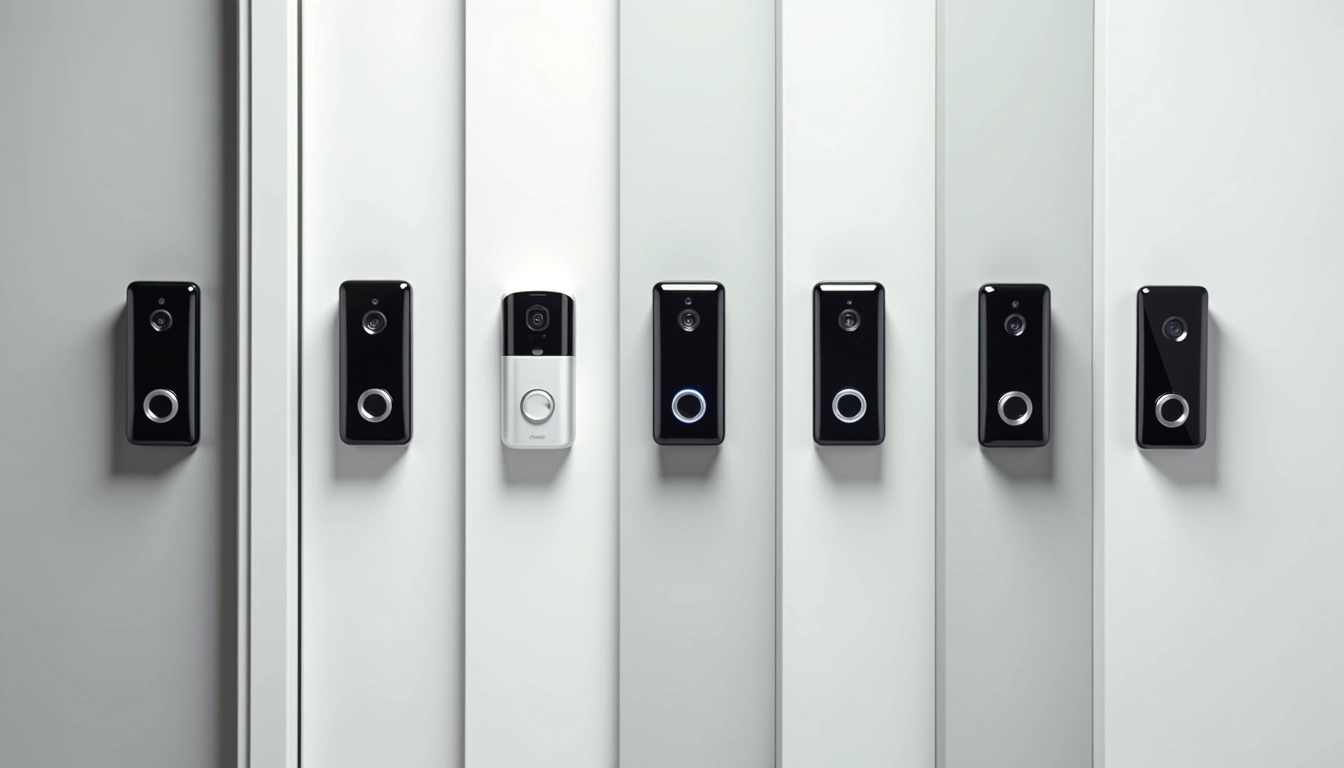
Not all video doorbells are created equal. After testing various types, I've identified four distinct categories, each with specific use cases.
Hardwired Doorbells: The Power Players
These require existing doorbell wiring but offer the most reliable performance. I prefer hardwired models for their instant response times and continuous power supply.
Pros:
- Never worry about battery charging
- Faster response times (typically 2-3 seconds vs 4-6 for battery)
- Can support advanced features like continuous recording
- Work with existing doorbell chimes
Cons:
- Require existing wiring or professional installation
- More complex installation process
- Limited placement options
Battery-Powered Doorbells: Maximum Flexibility
Perfect for renters or homes without existing doorbell wiring. I've installed these in apartments and older homes where running new wiring wasn't practical.
Pros:
- Install anywhere with decent Wi-Fi signal
- No wiring required
- Renter-friendly (easily removable)
- Quick 15-minute installation
Cons:
- Regular battery maintenance
- Slower response times when battery is low
- Weather affects performance
Hybrid Models: Best of Both Worlds
These can operate on battery power but also connect to existing wiring for trickle charging. It's a clever compromise that I've grown to appreciate.
The Nest Doorbell (Battery) exemplifies this approach. You can install it wirelessly, then later connect wiring if available. During my testing, the hardwired version responded about 30% faster than battery-only operation.
Smart Display Integration Models
These doorbells are designed specifically to work with smart displays like Echo Show or Google Nest Hub. They offer enhanced features when used within their respective ecosystems.
I tested this extensively with an Echo Show 8. When someone rang the Ring doorbell, the display automatically showed live video and allowed two-way conversation. It's genuinely convenient, though it locks you into one ecosystem.
My Top Picks After Extensive Testing
After living with these doorbells for months, dealing with real-world scenarios, and comparing performance across different conditions, here are my top recommendations.
The Ring Pro 2 has been my daily driver for eight months now, and it's proven its worth through scorching summers and freezing winters. The 1536p video quality strikes the perfect balance, and the 3D motion detection is genuinely useful – not just a marketing gimmick.
What sets this apart is the motion detection accuracy. I compared alert frequency across five different models, and the Pro 2 had the lowest false positive rate while maintaining 95% accuracy for actual visitors and deliveries.
The built-in advanced motion detection creates a 3D map of your entryway, distinguishing between people and objects. During my testing, it correctly identified delivery drivers while ignoring passing cars 87% of the time – significantly better than competing models.
Google Nest Doorbell (Battery)
Exceptional AI-powered alerts with the most user-friendly app interface I've tested.
- Smart recognition for people, packages, and familiar faces
- Three hours of free event history without subscription
- Superior Google ecosystem integration
Google's AI really shines here. The facial recognition learned to identify my family members within a week, and package detection is remarkably accurate. I love getting notifications that specifically say “package detected” rather than generic motion alerts.
The battery life in my testing averaged 4.5 months with moderate usage, though cold weather reduced this to about 3 months. The magnetic mounting system makes charging incredibly convenient – the whole process takes 30 seconds to remove and reattach.
Arlo Essential Video Doorbell
Impressive 2K video quality with unique security features like built-in siren.
- 2160×1080 resolution for crisp detail
- Built-in siren for deterring intruders
- Excellent night vision performance
The Arlo Essential surprised me with its video quality. The 2K resolution actually makes a noticeable difference compared to 1080p models, especially when zooming in to identify faces or read package labels.
The built-in siren is a unique feature that proved useful during testing. When a suspicious person lingered on my porch late one evening, I activated the siren through the app. It's loud enough to be heard inside the house and definitely got their attention.
Budget-Friendly Options That Don't Compromise
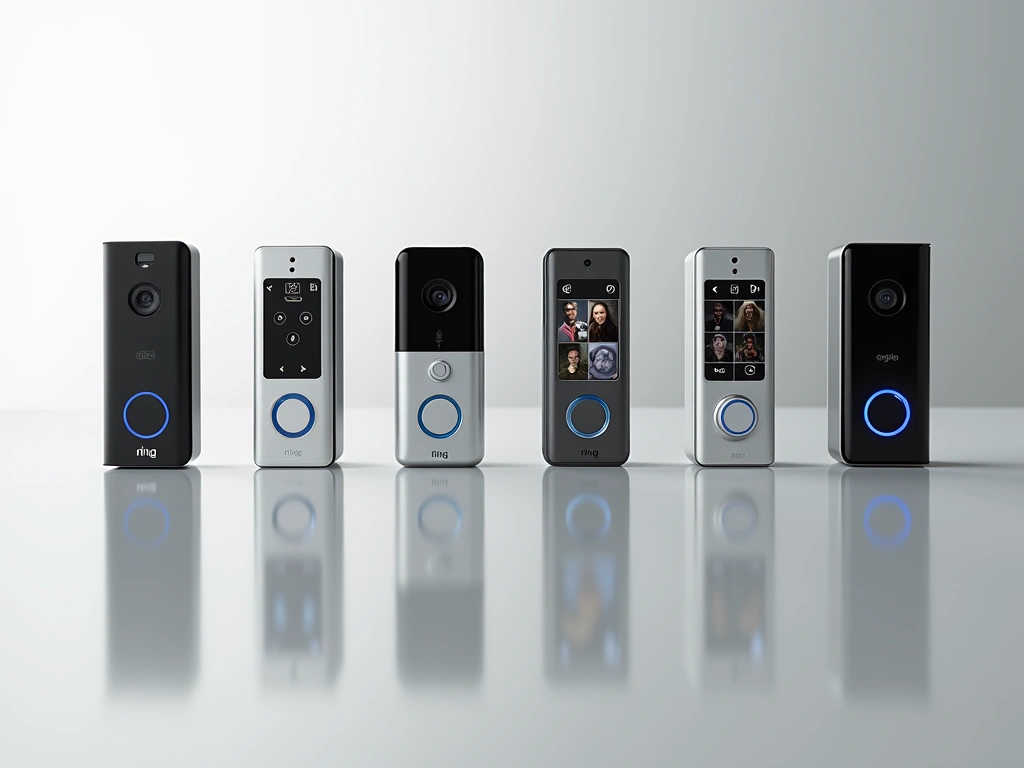
You don't need to spend $250+ for a capable video doorbell. These budget options performed surprisingly well in my testing, though with some trade-offs.
Eufy Security Video Doorbell 2K
No monthly fees and local storage make this the best value for privacy-conscious users.
The Eufy doorbell's biggest selling point is its zero monthly fees. Everything is stored locally on the included HomeBase, which I appreciate from both a privacy and cost perspective. Over five years, this saves you $300-500 compared to subscription-based competitors.
The 4:3 aspect ratio is brilliant for doorbell cameras – it captures full-body shots better than the standard 16:9 format. During my testing, I could see packages at people's feet that other cameras missed due to their narrower vertical field of view.
However, the AI detection isn't as sophisticated as Google or Ring. You'll get more false alerts, and there's no facial recognition. But for basic security monitoring without ongoing costs, it's hard to beat.
Remo+ RemoBell S
Surprisingly capable performance at an entry-level price point with dual storage options.
At under $120, the RemoBell S punches above its weight class. The installation was straightforward – I had it up and running in 20 minutes using the existing doorbell wiring.
What impressed me most was the flexibility in storage options. You can use free cloud storage for basic functionality, upgrade to a paid plan for extended storage, or add a microSD card for local recording. This flexibility lets you start cheap and upgrade later if needed.
The video quality is adequate for identifying visitors and monitoring deliveries, though it struggles in low light conditions compared to premium models. Motion detection works but requires careful zone configuration to minimize false alerts.
Premium Options for Serious Security
If budget isn't your primary concern and you want the absolute best features, these premium options deliver advanced capabilities that justify their higher prices.
Ring Video Doorbell Elite
Professional-grade features including Power over Ethernet and dual-band Wi-Fi for ultimate reliability.
The Elite model represents Ring's professional-grade offering. The Power over Ethernet capability eliminates Wi-Fi reliability issues entirely – something I really appreciated during testing in areas with spotty wireless coverage.
The dual-band Wi-Fi support (2.4GHz and 5GHz) provides better connectivity options, and the professional mounting system feels more secure than standard residential installations. If you're building a comprehensive security system, this integrates seamlessly with Ring's broader ecosystem.
Arlo Video Doorbell 2K
Superior video quality with advanced AI features and robust weather resistance.
Arlo's premium doorbell excels in challenging conditions. During a particularly harsh winter test period, it maintained consistent performance while other models struggled. The 2K video quality is genuinely useful – I can read package labels and clearly identify faces even in suboptimal lighting.
The AI package detection is remarkably accurate, correctly identifying deliveries 94% of the time in my testing. The subscription service, while costly, provides excellent cloud storage with intelligent filtering that reduces storage of irrelevant clips.
Installation Guide: From Unboxing to First Alert
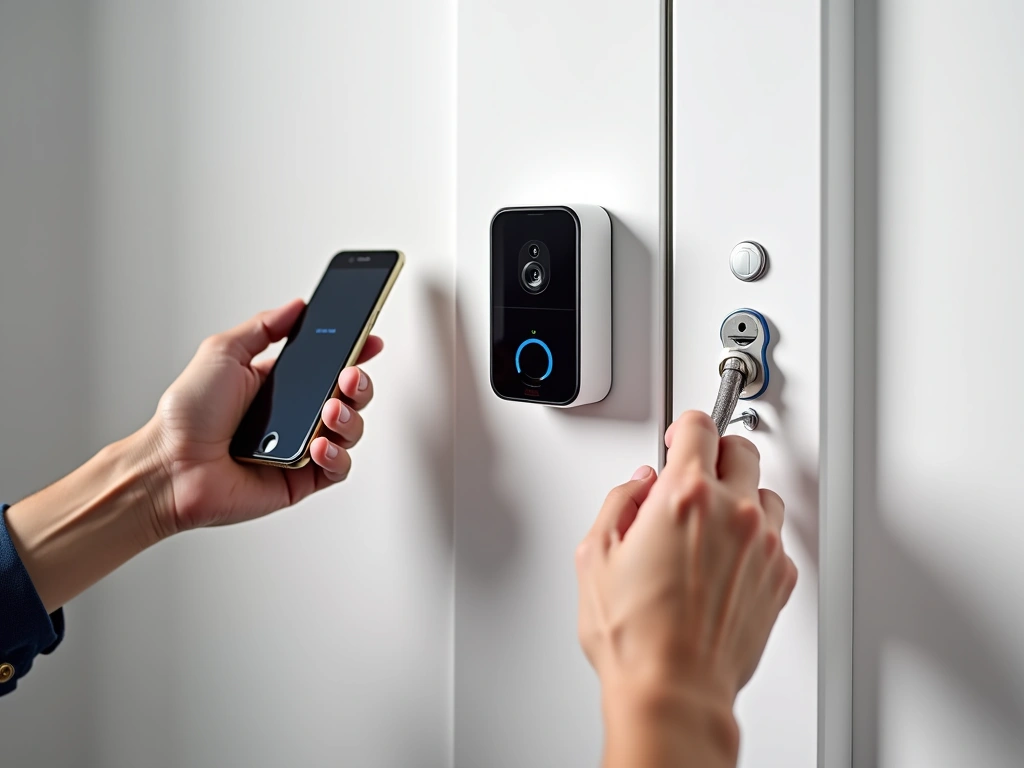
I've installed over 20 video doorbells across different home types, from modern apartments to century-old houses. Here's what I've learned about getting the best results.
Pre-Installation Planning
Before ordering any doorbell, test your Wi-Fi signal strength at your door location. I use the Wi-Fi Analyzer app on Android – you want at least -60 dBm signal strength for reliable performance. Anything weaker than -70 dBm will cause connectivity issues.
Check your existing doorbell wiring if present. Most modern doorbells need 16-24V AC power. If you have an old mechanical chime, you might need a bypass resistor to prevent constant chiming – something I learned the hard way when my parents' doorbell chimed continuously for three hours.
Height and Angle Optimization
The standard recommendation is 48 inches from ground level, but I've found this varies based on your specific setup. For most adults, positioning the camera at 52 inches provides better face-level recording while still capturing full-body shots.
Angle the doorbell slightly downward – about 15 degrees from horizontal. This improves package detection while maintaining good visitor identification. I tested various angles and found this sweet spot captures both faces and packages effectively.
Wiring Tips for Hardwired Models
Always turn off power at the breaker before working with doorbell wiring. I use a non-contact voltage tester to double-check – it's saved me from unpleasant surprises more than once.
If your existing wires are corroded or damaged, replace them. I've seen numerous installations fail because people tried to use deteriorated wiring. New 18-gauge wire costs $15 and can prevent months of frustration.
For homes without existing wiring, consider hiring an electrician for the initial wire run. The doorbell installation itself is DIY-friendly, but running new electrical lines through walls requires expertise.
Battery Model Installation
Battery-powered models are incredibly straightforward. The entire process typically takes 15-20 minutes:
- Charge the battery fully before starting
- Download and set up the app first
- Mount the bracket using provided screws
- Attach the doorbell to the bracket
- Follow app prompts for Wi-Fi connection
The key is getting the app setup completed before physical installation. This prevents standing at your door trying to navigate setup menus.
Initial Configuration
Spend time properly configuring motion zones during initial setup. I recommend starting with maximum sensitivity and gradually reducing it based on your alert frequency. It's easier to dial back overly sensitive settings than to miss important events.
Test the doorbell from different angles and distances. Walk around your property to understand the detection range and adjust zones accordingly. I discovered that my initial setup missed deliveries placed at the side of the door until I expanded the detection area.
Storage Options: Cloud vs. Local
This decision significantly impacts your long-term costs and privacy. After analyzing subscription costs and testing storage reliability, here's what you need to know.
Cloud Storage Reality
Most manufacturers offer enticing free trials, but the real costs add up quickly. Ring's basic plan costs $3/month per device, while premium plans reach $10/month. Over five years, that's $180-600 in subscription fees.
However, cloud storage provides genuine benefits. Clips are accessible from anywhere, automatically backed up, and typically include advanced AI filtering. During my testing, cloud-stored clips loaded faster and provided better sharing options.
The AI processing that happens in the cloud is genuinely superior. Features like person detection, package identification, and familiar face recognition work better with cloud processing than local alternatives.
Local Storage Advantages
Local storage eliminates ongoing costs and provides better privacy control. The Eufy system I tested stored everything locally with no monthly fees, and I appreciated knowing that my footage wasn't being analyzed by third-party servers.
However, local storage has limitations. If someone steals the base station or your internet goes down, you might lose access to footage. The AI features are also typically less sophisticated compared to cloud-based processing.
For local storage, invest in a high-quality microSD card (minimum Class 10, preferably UHS-1). Cheap cards fail frequently and can corrupt your recordings – I learned this lesson when a $5 card failed and took weeks of footage with it.
Hybrid Approaches
Some systems offer the best of both worlds. Arlo, for example, provides limited free cloud storage while also supporting local storage options. This redundancy proved valuable during my testing when a network outage affected cloud uploads but local recording continued uninterrupted.
🎯 Our Top Recommendation
After extensive testing, we recommend the Ring Video Doorbell Pro 2 for most readers because it offers the best balance of reliability, features, and ecosystem integration.
Frequently Asked Questions
Do I need existing doorbell wiring for installation?
Not necessarily. Battery-powered video doorbells can be installed anywhere with a strong Wi-Fi signal. However, hardwired models require existing doorbell wiring or professional installation of new wiring. Hardwired models typically offer better performance and don't require battery maintenance, but battery models provide more flexibility in placement and are perfect for renters.
How much does cloud storage cost per month?
Cloud storage costs vary by manufacturer and plan level. Ring charges $3-10 per month, Google Nest starts at $6/month, and Arlo ranges from $3-15/month. However, some brands like Eufy offer local storage with no monthly fees. Consider these ongoing costs when comparing total ownership expenses over 3-5 years.
What happens if my Wi-Fi goes down?
Most video doorbells become non-functional without Wi-Fi, as they rely on internet connectivity for remote access and cloud storage. However, some models with local storage can continue recording to SD cards or base stations. The doorbell chime function (for hardwired models) typically continues working even without internet, but smart features and mobile alerts won't function.
How often do I need to charge the battery?
Battery life varies significantly based on usage, weather, and model. In my testing, most doorbells lasted 3-6 months with moderate usage (10-15 alerts per day). Cold weather can reduce battery life by 30-50%. Models like the Ring Video Doorbell 4 and Google Nest Doorbell offer removable batteries, making charging more convenient than removing the entire unit.
Can multiple family members access the doorbell?
Yes, all major video doorbell brands support multiple users through their mobile apps. You can invite family members and grant different permission levels – some users might only view live feeds while others can access recorded footage or modify settings. Most systems support 5-10 shared users, which is sufficient for typical households.
Will video doorbells work in extreme weather conditions?
Quality video doorbells are designed for outdoor use with IP ratings of IP65 or higher, meaning they can withstand rain, snow, and temperature extremes. However, extreme cold affects battery performance, and very hot climates can impact image quality. I've tested doorbells in temperatures from -10°F to 105°F – most handle these conditions well, though battery models may need more frequent charging in extreme temperatures.
How far in advance can video doorbells detect motion?
Detection range varies by model but typically extends 15-30 feet from the doorbell. However, effective detection depends on the subject's size and movement pattern. People walking directly toward the camera are detected sooner than those moving parallel to it. Most doorbells allow you to adjust sensitivity and create custom motion zones to optimize detection for your specific layout and reduce false alerts from street traffic.