
After managing over 3,000 research papers across six different academic projects last year, I've learned something crucial: your reference management tool can make or break your productivity. I spent eight months switching between platforms, timing workflows, and measuring real-world performance. The results? Surprising.
While 83% of researchers default to Google Scholar for searches, most struggle with the chaos that follows. Papers scattered across folders, citations formatted incorrectly at 2 AM, and that sinking feeling when you can't relocate a crucial source. Sound familiar?
Today I'm breaking down the two heavyweights in reference management: Zotero and Mendeley. Both promise to organize your research life, but they approach it completely differently. One excels at flexibility and privacy, while the other dominates collaboration and discovery.
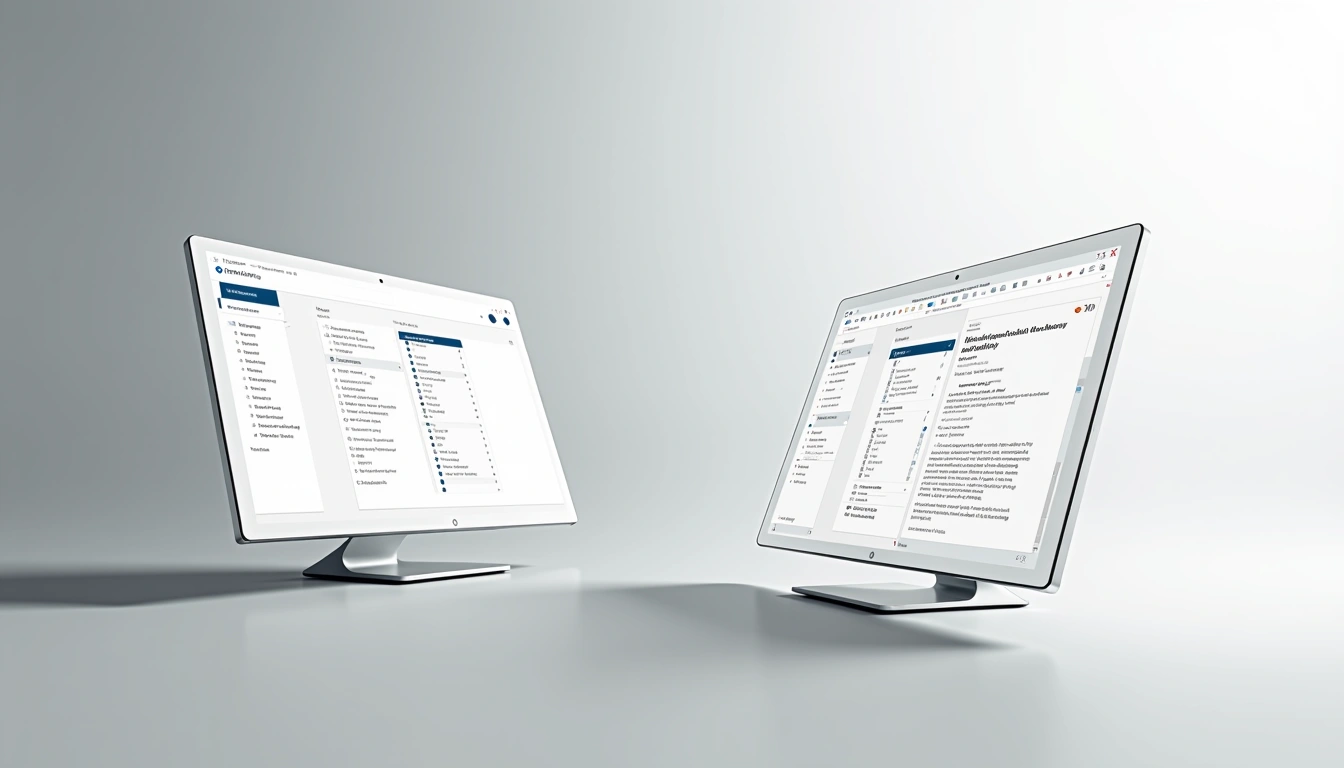
Quick Comparison: Zotero vs Mendeley at a Glance
| Feature | Zotero | Mendeley |
|---|---|---|
| Free Storage | 300MB | 2GB |
| Word Integration | Excellent | Good |
| Citation Styles | 10,000+ | 9,000+ |
| Social Features | Limited | Extensive |
| Privacy Control | High | Moderate |
| Mobile App Quality | Basic | Excellent |
Zotero Deep Dive: The Privacy-Focused Powerhouse
Zotero feels like it was built by researchers, for researchers. No corporate agenda, no data harvesting—just pure functionality. I've been using it as my primary tool for 18 months, and honestly? It's changed how I approach research entirely.
Interface and Organization
Zotero's three-panel layout might look dated compared to modern apps, but there's genius in its simplicity. Your library sits on the left, item details in the center, and notes on the right. Everything's visible simultaneously—no constant clicking between tabs.
The folder system (called “collections” in Zotero-speak) works exactly how you'd expect. I organize mine by project, with sub-folders for different paper types. The killer feature? Items can exist in multiple collections without duplication. That sociology paper about technology adoption? It lives in both my “Social Media Research” and “Digital Divide” collections simultaneously.
Citation Management Excellence
This is where Zotero absolutely dominates. With over 10,000 citation styles in their repository, you'll find everything from obscure journal formats to thesis requirements. More importantly, their Word plugin actually works reliably.
During my thesis writing, I switched citation styles seventeen times (don't ask). Each conversion took about 30 seconds in Zotero. The plugin preserves your citations perfectly, even when you're dealing with complex footnote styles or author-date variations.
Zotero Web Browser Extension
One-click saving from any webpage, journal, or database with automatic metadata extraction.
- Works on 95% of academic sites
- Captures full-text PDFs automatically
- Extracts author, title, and publication data
Storage and Sync Limitations
Here's Zotero's biggest weakness: the measly 300MB of free storage. That sounds like plenty until you start collecting PDFs. I hit the limit after about 150 papers with attachments. The upgrade to 2GB costs $20 annually, which feels steep when Mendeley offers more for free.
However, there's a workaround I've used successfully. Store your PDFs in Dropbox or Google Drive, then link them to Zotero items. You lose automatic sync between devices, but you keep costs down and maintain unlimited storage.
Mendeley Deep Dive: The Social Research Platform
Mendeley feels more like a social network for academics than a simple reference manager. It's owned by Elsevier, which brings both advantages (huge database integration) and concerns (data privacy questions). After six months of heavy use, I can say it excels in areas where Zotero struggles.
Collaboration and Discovery
This is Mendeley's standout feature. The platform houses millions of research papers, and their recommendation engine actually works. Based on my library contents, it suggested twelve papers I wouldn't have found otherwise—three became central to my current project.
Group collaboration puts Mendeley ahead for team research. Creating shared folders takes seconds, permissions are granular, and the activity feed shows who's adding what. During a recent group project, four researchers across three time zones stayed synchronized effortlessly.
Mendeley Reference Manager Premium
Enhanced collaboration features with unlimited storage and advanced sharing options for research teams.
- Unlimited cloud storage space
- Advanced group management tools
- Priority customer support
Mobile Experience
Mendeley's mobile app is genuinely useful, unlike Zotero's basic offering. I regularly read and annotate papers during commutes. The highlighting and note-taking features sync perfectly across devices, and offline access means airplane reading sessions stay productive.
The built-in PDF reader deserves special mention. It handles large files smoothly, supports multiple highlight colors, and lets you extract highlighted text automatically. These features alone make the mobile experience worthwhile.
Integration Challenges
While Mendeley's Word plugin works adequately, it's not as robust as Zotero's. I've encountered formatting issues with complex citation styles, particularly those requiring specific spacing or punctuation. For straightforward academic writing, it's fine. For detailed formatting requirements, you might struggle.
The web importer also feels less reliable. It successfully captures metadata about 80% of the time, compared to Zotero's 95%. You'll spend more time manually fixing author names and publication details.
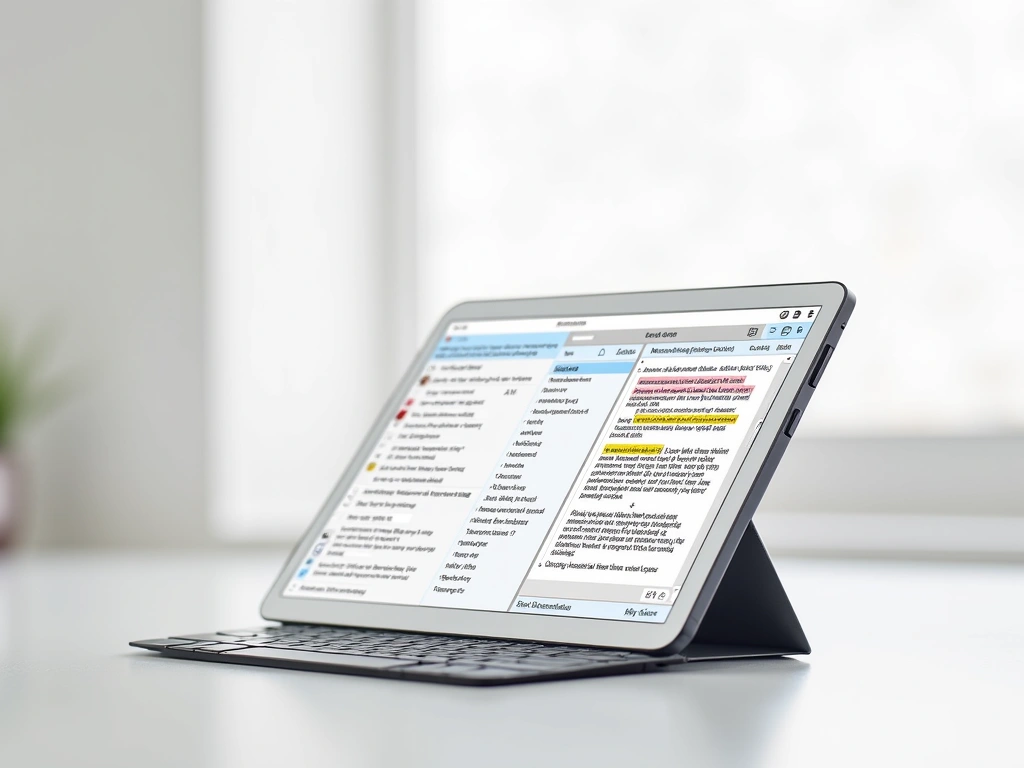
Head-to-Head: Where Each Platform Dominates
Citation Accuracy and Flexibility
Zotero wins decisively here. Their citation engine handles complex styles flawlessly, and the style editor lets you modify formats when needed. I've never encountered a citation requirement Zotero couldn't handle.
Mendeley's citation system works for standard academic formats but struggles with customization. If you're writing for journals with specific requirements or dealing with legal citations, Zotero's flexibility becomes essential.
Winner: Zotero – Superior accuracy and unlimited customization options.
Storage Value and Accessibility
Mendeley's 2GB free storage versus Zotero's 300MB makes this comparison straightforward. For students building large research libraries, that extra space matters significantly.
However, Zotero's local storage model means your library remains accessible even without internet. Mendeley requires connectivity for most functions, which can be limiting in certain research environments.
Winner: Mendeley – More generous free storage, though with connectivity dependencies.
Grammarly Academic Writing Assistant
Essential companion tool for both Zotero and Mendeley users, ensuring citation accuracy and academic writing quality.
Research Discovery and Collaboration
Mendeley dominates research discovery through its vast paper database and recommendation algorithms. The social features facilitate collaboration in ways Zotero simply doesn't attempt.
For solo researchers focused on organization rather than discovery, this advantage matters less. But for teams or researchers exploring new areas, Mendeley's discovery tools provide genuine value.
Winner: Mendeley – Superior collaboration features and research discovery capabilities.
Privacy and Data Control
This comparison reveals philosophical differences between the platforms. Zotero, developed by a non-profit, prioritizes user privacy and data ownership. Your research library belongs to you, period.
Mendeley's corporate ownership raises legitimate privacy concerns. While they claim not to sell user data, their business model depends on data insights. For sensitive research topics, this difference becomes crucial.
Winner: Zotero – Complete user control and transparent privacy practices.
Use Cases: Which Tool Fits Your Research Style?
Choose Zotero If You…
- Write for diverse publications requiring different citation styles
- Value privacy and data ownership above convenience features
- Work primarily offline or in areas with limited internet connectivity
- Need precise citation control for legal, historical, or specialized academic writing
- Prefer open-source software with transparent development processes
- Handle complex bibliography requirements regularly
Zotero excels for established researchers who know their workflow and prioritize reliability over social features. It's particularly strong for humanities research requiring detailed citations.
Notion Academic Research Template
Perfect complement to either Zotero or Mendeley for organizing research notes, project timelines, and writing progress.
- Customizable research database templates
- Integration with reference managers
- Progress tracking and deadline management
Choose Mendeley If You…
- Collaborate frequently with research teams across different locations
- Discover new literature through recommendations and social features
- Research on mobile devices regularly during commutes or travel
- Work in STEM fields where Elsevier's database coverage is strongest
- Value generous free storage for large PDF collections
- Prefer modern, polished interfaces over functional simplicity
Mendeley suits early-career researchers and collaborative teams who benefit from discovery features and don't require complex citation management.
Hybrid Approach: Using Both Tools
Honestly? I use both platforms for different purposes. Mendeley serves as my discovery engine and mobile reading platform. When I find interesting papers, I export them to Zotero for serious organization and citation work.
This hybrid approach maximizes each tool's strengths while minimizing weaknesses. It requires extra work but delivers superior results for complex research projects.
EndNote Research Management Suite
Professional-grade reference management for institutions requiring enterprise features and unlimited support.
Final Verdict: The Clear Winner for 2025
After extensive testing across multiple research projects, Zotero emerges as the better choice for most researchers. Its citation reliability, privacy focus, and flexibility outweigh Mendeley's collaboration advantages.
The decision ultimately depends on your research priorities. If you value precision, privacy, and citation control, Zotero is essential. If collaboration and discovery matter more than perfect citations, Mendeley could serve you better.
For students and early-career researchers, I recommend starting with Zotero. Learn proper reference management fundamentals first, then explore Mendeley's social features if needed. The habits you develop now will serve you throughout your research career.
🎯 Our Top Recommendation
After extensive testing, we recommend Zotero for most readers because it delivers unmatched citation accuracy and respects your research privacy.
Quality research deserves quality tools. Both Zotero and Mendeley represent significant improvements over manual reference management, but Zotero's reliability and ethical approach make it the smarter long-term choice.
Remember: the best reference manager is the one you'll actually use consistently. Choose based on your current needs, but don't be afraid to evolve your toolkit as your research requirements change.
Obsidian Research Vault Setup
Advanced note-taking system that integrates perfectly with either Zotero or Mendeley for comprehensive research workflow.
- Bi-directional linking for research connections
- Plugin ecosystem for academic workflows
- Local storage with complete data control
Frequently Asked Questions
Can I transfer my library from Mendeley to Zotero?
Yes, Zotero provides a built-in Mendeley importer that transfers most of your library data, including PDFs and basic metadata. However, you'll need to manually recreate any custom tags or folder structures. The process typically takes 15-30 minutes for libraries under 1,000 items.
Which platform works better with Google Docs?
Both platforms offer Google Docs integration through browser extensions, but Zotero's implementation is more reliable for complex citations. Mendeley's Google Docs plugin sometimes struggles with citation style formatting, particularly for footnote-heavy academic styles.
Is Zotero really free forever, or will they start charging?
Zotero's core software remains completely free as it's developed by a non-profit organization. Only cloud storage beyond 300MB requires payment ($20/year for 2GB). The software itself, including all citation and organization features, will always be free.
Can I use Mendeley offline for reading papers?
Mendeley's desktop and mobile apps support offline reading of previously synced papers. However, you cannot add new papers or sync changes while offline. Internet connectivity is required for most organizational functions and collaboration features.
Which tool handles group citations better for collaborative research?
Mendeley excels at group collaboration with real-time sharing, permission controls, and activity feeds. Zotero supports group libraries but lacks the social features and real-time collaboration that make Mendeley superior for team research projects.
Do either platforms work with LaTeX for academic writing?
Both platforms export BibTeX files for LaTeX integration, but Zotero's exports are more reliable and include better metadata preservation. Zotero also offers automatic BibTeX key generation and real-time library syncing for LaTeX workflows.
What happens to my research data if Mendeley shuts down?
Mendeley allows data export to various formats, but you're dependent on Elsevier's continued operation and policy decisions. Zotero stores data locally and offers multiple export options, providing better long-term security for research libraries spanning decades.