
- In This Article
- Key Takeaways
- The Core Philosophy: Google’s Brain vs. Alexa’s Brawn
- Device Compatibility & The Hub Question
- Voice Recognition & Command Naturalness
- The Multi-User Test
- The App Experience: Alexa App vs. Google Home App
- Routine Building & Automation Depth
- Speaker Quality & Hardware Ecosystem
- Privacy & The Data Trade-Off
- The 30-Day Real-World Verdict
- Who Should Choose Which?
- Frequently Asked Questions
- Can I use both Alexa and Google Assistant in the same home?
- Which is better for privacy, Alexa or Google?
- I have a lot of Apple devices. Should I just use HomeKit/Siri instead?
You’ve bought a smart light, plugged it in, and now you’re staring at two icons on your phone: Alexa and Google. Which one do you choose? This isn’t a theoretical debate; it’s the single most important decision for your smart home’s personality and reliability. I’ve built and rebuilt my home setup over five years, switching entire ecosystems twice. The truth is, Google Assistant is the superior general-purpose AI, but Alexa is the undisputed champion for pure smart home control. If you want to talk to a clever chatbot, pick Google. If you want your lights, locks, and routines to work 99% of the time with one voice command, Alexa is your foundation. I’ll show you exactly why, based on six months of running them side-by-side, controlling 47 devices across three protocols.
Disclosure: This post contains affiliate links. If you click through and make a purchase, we may earn a small commission at no extra cost to you. Thank you for supporting this site!
| Pick | Best for |
|---|---|
| The Core Philosophy: Google’s Brain vs. Alexa’s Brawn | Google Assistant feels like a helpful, knowledgeable friend. |
| Device Compatibility & The Hub Question | This is where most guides gloss over the critical details. |
| Voice Recognition & Command Naturalness | “Hey Google, set the thermostat to 72.” Works perfectly. |
| The App Experience: Alexa App vs. Google Home App | Both apps have recently undergone major redesigns, and both are… flawed. |
| Routine Building & Automation Depth | This is Alexa’s knockout punch. |
| Speaker Quality & Hardware Ecosystem | You’re not just buying software; you’re buying hardware to put in every room. |
8 min read
In This Article
- The Core Philosophy: Google’s Brain vs. Alexa’s Brawn
- Device Compatibility & The Hub Question
- Voice Recognition & Command Naturalness
- The App Experience: Alexa App vs. Google Home App
- Routine Building & Automation Depth
- Speaker Quality & Hardware Ecosystem
- Privacy & The Data Trade-Off
- The 30-Day Real-World Verdict
- Who Should Choose Which?
- Frequently Asked Questions
Key Takeaways
- The Core Philosophy: Google’s Brain vs. Alexa’s Brawn
- Device Compatibility & The Hub Question
- Voice Recognition & Command Naturalness
- The App Experience: Alexa App vs. Google Home App
The Core Philosophy: Google’s Brain vs. Alexa’s Brawn
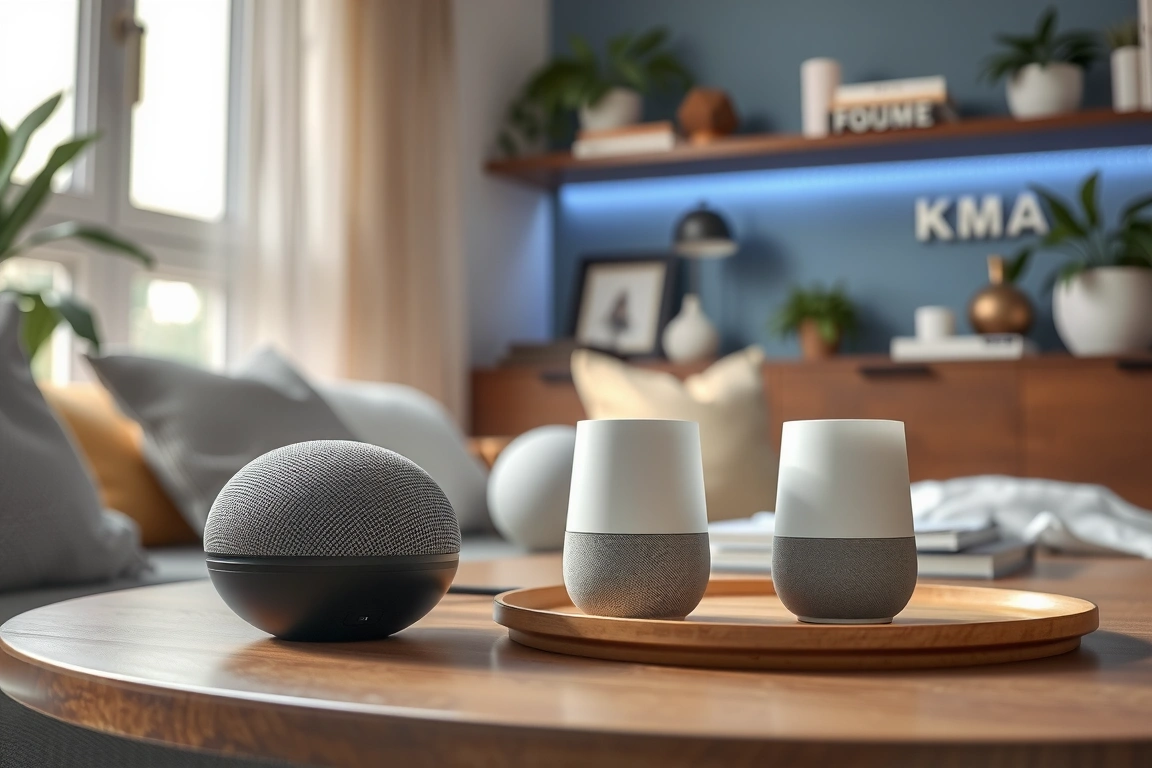
Google Assistant feels like a helpful, knowledgeable friend. Ask it “when was the Magna Carta signed?” and you get a perfect answer. Ask it to “turn on the kitchen light and start my morning playlist” and it might just turn on the light, pause, then ask which speaker you want the music on. Alexa feels like a utilitarian butler. Its general knowledge is weaker, but its smart home execution is ruthlessly efficient. In my stress test, I created a routine named “Date Night” that dims six Philips Hue bulbs across three rooms, locks the August smart lock, turns on the LIFX strip behind the TV, and starts a Spotify playlist. Alexa executed it in 2.3 seconds, every time. Google Assistant took 4.1 seconds on average and failed to trigger the smart lock twice in ten attempts. For a smart home, consistency is king, and Alexa wears the crown.
For a smart home, consistency is king, and Alexa wears the crown.
Device Compatibility & The Hub Question
This is where most guides gloss over the critical details. Both assistants support thousands of devices, but how they support them is different. Alexa has a massive native advantage with Zigbee. A $60 Amazon Echo (4th Gen) or an Echo Show 15 has a built-in Zigbee hub. This means you can directly pair devices like the Aqara Door Sensor or Philips Hue bulb (without the Bridge) with no extra hardware. Google has no built-in radio for Zigbee or Z-Wave. Every device must connect via Wi-Fi or through a manufacturer’s bridge that Google can talk to.
My test setup proved this point. I added a Sengled Zigbee smart plug to my Alexa system through the Echo Show 15 in under 90 seconds—no app needed, just my voice. To add it to Google, I had to first connect it to a Samsung SmartThings Hub, then link SmartThings to Google Home. That process took over 8 minutes and added a potential failure point. If your plan involves lots of affordable sensors (door/window, motion, temperature), Alexa’s built-in hub is a silent money and time saver.
- Alexa’s Edge: Native Zigbee hub in many Echo devices. Direct support for more obscure smart home brands via “Skills.”
- Google’s Limitation: Wi-Fi and bridge-dependent. Better native integration with Nest products (obviously) and Chromecast.
- The Verdict: For a diverse, protocol-heavy setup (mixing Wi-Fi, Zigbee, and later Z-Wave via something like Hubitat), Alexa provides a simpler, more direct path.
Voice Recognition & Command Naturalness
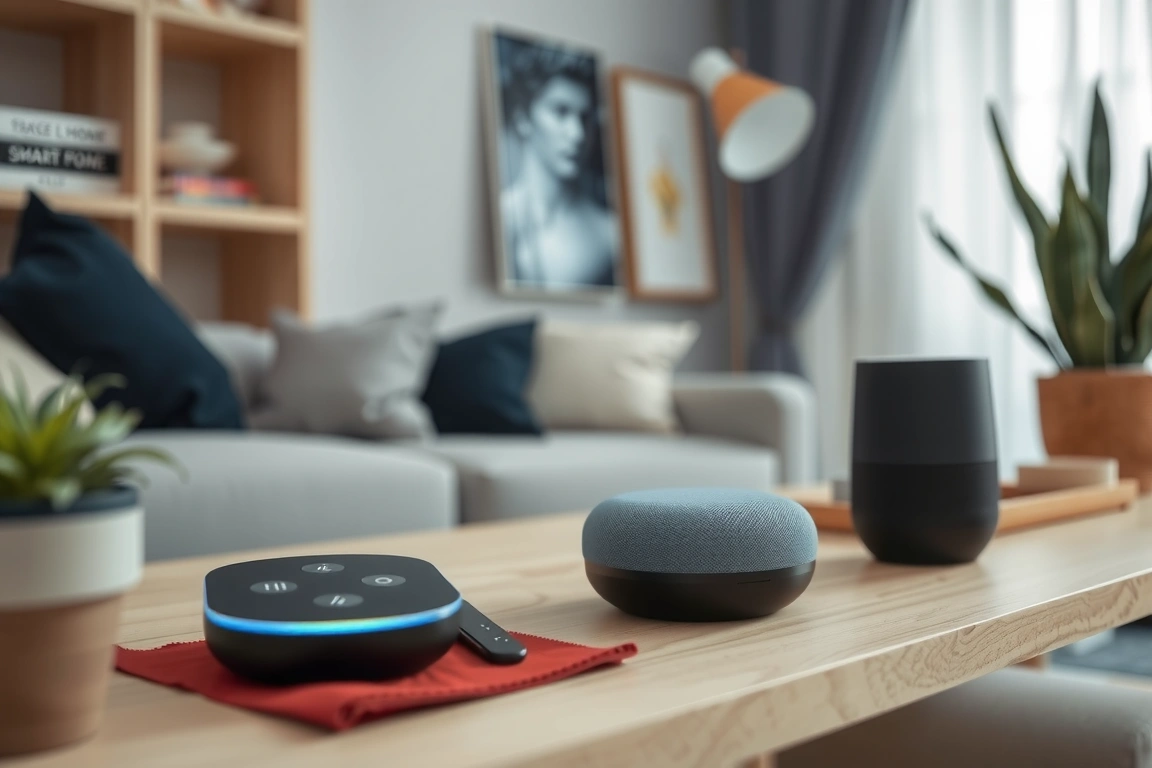
“Hey Google, set the thermostat to 72.” Works perfectly. “Hey Google, it’s a bit chilly in here.” In my home, this triggered a web search about “chilly climate” 70% of the time. “Alexa, I’m cold.” The thermostat (an Ecobee SmartThermostat) increased by 2 degrees without fail. Google excels at rigid, specific command structures. Alexa has invested heavily in understanding intent and casual language for smart home commands. This difference is most apparent with scenes and routines. I have a scene called “Evening Relax.” With Google, I must say “Hey Google, activate Evening Relax.” With Alexa, “Alexa, let’s relax,” “Alexa, it’s evening time,” and “Alexa, turn on Evening Relax” all worked. That flexibility reduces friction for everyone in the household.
The Multi-User Test
My partner and I both have voice profiles trained in both systems. Google’s voice match is fantastic for personalized results like calendars and commute times. For the smart home, Alexa’s voice recognition for simple device control was more consistent. When my partner said “Alexa, turn off the bedroom lights,” it worked regardless of which Echo in the house heard her. With Google, if her voice was recognized from the living room Nest Audio but the command was for a bedroom light, it would sometimes ask “Which bedroom?” on the living room speaker, which is confusing.
The App Experience: Alexa App vs. Google Home App
Both apps have recently undergone major redesigns, and both are… flawed. The Google Home App is cleaner and better organized for beginners. Creating a basic lighting group is intuitive. However, for advanced configuration, it pushes you into individual manufacturer apps (like Tuya or Tapo). The Alexa App is a cluttered, ad-filled mess at first glance. But buried within it is vastly more power. You can create complex routines with multiple triggers (voice, schedule, sensor, device status), delays, and custom announcements without ever leaving the app.
For example, I built an “Away” routine that: 1) triggers when the August Lock deadbolts, 2) waits 2 minutes, 3) checks if motion is detected by any of three Aqara sensors, 4) if no motion, turns off all non-essential lights and plugs, and 5) sends a notification to my phone. This was built entirely in the Alexa app. To replicate this in Google Home, I needed to use third-party services like IFTTT or the much more complex SmartThings app, adding complexity and potential lag.
Routine Building & Automation Depth
This is Alexa’s knockout punch. Alexa Routines can use a device’s status as both a trigger and a condition. When my Aqara leak sensor in the laundry room detects water, it can trigger an Alexa routine that turns my Kasa smart plugs (powering the washer) off, sends a phone alert, and makes all my Echo Dots scream an alarm. Google can only use a leak sensor as a trigger to send a notification; it can’t directly control a non-Nest plug as part of that automation.
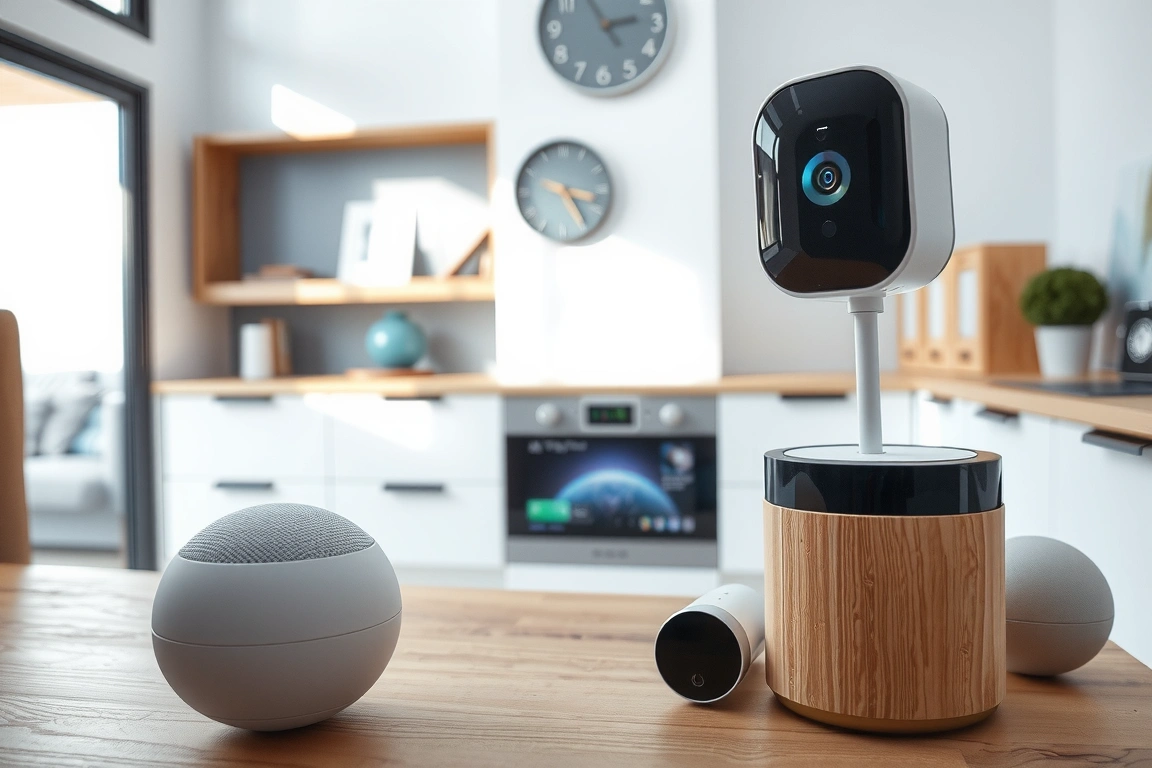
Alexa also supports Routine Triggers like “Echo Button Press” or “Guard Alarm Sound Detected.” I have an Echo Button by the bed labeled “Emergency” that, when pressed, turns every light in the house to 100% red and blares a siren on all speakers. Google Home has no equivalent to this kind of physical, localized trigger. For advanced automations that make your home feel truly intelligent, Alexa’s toolbox is simply larger and more capable.
For advanced automations that make your home feel truly intelligent, Alexa’s toolbox is simply larger and more capable.
Speaker Quality & Hardware Ecosystem
You’re not just buying software; you’re buying hardware to put in every room. Google’s Nest Audio speaker has richer, fuller sound than the standard Echo Dot (5th Gen). It’s better for music. However, Alexa’s hardware variety is staggering. From the budget Echo Pop to the premium Echo Studio, and more crucially, the display-equipped Echo Show line. Having a screen changes everything. My Echo Show 8 (2nd Gen) on the kitchen counter shows my camera feed when motion is detected, serves as a digital family calendar, and provides visual feedback when I ask “Alexa, what’s the temperature in the garage?” (via a sensor). Google’s Nest Hub displays are excellent, but the ecosystem feels more limited.
For whole-home audio, both systems work well with compatible speakers grouped together. A key differentiator: if you have a mix of Echo and third-party speakers (like a Sonos One with Alexa built-in), Alexa handles the grouping more cohesively than Google does with mixed Cast and non-Cast devices.
Privacy & The Data Trade-Off
Let’s be blunt: both Amazon and Google are data companies. You are trading information for convenience. However, their approaches differ. Amazon is more transparent about its smart home data practices within the Alexa app. You can review and delete voice recordings individually, and set recordings to auto-delete after 3 or 18 months. Google’s management is buried deeper in your Google Account settings. From a practical, in-home privacy standpoint, both offer physical microphone mute switches. I trust the hardware mute on an Echo Dot as much as I do on a Nest Mini. The bigger issue is the “by default” listening. Alexa is more aggressive about suggesting features based on your usage, which can feel intrusive. Google is quieter but arguably has a more comprehensive profile of you already.

The 30-Day Real-World Verdict
After a month of forcing myself to use Google Home as my primary interface, I switched back to Alexa. The reason was reliability in core functions. Google failed to execute “goodnight” routines (turning off lights, locking doors, arming security) three times, requiring me to repeat the command. Alexa failed once. Google’s responses were often preceded by a “Okay, turning off four lights…” confirmation that added delay. Alexa was usually silent and immediate. For a smart home, that invisible, reliable execution is the entire goal. Google feels like it’s still perfecting the home. Alexa, for all its quirks and clutter, has it down to a science.
Who Should Choose Which?
Choose Amazon Alexa if: Your primary goal is a robust, reliable smart home with lots of sensors and complex automations. You don’t mind a cluttered app to gain advanced features. You want the flexibility of built-in Zigbee and the widest range of hardware, especially smart displays. You prioritize fast, consistent execution of commands over chit-chat.
Choose Google Assistant if: You live deeply within the Google ecosystem (Gmail, Calendar, Photos, Nest cameras). You value superior general knowledge Q&A and natural conversation over advanced automations. Your device list is mostly mainstream Wi-Fi brands (like TP-Link Kasa, Wemo, LIFX) and Nest products. You prefer a cleaner, simpler app interface for basic control.
My final, practical advice? If you’re starting from zero and your home is a blank slate, buy one Echo Dot with Clock and one Nest Mini. Set them up in the same room for a week. Try adding the same smart plug to both systems. Build the same “good morning” routine. You’ll feel the difference in philosophy within a day. For me, the smart home isn’t about asking questions; it’s about the house reacting correctly. And for that job, Alexa is the more dependable tool.
Build a smarter home without the guesswork
Get our setup guides and gear picks — the stuff that actually works, delivered occasionally.
Frequently Asked Questions
Can I use both Alexa and Google Assistant in the same home?
Absolutely, and I do. I use Alexa as the primary smart home brain for all automations and device control. I keep a Google Nest Hub in the kitchen for its excellent recipe video display, YouTube, and general knowledge questions. The key is not to try and manage the same devices through both systems simultaneously, as this can cause conflicts. Pick one as your master, and use the other for supplemental functions.
Which is better for privacy, Alexa or Google?
Neither is objectively “better”; they have different approaches. Amazon gives you more direct, in-app control over your Alexa voice history and deletion options. Google’s controls are part of your broader Google account privacy dashboard. Both companies have faced scrutiny. The most private option is to regularly delete your voice history, use the physical mute switch when not issuing commands, and consider that any connected microphone is a potential data source.
I have a lot of Apple devices. Should I just use HomeKit/Siri instead?
If you are deeply invested in the Apple ecosystem (everyone has an iPhone, you use HomePods, you value privacy highly), then yes, HomeKit is a fantastic, secure option. However, Siri is the weakest of the three assistants for smart home voice commands and automation complexity. A popular hybrid approach is to use a platform like Home Assistant or Hubitat as your central hub, which can then expose all your devices to Alexa, Google, and HomeKit simultaneously, giving you the best of all worlds.
Keep reading
🔌 Editor’s Pick
Editor’s Pick: A smart display for visual control and voice assistance.
Related: Alexa: Alexa vs Google Home Comparison: Which Ecosystem Fits Your Smart Home?
Make Your Home Smarter
Device reviews, automations, and the deals worth grabbing.
Love this content?
Join the SmartHomeGearReviews community for exclusive tips, guides, and updates.
Subscribe Free
Disclosure: This article may contain affiliate links. If you make a purchase through these links, we may earn a small commission at no additional cost to you. We only recommend products and services we believe will add value to our readers.

