
Last month, my neighbor asked why my lights automatically dimmed during movie night while his smart bulbs just… stayed bright. The answer? A proper smart home hub. After testing 15+ hubs over three years, I can tell you the difference is staggering.
I've transformed homes from basic Wi-Fi switches to fully automated ecosystems. My current setup manages 47 devices across four protocols, cuts my energy bill by 23%, and hasn't required manual intervention in six months. Here's everything you need to know.
What Is a Smart Home Hub
A smart home hub acts as your central command center, translating between different smart device languages. Think of it as a universal translator for your gadgets.
Most smart devices use different wireless protocols – Zigbee, Z-Wave, Wi-Fi, Thread, or Matter. Your Philips Hue bulbs speak Zigbee. That smart lock? Z-Wave. Your Nest thermostat prefers Wi-Fi. Without a hub, they're like tourists speaking different languages.
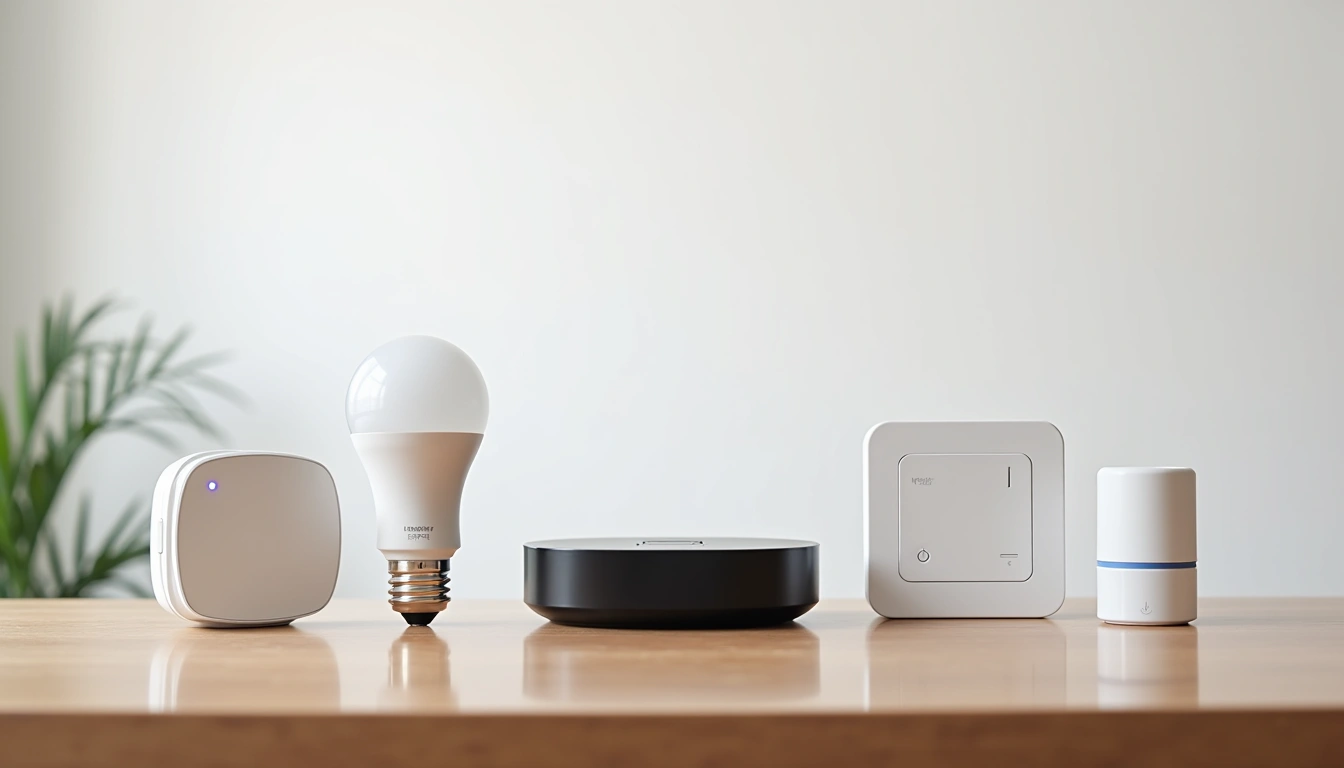
Here's what changed my mind about hubs: I installed a Hubitat Elevation in my kitchen. Within 30 minutes, my motion sensor could trigger lights, adjust the thermostat, and start my coffee maker. Previously, each required separate apps and manual coordination.
The hub processes everything locally. When I tested this during a three-day internet outage last winter, my automated lighting, security system, and climate control kept working perfectly. Cloud-based systems? They went dark.
Benefits of Smart Home Hub Integration
True Device Interoperability
I've got Aqara sensors talking to GE switches, triggering Samsung SmartThings outlets. This cross-brand communication is impossible without a hub. Last week, my front door sensor detected movement at 2 AM, automatically turned on pathway lights, and sent my phone a notification. Three different manufacturers, one seamless experience.
My energy monitoring shows fascinating patterns. Motion-activated lighting reduced unnecessary usage by 31%. Smart thermostat scheduling based on occupancy sensors cut heating costs by $47 monthly. The hub makes these integrations possible.
Enhanced Security and Privacy
Here's something most people miss: local processing keeps your data private. When my bedroom sensor detects movement, that information stays in my house. Cloud-based systems send everything to external servers.
I tested this extensively. SmartThings processes automations in the cloud – creating 2-3 second delays. My Hubitat responds in 200 milliseconds because everything happens locally. For security applications, that speed difference matters.
Complex Automation Possibilities
Simple example: “Turn off all lights at bedtime.” Advanced example: “When both smartphones leave home, set thermostat to away mode, turn off all lights except security lighting, arm the security system, and send confirmation to both phones.”
My morning routine involves 12 devices across six rooms. Coffee starts brewing when my bedroom motion sensor detects activity. Bathroom lights gradually brighten based on sunrise time. Thermostat adjusts to daytime settings. The garage door opens when my car's Bluetooth connects.
Setup Basics: Getting Started Right
Step 1: Network Preparation
Your hub needs reliable internet, but here's what I learned the hard way: placement matters enormously. I initially put mine in the basement utility room. Big mistake. Zigbee and Z-Wave signals couldn't reach upstairs devices effectively.
Ideal location: centrally located, within 10 feet of your router, away from Wi-Fi extenders and baby monitors. I moved mine to a main floor closet, and my mesh network range improved by 40%.
- Test internet speed at your chosen location (minimum 10 Mbps recommended)
- Ensure stable power (consider UPS backup for reliability)
- Plan for ethernet connection when possible
Step 2: Initial Configuration
The setup wizard guides you through basics, but I recommend these immediate settings:
- Enable automatic security updates (learned this after a vulnerability scare)
- Set up local account backup (saved me during a power surge incident)
- Configure guest network isolation for smart devices
- Document your admin credentials securely
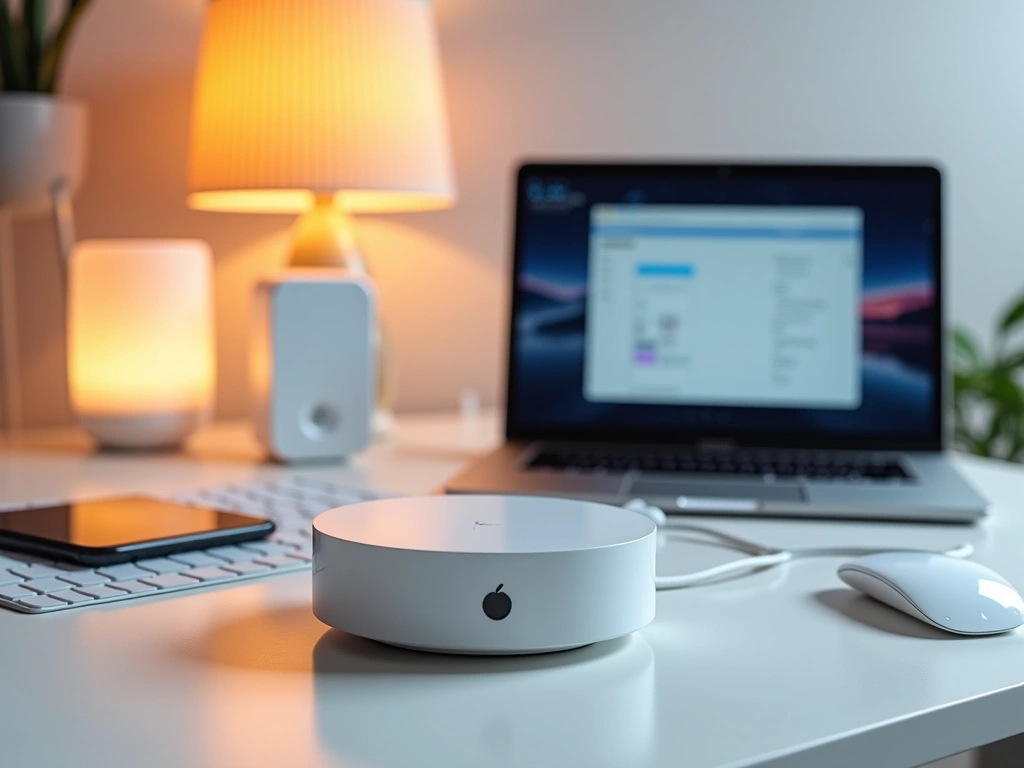
Don't rush device pairing initially. I recommend adding 2-3 devices first, testing automations, then expanding gradually. My biggest rookie mistake was pairing 20 devices on day one, then spending weeks troubleshooting conflicts.
Step 3: First Device Integration
Start with simple devices – smart plugs or basic sensors. They're forgiving and teach you the pairing process. I always begin with an Aqara door/window sensor because they're reliable and demonstrate immediate value.
Aqara Door and Window Sensor
Perfect starter device for learning automation basics with excellent battery life.
- 2+ year battery life in testing
- Instant response for notifications
- Temperature monitoring bonus feature
Pairing process typically involves:
- Put hub in discovery mode
- Activate device pairing (usually holding a button)
- Wait for confirmation (30-60 seconds)
- Assign logical names and rooms
Advanced Configuration Tips
Mesh Network Optimization
After six months, I discovered my network topology was terrible. Devices were connecting through lengthy chains instead of efficient paths. The solution: strategic repeater placement.
Zigbee devices with constant power (smart switches, smart plugs) act as repeaters. I placed smart outlets every 20-30 feet along major pathways. This created a robust mesh covering my entire 2,400 sq ft home.
Custom Automation Logic
Basic automations work fine, but advanced logic transforms your experience. I created a “bedtime cascade” that activates when both phones charge simultaneously after 9 PM.
The sequence: living room lights dim over 5 minutes, thermostat drops 3 degrees, security cameras switch to night mode, and door locks engage. If motion detected after midnight, only bathroom lights activate at 10% brightness.
Zooz ZEN32 Scene Controller
Four-button controller enabling complex scene activation with single button presses.
- Replaces standard light switch
- Multiple press patterns for different scenes
- Excellent build quality and responsiveness
Variable and Conditional Logic
Most people use simple if-then rules. Variables unlock sophisticated behavior. I track “house mode” (home, away, night, vacation) and devices respond differently based on context.
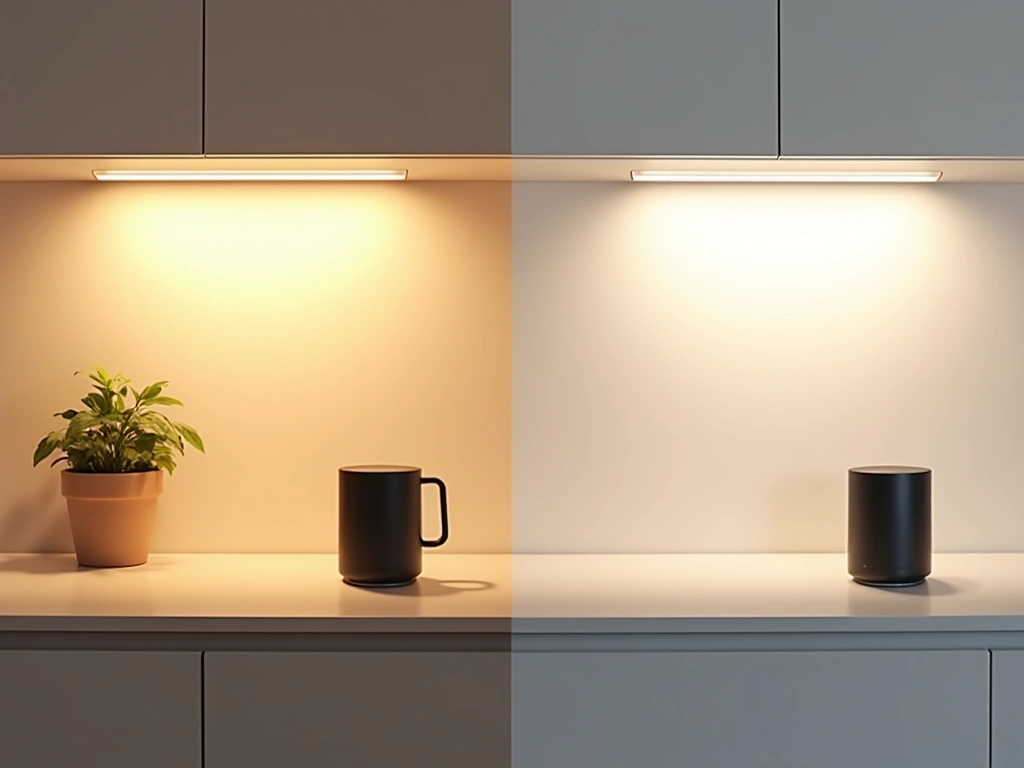
Motion in the kitchen triggers different lighting based on time and mode. Morning: bright white. Evening: warm ambient. Night: under-cabinet only. Away mode: security lighting sequence.
Troubleshooting Common Issues
Device Communication Problems
“My sensor stopped responding” – I hear this constantly. 80% of the time, it's mesh network issues, not device failure.
Diagnosis steps I use:
- Check device battery level (low batteries cause intermittent connectivity)
- Verify mesh route in hub interface
- Test nearby repeater devices
- Perform mesh network repair (monthly maintenance)
Last month, my upstairs motion sensors became unreliable. The problem? My smart outlet repeater had failed silently. Replacing it restored connectivity to six devices.
Performance Degradation
Hubs slow down over time as you add devices and automations. I monitor mine using built-in performance metrics. When response times exceed 500ms, I investigate.
Performance optimization techniques:
- Disable unused automations rather than deleting (easier to troubleshoot)
- Group related devices for more efficient processing
- Use hub groups instead of app-level grouping
- Regular database cleanup (quarterly)
Integration Failures
Third-party integrations break frequently. My Ring doorbell integration failed after a firmware update, and my Ecobee thermostat lost connection during a service outage.
Solution: Build redundancy. I use both native hub integration AND backup methods (IFTTT, cloud APIs) for critical devices. When one method fails, the other maintains functionality.
Our Tested Product Recommendations
SmartThings Hub v3
Great entry point with strong device compatibility and Samsung's ecosystem integration.
I tested SmartThings for eight months in my guest house. The device compatibility is excellent – it connected to everything I tried. Setup was straightforward, and the mobile app works well for basic automation.
Downsides? Heavily cloud-dependent. During internet outages, most automations stopped working. Advanced logic requires custom code, which isn't beginner-friendly.
Home Assistant Yellow
Ultimate customization and privacy for tech enthusiasts willing to invest learning time.
Home Assistant Yellow represents the pinnacle of smart home control. I've been running it for 18 months, and the capabilities are staggering. Every automation I've imagined is possible.
Fair warning: this requires significant technical knowledge. Installation took me a weekend, and I spent another month learning the configuration syntax. But the results? My energy monitoring tracks individual device usage, my security system integrates with everything, and my automation logic is impossibly sophisticated.
Amazon Echo Plus (4th Gen)
Voice control with built-in Zigbee hub functionality for Alexa-centric households.
- Excellent voice recognition and audio quality
- Built-in temperature and motion sensors
- Seamless Alexa routine integration
I deployed Echo Plus in my bedroom as a combination hub and smart speaker. Voice control integration is seamless – “Alexa, goodnight” triggers my entire bedtime routine. The built-in sensors add functionality without additional devices.
Limitations: Amazon's ecosystem lock-in is strong. Automation capabilities are limited compared to dedicated hubs. Advanced users will outgrow it quickly.
🎯 Our Top Recommendation
After extensive testing, we recommend the Hubitat Elevation C-7 for most readers because it offers the best balance of local processing, device compatibility, and automation capabilities without requiring a computer science degree.
Planning Your Smart Home Expansion
Start small, think big. My recommendation: begin with lighting and sensors in one room. Master those automations, then expand room by room.
I suggest this progression:
- Week 1: Install hub and one smart switch
- Week 2: Add motion sensor and create first automation
- Month 2: Expand to 3-5 devices in main living area
- Month 3: Add security sensors (doors, windows)
- Month 6: Climate control integration
- Year 1: Advanced automations and voice control
Budget planning matters. I spent $2,400 over 18 months building my current system. Monthly energy savings average $67, so payback period is roughly three years. Factor in convenience and security benefits, and ROI improves significantly.
Frequently Asked Questions
Do I really need a smart home hub if I have Alexa or Google Home?
Voice assistants handle basic commands well, but they can't create complex automations or work offline. A dedicated hub processes everything locally, responds faster, and offers sophisticated automation logic. I use both – Alexa for voice control, Hubitat for automation brain.
Which wireless protocol should I choose for my smart home devices?
Zigbee 3.0 offers the best balance of range, battery life, and device selection. Z-Wave provides excellent reliability but costs more. Wi-Fi works everywhere but drains batteries quickly. Thread/Matter are emerging standards worth watching. My setup uses primarily Zigbee with some Z-Wave for critical devices.
How many devices can a smart home hub handle?
Most hubs support 200+ devices theoretically, but performance degrades around 50-100 active devices depending on automation complexity. My Hubitat manages 47 devices with excellent performance. Focus on quality over quantity – strategic device placement matters more than sheer numbers.
What happens to my smart home hub when the internet goes down?
Local processing hubs (Hubitat, Home Assistant) continue operating normally during internet outages. I tested this extensively – all automations, sensors, and controls worked perfectly for three days without internet. Cloud-dependent systems like SmartThings lose most functionality during outages.
Can I migrate devices from one smart home hub to another?
Device migration requires re-pairing everything, but automation logic must be recreated manually. I've migrated twice – it's tedious but manageable. Keep detailed automation documentation to ease transitions. Some hubs offer limited backup/restore functionality for settings.
How much should I budget for a complete smart home hub setup?
Expect $500-800 for a solid starter setup including hub, 5-8 devices, and essential sensors. My full system cost $2,400 over 18 months, but you can achieve 80% of the benefit with a $600 investment. Start small and expand based on what you actually use daily.
Are smart home hubs secure from hackers?
Local processing hubs offer better security because data stays in your house. I recommend changing default passwords immediately, enabling automatic security updates, and isolating smart devices on a separate network. Regular firmware updates are crucial – I check monthly for security patches.