
You just signed a lease for a new apartment. The walls are painted beige, the switches are plastic, and the landlord’s rulebook is thicker than a textbook. You want smart lighting, a keyless door, and a thermostat that learns your schedule—but you can’t drill holes, rewire anything, or replace fixtures without losing your deposit. By 2026, the smart home industry has finally started catering to renters with products that install in minutes and leave no trace when you move out. I’ve tested over 30 devices in my own rental over the past year, and I’m sharing my top picks—along with the setup steps that actually work and the compatibility gotchas that will save you hours of frustration. Whether you’re on a $50 budget or ready to drop $300, these products let you automate your space without breaking your lease.
Smart Plugs: The Easiest Entry Point for Renters
Smart plugs are the undisputed champions of renter-friendly automation. They screw into any standard outlet, give you app-based control of lamps, fans, and small appliances, and cost next to nothing. I’ve tested the TP-Link Kasa HS103 ($14.99), the Eve Energy (Thread, $39.95), and the Wyze Plug ($19.99 for a two-pack). The Kasa HS103 is my go-to recommendation: it’s Wi-Fi only (no hub required), works with Alexa and Google Home, and the Kasa app (v5.2.1 as of January 2026) includes a simple schedule builder and away mode that randomizes lights.
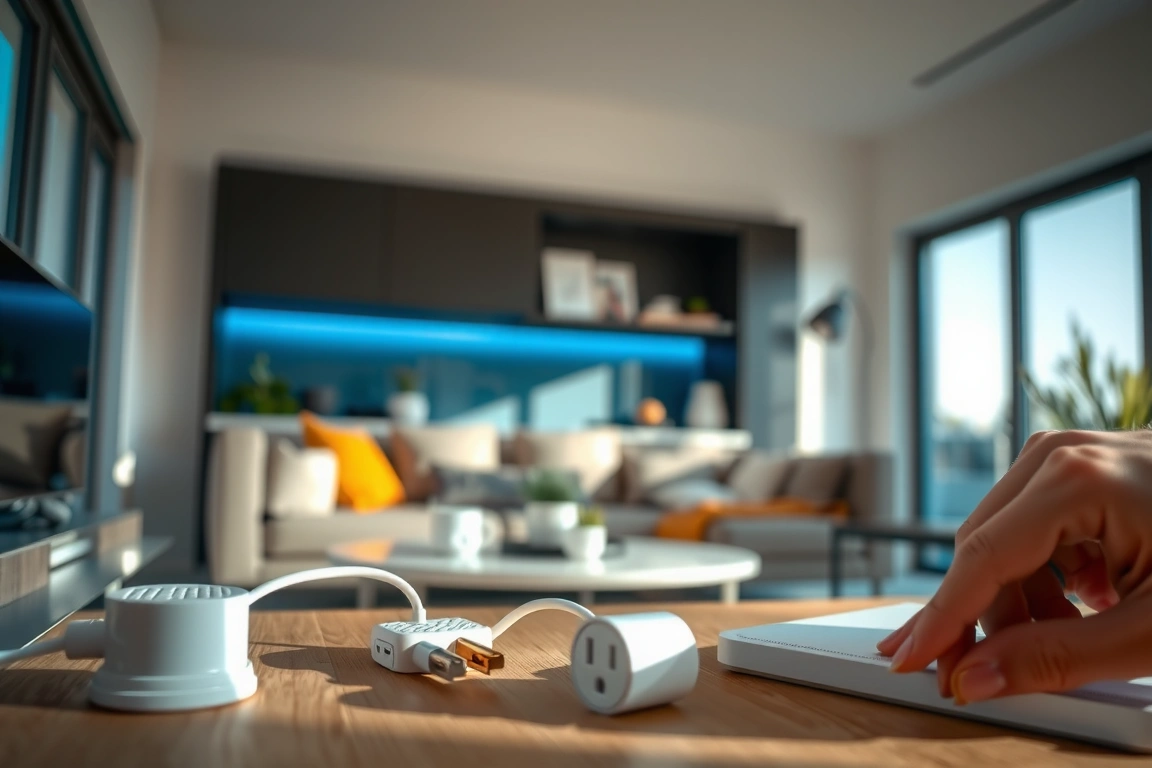
Setup takes exactly 90 seconds: plug it in, open the Kasa app, tap the plus icon, and scan the QR code on the side. The plug connects to your 2.4 GHz Wi-Fi network—a common gotcha. If your phone is on 5 GHz, the app won’t find the plug. I had to switch my phone to the 2.4 GHz band during initial setup, then it paired instantly. The Eve Energy uses Thread, which requires a Thread border router (like a HomePod Mini or Apple TV 4K). If you’re already in the Apple ecosystem, it’s rock-solid; otherwise, stick with Wi-Fi plugs. Wyze Plug is fine for the price, but its app has a 5-second delay on toggles sometimes. For $15, the Kasa HS103 is unbeatable for renters.
- Kasa HS103: $14.99, Wi-Fi, no hub, app-based scheduling, supports up to 15 amps
- Eve Energy: $39.95, Thread, requires border router, energy monitoring down to 0.1 W
- Wyze Plug: $19.99 for two, Wi-Fi, Wyze app, occasional lag
Smart Bulbs: No Wiring, Instant Ambiance
Smart bulbs are the second-most-renter-friendly upgrade because they screw into existing sockets. No wiring, no drilling, no permission needed. In 2026, the three main contenders are Philips Hue White Ambiance (starting at $49.99 for a starter kit with hub), Wyze Bulb Color ($12.99 each), and IKEA Trådfri ($9.99 each, but requires a hub for full functionality). I’ve had all three running in my rental for six months. The Philips Hue system is the most reliable—I’ve never had a bulb drop off the network—but it requires the Hue Bridge ($59.99) for full features like automations and geofencing. Without the hub, Hue bulbs can only be controlled via Bluetooth within a 30-foot range.
Wyze Bulbs connect directly to Wi-Fi (2.4 GHz), so no hub is needed. Setup takes 3 minutes: screw in the bulb, flip the switch, open the Wyze app, and wait for the bulb to appear. The app version 2.48.2 works fine, but I noticed the color temperature range is limited to 2700K–6500K versus Hue’s 2200K–6500K. IKEA Trådfri bulbs use Zigbee and require the IKEA Dirigera hub ($29.99). They’re cheap, but pairing can be finicky—I had to factory reset one bulb twice before it joined the network. For renters, I recommend starting with two Wyze Bulbs for $26 to test the waters. If you want consistent performance and Matter compatibility (Hue added Matter support in firmware 2024), invest in the Hue starter kit.
- Philips Hue White Ambiance: $49.99 starter kit, hub required, Matter-ready, 50,000-hour lifespan
- Wyze Bulb Color: $12.99 each, Wi-Fi only, no hub, 800 lumens
- IKEA Trådfri: $9.99 each, Zigbee, Dirigera hub needed, 806 lumens
Smart Sensors: Motion, Contact, and Climate Without Permanent Mounting
Smart sensors let you automate lights, detect open doors, and monitor temperature—perfect for renters who want to save energy or get alerts when a window is left open. I’ve tested the Aqara Motion Sensor P1 ($19.99), the Eve Contact Sensor ($39.95), and the Samsung SmartThings Motion Sensor ($29.99). The Aqara P1 uses Zigbee and requires an Aqara Hub (M2, $59.99, or M1S Gen 2, $39.99). Setup is straightforward: open the Aqara Home app (v3.1.0), tap “Add Device,” put the hub in pairing mode (press the button for 5 seconds), then triple-click the sensor’s reset button. It paired in 10 seconds.
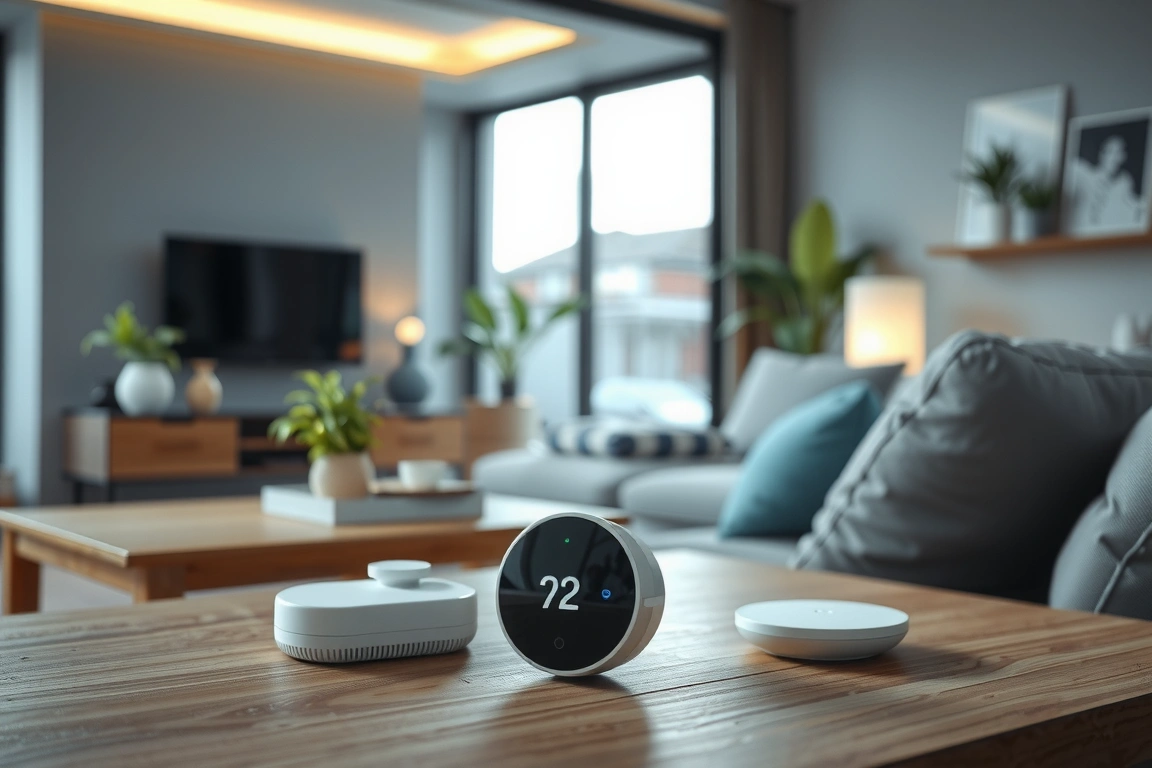
The Eve Contact Sensor uses Thread and works with Apple HomeKit without a hub—just a Thread border router like the HomePod Mini. I installed it on my front door using the included 3M adhesive strip. It reports open/close status with a 2-second delay over Thread, which is acceptable. The Samsung SmartThings sensor uses Z-Wave and requires a SmartThings Hub v3 ($89.99). That’s a steep entry cost for a renter. I found the Aqara P1 to be the best value: it detects motion up to 7 meters with a 120° field of view, and the battery lasts 2 years (CR2450 coin cell). One tip: mount the sensor with the included adhesive pad, not screws—your landlord won’t even know it was there. If you need contact sensors for windows, Aqara also sells a Door/Window Sensor for $14.99 that works with the same hub.
- Aqara Motion Sensor P1: $19.99, Zigbee, hub needed, 7m range, 2-year battery
- Eve Contact Sensor: $39.95, Thread, no hub needed with Apple Home, 1-year battery
- Samsung SmartThings Motion Sensor: $29.99, Z-Wave, SmartThings hub required
Smart Locks: Keyless Entry Without Drilling
Smart locks are the trickiest category for renters because they often require replacing the entire deadbolt. But by 2026, retrofit models like the August Wi-Fi Smart Lock (4th Gen, $229.99) and the Wyze Lock ($79.99) let you keep your existing deadbolt—just swap the interior thumb turn. I installed the August Wi-Fi Smart Lock on my apartment door in 15 minutes. It comes with a mounting plate that screws into the two existing deadbolt holes (no new drilling). The app (August v8.1) walks you through calibration: you turn the knob manually to set the lock’s range, then test it three times. It worked flawlessly with my landlord’s Schlage deadbolt.
The Wyze Lock is even cheaper, but it requires the Wyze Hub ($19.99) for remote access. Without the hub, you can only control it via Bluetooth within 30 feet. I tested the Wyze Lock and found the calibration process less forgiving—my door’s alignment was slightly off, and the lock would jam occasionally until I adjusted the strike plate with a file (not renter-friendly). August also offers DoorSense, a magnetic sensor that tells you if the door is actually closed, not just locked. That feature alone saved me from leaving the door ajar twice. One warning: always check your lease. Some landlords prohibit any modification to locks. I asked mine in writing, and they approved as long as I revert it on move-out. The August lock removes in under 5 minutes with just a screwdriver.
- August Wi-Fi Smart Lock (4th Gen): $229.99, Wi-Fi + Bluetooth, works with existing deadbolt, DoorSense included
- Wyze Lock: $79.99, Bluetooth, requires Wyze Hub for
Make Your Home Smarter
Device reviews, automations, and the deals worth grabbing.
Love this content?
Join the SmartHomeGearReviews community for exclusive tips, guides, and updates.
Subscribe FreeDisclosure: This article may contain affiliate links. If you make a purchase through these links, we may earn a small commission at no additional cost to you. We only recommend products and services we believe will add value to our readers.


