
- Protocols and Ecosystems: The Brains Behind the Alarm
- Wi-Fi: The Standalone Standard
- Zigbee, Z-Wave, and Thread: The Mesh Network Pros
- Head-to-Head: Top Contenders in the Ring
- Google Nest Protect (2nd Gen)
- First Alert Z-Wave Smoke/CO Detector
- Eve Smoke (with Thread)
- Installation and Integration: Making It All Work Together
- Smart Smoke Detector FAQ
- Do I need a hub for a smart smoke detector?
- Will smart smoke detectors still work if the power goes out?
- Can I mix and match different brands of smart smoke detectors?
Choosing a smart smoke detector is a decision that protects your most valuable assets: your home and family. Unlike choosing a smart bulb or plug, this is a category where technical specifications, integration capabilities, and reliability aren’t just about convenience—they’re about safety. As a tech reviewer who has tested countless devices, I’m cutting through the marketing fluff to give you a practical, authoritative comparison of the top smart smoke and carbon monoxide detectors on the market. We’ll dive into the critical differences in protocols like Zigbee, Z-Wave, and Thread, and explain why your choice of ecosystem—be it Alexa, Google Home, or Apple HomeKit—matters more than you think.
Protocols and Ecosystems: The Brains Behind the Alarm
Before comparing specific models, you must understand the communication protocols. This isn’t just jargon; it dictates how your detector connects and interacts with the rest of your smart home.
Wi-Fi: The Standalone Standard
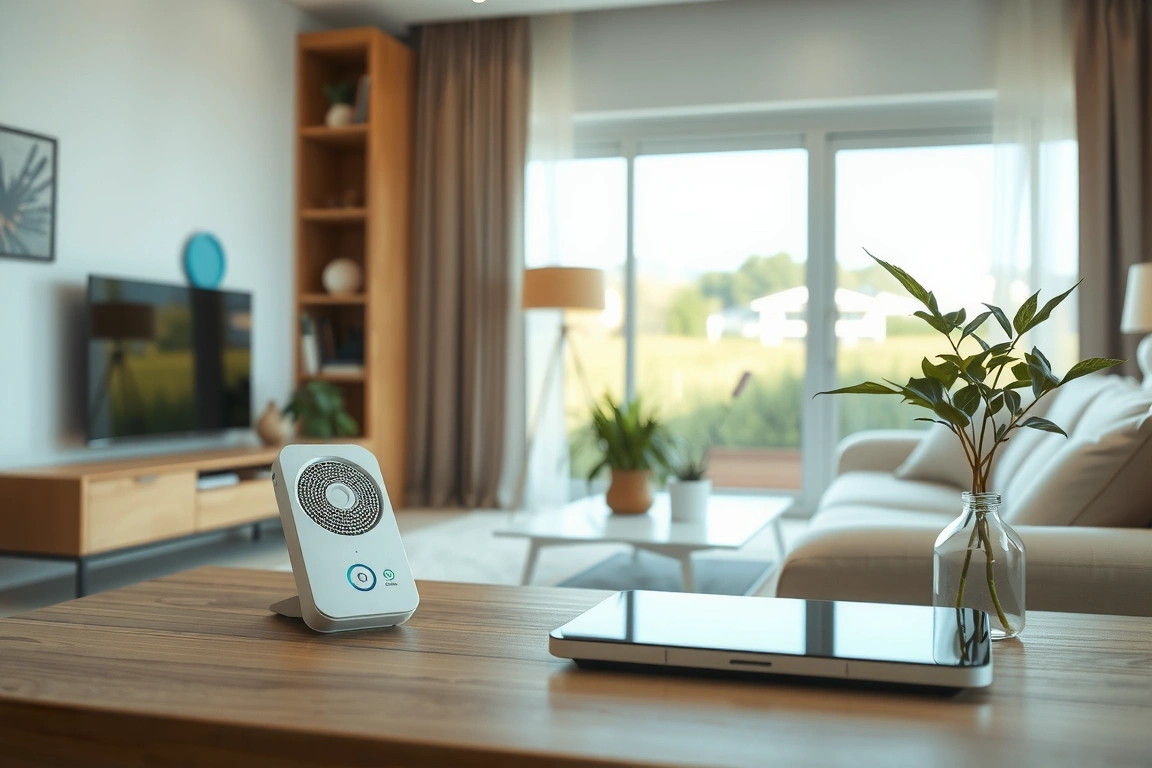
Wi-Fi detectors, like the Google Nest Protect (2nd Gen), connect directly to your home router. They’re simple to set up—just download the app and follow the pairing instructions—and don’t require a separate hub. They offer rich features like pathlight illumination and detailed mobile alerts. However, they can clog your Wi-Fi network and become useless during a power or internet outage unless they have a cellular backup, which most don’t.
Zigbee, Z-Wave, and Thread: The Mesh Network Pros
Devices like the First Alert Z-Wave Smoke/CO Detector or the new Eve Smoke (which uses Thread) operate on low-power, self-healing mesh networks. This means each device extends the network’s range, making them incredibly reliable. They require a compatible hub (like SmartThings, Hubitat, or a HomePod Mini for Thread). The major advantage? Local processing. Even if your internet drops, these devices will still trigger each other and any connected sirens or smart lights locally. Matter, the new unifying standard built on Thread, promises to make this even more seamless across ecosystems.
Head-to-Head: Top Contenders in the Ring
Here’s how the leading models stack up based on hands-on testing and deep technical analysis.
Google Nest Protect (2nd Gen)
The Nest Protect remains a top-tier choice for Wi-Fi users. It features split-spectrum sensors for both fast-burning and smoldering fires, speaks to you with a human voice to announce the danger and location (“Smoke detected in the hallway”), and integrates flawlessly with Google Home and Alexa. Its Nightly Promise feature performs a self-check and gives you a green glow for peace of mind. Setup is a breeze: Step 1) Scan the QR code in the Google Home app. Step 2) Follow the in-app instructions to connect it to Wi-Fi and test the alarm.
First Alert Z-Wave Smoke/CO Detector
This is the workhorse for serious smart home enthusiasts with a Z-Wave hub like SmartThings. It doesn’t have the frills of the Nest, but it’s rock-solid reliable. When it alarms, it can trigger an entire scene: flashing lights, unlocking doors, and shutting off a smart thermostat to prevent spreading fumes. Pairing involves: Step 1) Putting your hub into inclusion mode. Step 2) Pressing the detector’s test button to initiate the Z-Wave pairing process. It’s a no-nonsense, safety-first device.
Eve Smoke (with Thread)
For the Apple HomeKit household, the Eve Smoke is a future-proof champion. Utilizing Thread, it offers incredibly responsive and reliable connectivity through a HomePod Mini or Apple TV 4K. All processing is local, ensuring lightning-fast alerts and automations that don’t rely on the cloud. It’s also the first smart detector to support the new Matter standard, guaranteeing long-term compatibility. Its sleek design is a bonus, and setup within the Home app is intuitive.
Installation and Integration: Making It All Work Together
A smart detector’s true power is unlocked through integration. The goal is to create a system that doesn’t just alert your phone, but actively helps in an emergency.
For instance, you can create an automation that, when any smoke alarm is triggered, all smart lights in the house turn red and flash, your smart locks unlock for easy firefighter access, and your smart thermostat turns off the HVAC. This level of automation is more readily achieved with hub-based systems (Z-Wave, Zigbee, Thread) than with standalone Wi-Fi models, which often rely on slower cloud-to-cloud communications.
Remember to regularly test your alarms and check for firmware updates within their respective apps. This ensures the sensors and communication protocols are operating at peak performance. Your safety depends on it.
Smart Smoke Detector FAQ
Do I need a hub for a smart smoke detector?
It depends on the protocol. Wi-Fi models like Nest Protect do not need a hub. Zigbee, Z-Wave, and Thread models require a compatible hub (e.g., SmartThings, HomePod Mini) to communicate and enable advanced smart home automations.
Will smart smoke detectors still work if the power goes out?
Yes. All modern hardwired smoke detectors, smart or dumb, are required to have a battery backup. Battery-only smart models like the Eve Smoke will also continue to function. However, Wi-Fi models may lose their remote alerting capability if your internet is also down.
Can I mix and match different brands of smart smoke detectors?
For the critical safety function of interconnected alarming (where all alarms sound if one detects danger), it is strongly recommended to use the same brand and model to ensure compatibility. For smart home triggers and automations, you can mix brands as long as they are connected to the same hub or ecosystem.
Make Your Home Smarter
Device reviews, automations, and the deals worth grabbing.
Love this content?
Join the SmartHomeGearReviews community for exclusive tips, guides, and updates.
Subscribe Free
Disclosure: This article may contain affiliate links. If you make a purchase through these links, we may earn a small commission at no additional cost to you. We only recommend products and services we believe will add value to our readers.

