
3 min read 529 words
Table of Contents
Last updated:
Your Ultimate Smart Home Setup Guide: From Zero to Connected in 7 Steps
1
Plan Your Smart Home Ecosystem
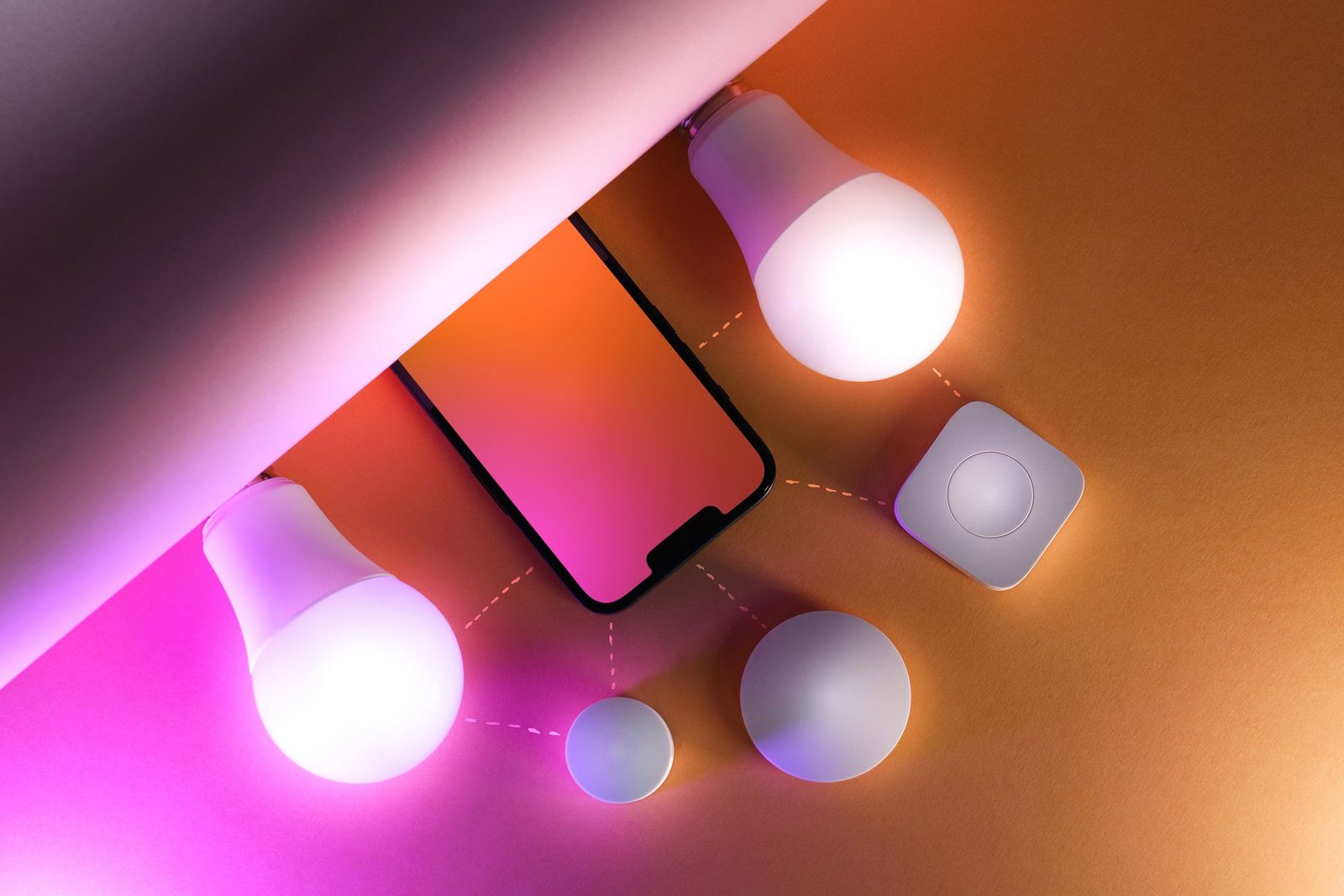
- Choose your central hub: Decide between a dedicated smart hub (e.g., Samsung SmartThings, Hubitat), a voice assistant (Amazon Alexa, Google Assistant), or an app-based system.
- Map your goals: Identify which areas you want to automate first (e.g., lighting, security, climate) to avoid overspending and complexity.
- Check compatibility: Ensure new devices work with your chosen hub and with each other to create a seamless experience.
2
Build a Rock-Solid Network Foundation
- Upgrade your router: Use a modern, mesh-capable router to ensure strong Wi-Fi coverage in every corner of your home.
- Create a dedicated network: Set up a separate Wi-Fi network (like a 2.4GHz guest network) exclusively for your smart devices to improve security and reduce congestion.
3
Start with a Core Starter Device
- Install a smart speaker/display: Place a central voice assistant like an Amazon Echo or Google Nest Hub to act as your primary control point.
- Add smart plugs: Use these to easily make “dumb” appliances (like lamps or fans) smart, providing an instant win and understanding of automation.
4
Secure Your Entry Points
- Install a smart lock: Replace your deadbolt for keyless entry and the ability to lock/unlock your door remotely.
- Set up a video doorbell: Get alerts and see who is at your door from your phone, adding a layer of security and convenience.
5
Automate Your Lighting
- Replace key switches: Install smart light switches or dimmers in high-traffic areas (like the living room or kitchen) for whole-fixture control.
- Use smart bulbs for accents: Add color smart bulbs in lamps or fixtures for mood lighting and scenarios that don’t require a full switch replacement.
6
Create Your First Automations and Routines
- Build a “Good Morning” routine: Program your lights to gradually turn on, the thermostat to adjust, and your favorite news to play at a specific time.
- Set a “Goodnight” scene: Create a one-command action that turns off all lights, locks the doors, and arms the security system.
7
Expand and Refine Your System
- Integrate a smart thermostat: Save energy and improve comfort by automating your home’s temperature based on your schedule.
- Consider sensors: Add contact sensors on windows/doors and motion sensors to trigger lights or security alerts automatically.
Make Your Home Smarter
Device reviews, automations, and the deals worth grabbing.
Love this content?
Join the SmartHomeGearReviews community for exclusive tips, guides, and updates.
Subscribe Free
Disclosure: This article may contain affiliate links. If you make a purchase through these links, we may earn a small commission at no additional cost to you. We only recommend products and services we believe will add value to our readers.

