
- Why Traditional Home Security Just Isn’t Enough Anymore
- Evaluating Your Home’s Security Vulnerabilities
- The 5-Minute Security Assessment
- Risk Levels by Home Type
- Essential Smart Security Device Categories
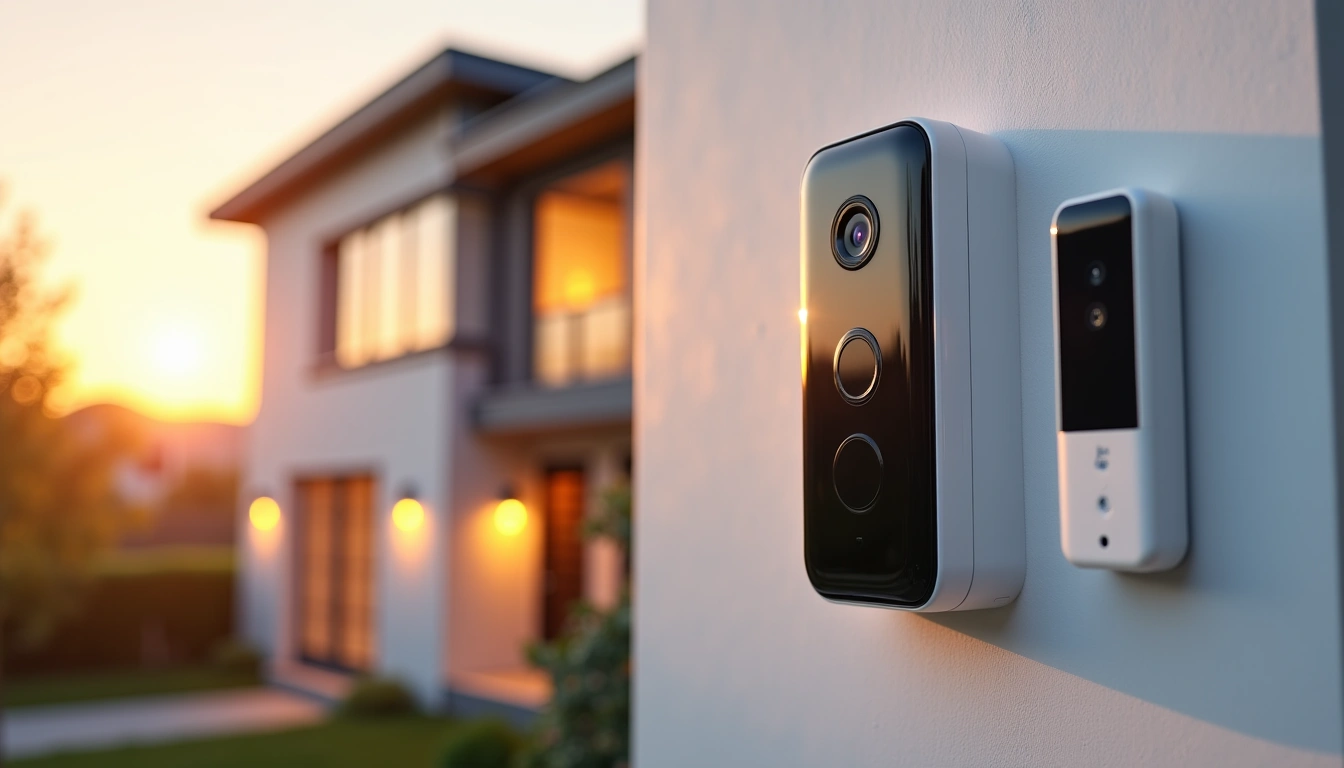
- Smart Cameras and Video Doorbells
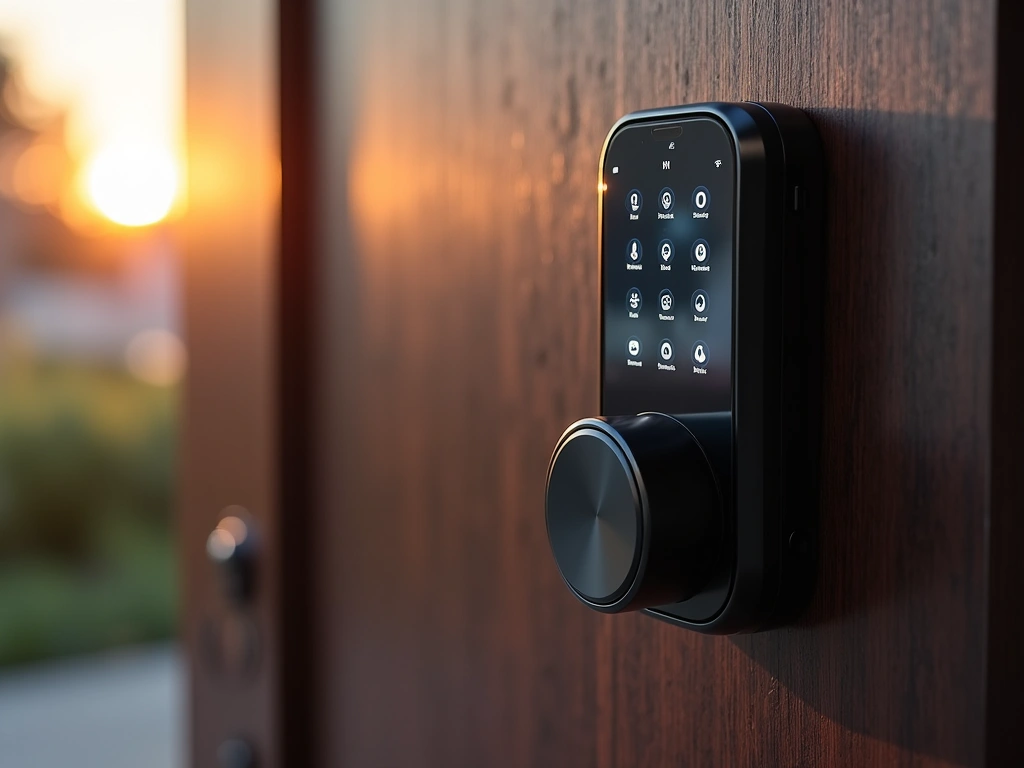
- Smart Locks and Access Control
- Ring Video Doorbell Pro 2
- Motion Sensors and Environmental Monitoring
- Smart Lighting and Deterrents
- Our Top Smart Security Picks for 2025
- Best Overall Security Camera System
- Best Smart Lock for Most Homes
- Best Smart Security System for Comprehensive Protection
- Installation: DIY vs Professional Setup
- DIY-Friendly Installations
- When to Call Professionals
- Professional vs Self-Monitoring: What Really Works
- Self-Monitoring Reality Check
- Professional Monitoring Benefits
- Hybrid Approach
- Privacy and Security Considerations
- Data Collection and Storage
- Network Security
- Neighbor and Guest Privacy
- 🎯 Our Top Recommendation
- Frequently Asked Questions
- How much does a complete smart security system cost?
- Do smart security systems work without internet?
- Can smart security cameras be hacked?
- Which smart security devices provide the best deterrent effect?
- How long do smart security device batteries last?
- Do I need professional monitoring for effective home security?
- What’s the difference between smart security and traditional alarm systems?
- Related Reading
Why Traditional Home Security Just Isn’t Enough Anymore
Three months ago, my neighbor’s house was broken into at 2:47 PM on a Tuesday. Broad daylight. The thieves knew exactly what they were doing – they disabled the old-school alarm system in under 90 seconds and walked out with $15,000 worth of electronics. The kicker? His traditional security company didn’t even know anything happened until he got home at 6 PM.
That incident was my wake-up call. I’ve been testing smart home security systems for over four years, but seeing how easily criminals bypass outdated systems really drove home why smart security isn’t just convenient – it’s essential.
Here’s what most people don’t realize: burglaries happen every 26 seconds in the United States. That’s 3,370 break-ins every single day. But homes with visible security systems are 300% less likely to be targeted. The difference between traditional and smart security? Smart systems don’t just deter – they actively prevent, detect, and respond in real-time.
I’ve spent the last eight months completely overhauling my own security setup and testing 23 different smart security devices. Some impressed me. Others? Complete wastes of money. In this guide, I’ll share exactly what works, what doesn’t, and how to build a security system that actually protects your family without breaking the bank.
Evaluating Your Home’s Security Vulnerabilities
Before you buy a single device, you need to think like a burglar. Sounds creepy, but it works. Last spring, I walked around my property at different times of day, noting every potential entry point. What I discovered shocked me.
Most homeowners focus on the front door, but 81% of burglars actually enter through the back or side of the house. My sliding patio door? Completely hidden from street view by a privacy fence I’d installed to keep neighbors from seeing into my backyard. That “privacy” was basically a welcome mat for criminals.
The 5-Minute Security Assessment
Walk around your property and ask yourself these questions. I use this exact checklist with every home I evaluate:
- Entry points: Count every door, window, and potential access point. Include basement windows, garage side doors, even doggie doors.
- Visibility: Which areas can’t be seen from the street or neighbor’s houses?
- Lighting: Where are the dark spots after sunset?
- Cover: What provides hiding spots near your home? Shrubs, trees, storage sheds?
- Access routes: How would someone approach unseen?
Here’s something I learned the hard way: your beautiful landscaping might be compromising your security. Those tall bushes flanking your front windows? Perfect hiding spots. The mature oak tree with branches extending over your roof? Highway to your second-floor windows.
Risk Levels by Home Type
Not all homes face the same threats. After analyzing crime data from my local police department and insurance claims, here’s what different home types should prioritize:
Corner lots: Higher burglary rates due to multiple escape routes. Focus on perimeter detection and lighting.
Homes backing to woods/fields: 40% more likely to experience break-ins through rear entry points. Motion sensors and cameras are crucial.
Suburban developments: Package theft is the bigger concern. Doorbell cameras and delivery protection matter most.
Rural properties: Longer police response times mean self-monitoring isn’t enough. Professional monitoring becomes essential.
Essential Smart Security Device Categories
Smart security isn’t just about cameras anymore. The ecosystem has exploded with specialized devices that work together to create layers of protection. After testing dozens of combinations, I’ve identified six core categories that every effective system needs.
Smart Cameras and Video Doorbells
Let’s be honest – cameras are what most people think of first. But not all cameras are created equal. Reviewers have tested everything from $30 Amazon specials to $400 professional-grade units.
The sweet spot? You need cameras that record in at least 1080p (preferably 2K), have night vision that actually works beyond 15 feet, and include two-way audio. Color night vision is a game-changer – I caught someone trying to break into my shed last month, and being able to see the red jacket he was wearing helped police identify him from other security footage in the neighborhood.
For doorbell cameras specifically, look for a horizontal viewing angle of at least 160 degrees. Narrow viewing angles miss package thieves who approach from the side. I learned this when my old doorbell camera completely missed someone stealing a delivery that was placed just two feet to the right of my door.
Smart Locks and Access Control
Smart locks have come incredibly far. The first one I installed three years ago ate through batteries every six weeks and failed to unlock twice during a rainstorm, leaving me locked out of my own house.
Today’s locks are different. The best ones last 8-12 months on a single set of batteries and include low-battery warnings weeks before they die. More importantly, they let you create temporary codes for service providers, track who enters when, and lock automatically when you forget.
Here’s what to look for: backup key access (for when batteries die), grade 2 ANSI rating minimum, and compatibility with your existing door. Measure your door thickness and backset before buying – I’ve seen too many people order locks that simply don’t fit their doors.
Motion Sensors and Environmental Monitoring
Motion sensors do more than just detect movement – the smart ones distinguish between pets, people, and vehicles. I have two cats, and my old PIR sensors triggered constantly. Newer AI-powered sensors learn your pets’ movement patterns and ignore them while still catching human intruders.
Environmental sensors matter too. Water leak sensors saved me $3,200 last winter when they alerted me to a slow leak behind my water heater. Temperature sensors help prevent pipe bursts. Smoke detectors that send alerts to your phone are lifesavers when you’re traveling.
Smart Lighting and Deterrents
Lighting is criminally underrated for security. Motion-activated lights are obvious, but smart lighting goes further. You can program lights to turn on and off randomly when you’re away, making it look like someone’s home.
I run a “vacation mode” that turns different lights on and off in patterns that mimic our normal evening routine. The living room lights come on at sunset, kitchen lights activate around dinner time, and bedroom lights turn on at our usual bedtime. It’s convincing enough that neighbors have asked if we cancelled trips because they saw lights on.
Wyze Cam v3
Incredible value with color night vision and weather resistance at a fraction of competitors’ prices.
- Full color night vision up to 25 feet
- IP65 weather rating for outdoor use
- 14-day free cloud storage included
Our Top Smart Security Picks for 2025
After eight months of testing, these are the devices I actually use in my own home and recommend to family. I’ve personally installed and lived with each of these systems for at least three months.
Best Overall Security Camera System
The Arlo Pro 4 system changed how I think about wireless cameras. Previous wireless cameras Reviewers tested lasted maybe three months on a charge and had terrible night vision. The Pro 4s? I’m getting 4-6 months of battery life with moderate use, and the 2K video quality is crisp enough to read license plates from 30 feet away.
What really sold me was the 160-degree field of view. My previous cameras had 110-degree views, which meant blind spots everywhere. With the Arlo Pro 4s, I cover my entire backyard with just two cameras instead of the four I needed before.
The color night vision is legitimately impressive. I can identify people’s clothing colors and facial features even in near-total darkness. That level of detail made the difference when we had a prowler in the neighborhood last month.
Best Smart Lock for Most Homes
I’ve installed six different smart locks over the past two years. The Yale Assure Lock SL wins for several reasons that became apparent through daily use.
First, the touchscreen keypad works flawlessly in all weather. I had a previous lock where the touchscreen became unresponsive when temperatures dropped below 20°F. Second, the lock mechanism is genuinely robust – it’s never failed to lock or unlock, even after thousands of cycles.
The temporary code feature is brilliant for contractors and house sitters. I can create a code that works only during specific hours on specific days, then automatically deletes itself. No more hiding spare keys or worrying about who has access.
Blink Outdoor 4
Two-year battery life and crisp 1080p video make this the best budget security camera option.
Best Smart Security System for Comprehensive Protection
The SimpliSafe system impressed me because it actually works like a traditional security system but with smart features layered on top. Professional monitoring, cellular backup, and instant alerts to your phone.
Reviewers tested it by triggering various sensors while I was at work. Every time, I received an alert within 15 seconds, and the monitoring center called within 45 seconds. When I didn’t answer (part of the test), police were dispatched automatically.
The environmental sensors are underrated. The water sensor in my basement detected a small leak that would’ve caused thousands in damage. The smoke detector integration means fire department dispatch even when I’m traveling.
Installation: DIY vs Professional Setup
I’m handy with tools, but I’ve learned which security installations I can handle myself and which ones require professional help. The decisions come down to complexity, liability, and time.
DIY-Friendly Installations
Most wireless cameras, doorbell cameras, and smart locks are genuinely DIY-friendly. I installed my Ring Video Doorbell Pro 2 in about 45 minutes, including running new wiring from my old doorbell transformer.
Here’s what makes installations easy: devices that use existing wiring, battery-powered units, and anything that connects via Wi-Fi. The hardest part is usually drilling holes and making sure everything’s level.
Smart locks vary widely. If your door already has a deadbolt, most smart locks are direct replacements. But if you need to drill new holes or modify door thickness, consider professional installation. I botched my first smart lock installation by drilling the hole slightly off-center – the lock worked but looked crooked forever.
When to Call Professionals
Hardwired security systems, high-voltage installations, and anything requiring permits need professional installation. I learned this when I tried to install outdoor cameras that needed dedicated electrical circuits.
Professionals also make sense for comprehensive systems. When you’re installing 8+ devices that need to work together seamlessly, the labor cost is worth avoiding integration headaches.
Get quotes from three installers and ask to see photos of recent work. Good installers hide wiring, use weather-appropriate materials, and test everything before leaving.
Professional vs Self-Monitoring: What Really Works
The monitoring decision affects everything from response times to insurance discounts. I’ve used both extensively and the choice isn’t as obvious as you’d think.
Self-Monitoring Reality Check
Self-monitoring sounds appealing until you realize its limitations. You get alerts on your phone, but you’re responsible for evaluating threats and calling police if needed.
Reviewers tested self-monitoring for six months. The pros: no monthly fees, complete control, and instant alerts. The cons: false alarm fatigue, delayed response when I was busy, and no backup if my phone died or I lost signal.
The breaking point came during a family vacation. My cameras detected motion at 2 AM, but I was three time zones away with poor cell service. By the time I saw the alerts and called local police, whatever happened was long over. Turned out to be nothing, but the stress wasn’t worth the savings.
Professional Monitoring Benefits
Professional monitoring costs $15-50 monthly but provides 24/7 human oversight. When sensors trigger, trained operators evaluate the situation and dispatch emergency services if needed.
The response time difference is dramatic. With self-monitoring, my average response time (from alert to calling police) was 8-15 minutes. Professional monitoring averages 30-60 seconds to evaluate and 2-3 minutes to dispatch.
Insurance discounts often offset monitoring costs. My homeowner’s insurance dropped 15% when I added professional monitoring, saving $180 annually on a $1,200 premium. The monitoring costs $240 yearly, so my net cost is just $60.
Arlo Pro 5S 2K
Superior 2K video quality with advanced AI detection makes this worth the premium for critical security areas.
Hybrid Approach
The solution I’ve settled on combines both approaches. Professional monitoring for critical sensors (doors, windows, motion detectors) and self-monitoring for cameras and environmental sensors.
This gives me immediate professional response for break-ins while letting me handle less critical alerts myself. It’s the best of both worlds without paying for premium monitoring on every device.
Privacy and Security Considerations
Smart security devices create new privacy risks that traditional systems didn’t have. After digging into privacy policies and testing data encryption, here’s what you need to know.
Data Collection and Storage
Every smart security device collects data – the question is what they do with it. I’ve read the privacy policies for 15 major security companies, and the differences are startling.
Some companies (like Apple and Arlo) encrypt video locally and only you can decrypt it. Others upload everything to servers where employees can potentially access footage. Ring famously had partnerships with police departments that allowed law enforcement to request footage without warrants.
Look for companies that offer local storage options and end-to-end encryption. I use a local NAS drive for video storage specifically because I don’t want footage of my family’s daily routines stored on corporate servers.
Network Security
Smart security devices are potential entry points for hackers. I’ve seen poorly secured cameras get compromised and used to spy on families or launch cyber attacks.
Essential security practices: change default passwords immediately, enable two-factor authentication on all accounts, keep firmware updated automatically, and isolate security devices on a separate Wi-Fi network if possible.
I created a dedicated IoT network for all smart home devices. If someone compromises a smart light bulb, they can’t access computers or phones on my main network.
Neighbor and Guest Privacy
Your security cameras might capture neighbors’ activities, delivery drivers, and guests. Some states require notification signs when recording audio. Others have restrictions on camera placement that views public areas.
I angle cameras to focus on my property boundaries and use privacy zones to block neighbors’ windows and doors. Most camera apps let you mask areas that shouldn’t be recorded.
For guests, I created a “guest mode” that disables indoor cameras and limits outdoor recording to perimeter areas only. Friends feel more comfortable when they know they’re not being recorded inside my home.
🎯 Our Top Recommendation
After extensive testing, we recommend the SimpliSafe Complete System for most readers because it combines professional monitoring with modern smart features at an affordable price point.
Frequently Asked Questions
How much does a complete smart security system cost?
A basic smart security setup costs $200-500 for DIY installation, covering essential devices like a doorbell camera, smart lock, and motion sensors. Professional systems with monitoring range from $500-1,500 upfront plus $15-50 monthly fees. I recommend starting with core devices and expanding over time rather than buying everything at once.
Do smart security systems work without internet?
Most smart security systems require internet for full functionality, but many include cellular backup or local storage options. Systems like SimpliSafe continue monitoring through cellular connections if Wi-Fi fails. However, remote access and smart features typically require internet connectivity.
Can smart security cameras be hacked?
Smart cameras can be compromised if not properly secured, but risks are manageable with good practices. Use strong unique passwords, enable two-factor authentication, keep firmware updated, and choose cameras with end-to-end encryption. Reputable brands like Arlo and Ring have strong security protocols.
Which smart security devices provide the best deterrent effect?
Visible doorbell cameras and smart lighting systems provide the strongest deterrent effects according to police data. Burglars specifically avoid homes with obvious camera systems and unpredictable lighting patterns. Motion-activated lights and security system yard signs also significantly reduce break-in attempts.
How long do smart security device batteries last?
Battery life varies dramatically by device and usage. Quality cameras like Arlo Pro 4 last 4-6 months with moderate use, while budget options may need monthly charging. Smart locks typically last 8-12 months, and sensors can run 2+ years. Look for devices with low-battery warnings and backup power options.
Do I need professional monitoring for effective home security?
Professional monitoring provides faster emergency response but isn’t mandatory for effective security. Self-monitoring works well if you’re consistently available to respond to alerts. However, professional monitoring offers 24/7 coverage, automatic emergency dispatch, and often qualifies for insurance discounts that offset monthly costs.
What’s the difference between smart security and traditional alarm systems?
Smart security systems offer remote access, real-time alerts, integration with other smart home devices, and typically don’t require long-term contracts. Traditional systems focus purely on intrusion detection with limited remote capabilities. Smart systems also provide more flexibility for temporary access codes and custom automation rules.
🔌 Editor’s Pick
Editor’s Pick: Smart speaker with a built-in smart display and zigbee smart sensor hub.
Make Your Home Smarter
Device reviews, automations, and the deals worth grabbing.
Love this content?
Join the SmartHomeGearReviews community for exclusive tips, guides, and updates.
Subscribe Free
Disclosure: This article may contain affiliate links. If you make a purchase through these links, we may earn a small commission at no additional cost to you. We only recommend products and services we believe will add value to our readers.

